
Responsive image lightbox that works like magic
Show your products in stunning detail with high-resolution zoomable images
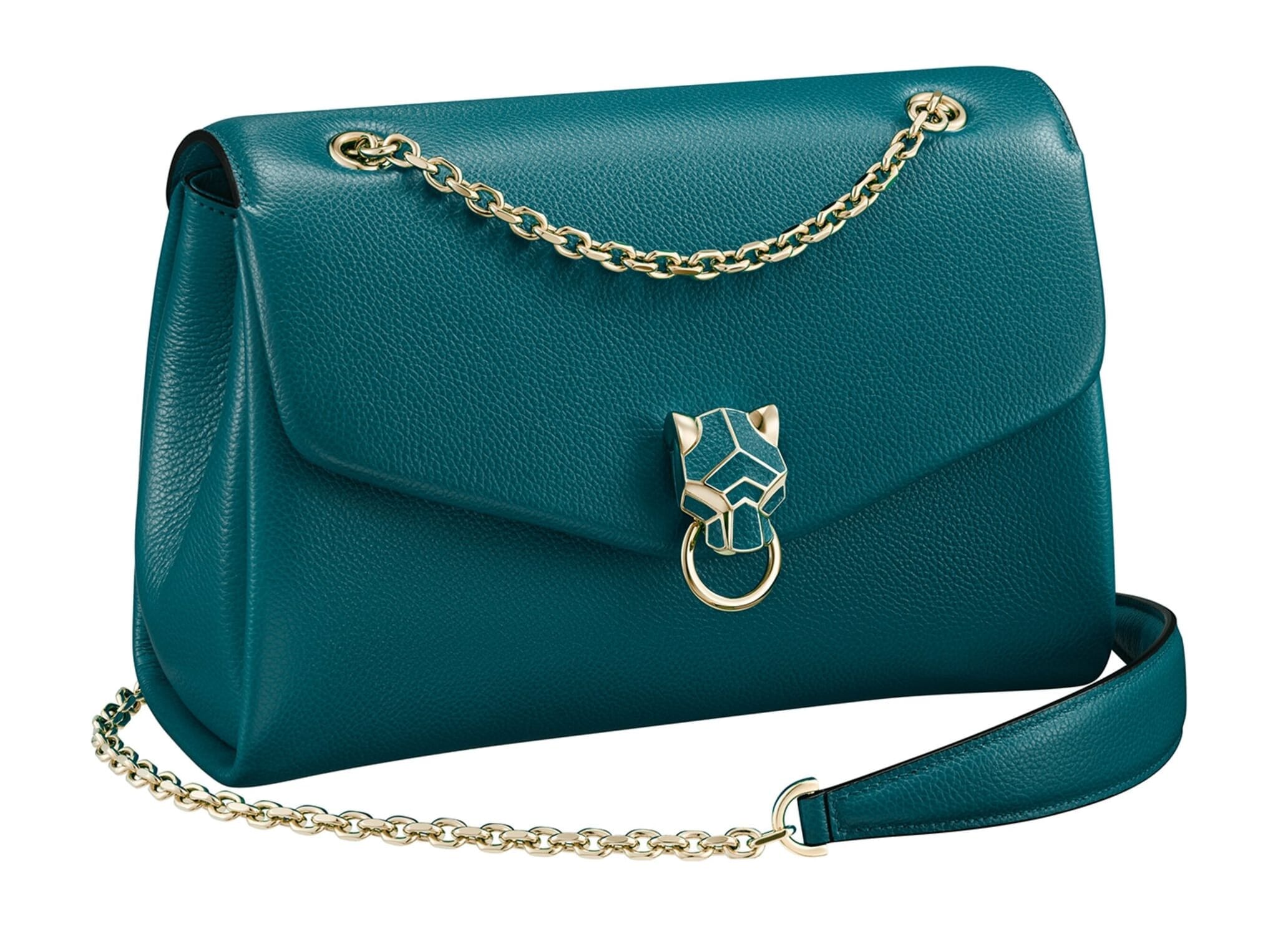

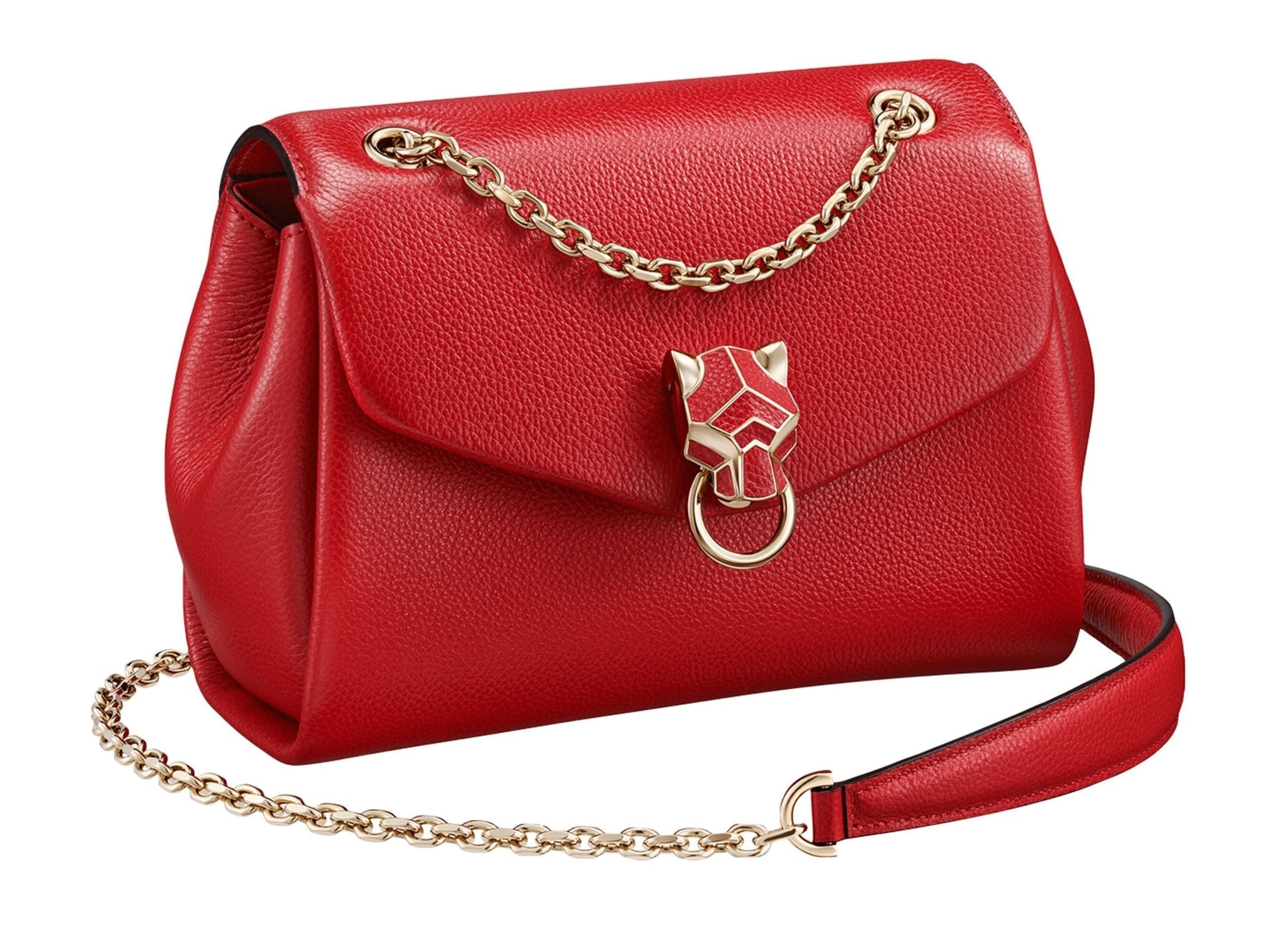

- Enlarge images on click or on hover
- Fully responsive image lightbox with swipe gestures on mobile and keyboard navigation on desktop
- Choose from dozens transition effects
- Customize the looks of everything with simple CSS3
- Show expanded images from text links or any html element
- Use prominent captions to display vital information. Social media sharing buttons, reviews and product description.
- Add videos to your product image gallery. Magic Thumb comes with out-of-the-box Youtube and Vimeo support. You can easily use self-hosted videos too.
- Choose how it initializes: on load (when all images are loaded) or on document ready
Get Magic Thumb today!
Our tools are used on 60,045 websites (and counting).

Choose your platform Use these plugins and extensions to setup Magic Thumb on your site without writing a single line of code.
Or install it on any website with these instructions.


between multiple images

Get more out of your captions
Magic Thumb allows you to configure how your caption looks. This is an example of a right-hand-side caption. You can add all sorts of useful stuff here:
- Add social sharing buttons
- Showcase reviews
- Include "add to cart" calls to action
- Display more product information

Social Sharing buttons in a javascript lightbox
Giving your visitors an ability to share when they're most likely to do it is a great idea. Social networks generate huge amounts of traffic and they have a very big advantage over search engines - trust. People are more willing to buy something when a friend recommends it to them. Social sharing buttons can be distracting sometimes, but if you place them right next to your full-screen product image - it's a win-win situation.

Show Product Reviews
Rick L, greatmusicproducts.com

Show call to action buttons
Add your "add to cart" button or whatever you like in this caption area.
[a href="/buy/magicthumb/" class="btn btn-ora"]Buy Now![/a] [a href="//www.magictoolbox.com/static/magicthumb-trial.zip" class="btn btn-primary"]Download[/a]Lightning-fast
Magic Thumb is a JavaScript lightbox, which makes it super fast. You can initialize Magic Thumb on document ready or when images are fully loaded. Use lazy-loading to save bandwidth and decrease your pages loading time.Responsive
Magic Thumb is built with the mobile web in mind. Use intuitive swipe gestures for navigation on mobile and take advantage of the lazy loading technique for faster load times.SEO Friendly
Magic Thumb supports all required SEO image markup. It loads lightning-fast too, which is vital for getting that number one spot in Google.jQuery compatibility
Magic Thumb requires no jQuery, 3rd party library or framework. Magic Thumb play well with any library though.Refined for every browser

Optimized for every device

Transparent Pricing with no Ongoing Fees
- 1 Site
- Unlimited usage on 1 website
- Perfect for webstore owners
£29
One-off payment- 5 Sites
- Unlimited usage on 5 websites
- Perfect for freelancers
£95
One-off payment.- 10 Sites
- Unlimited usage on 10 websites
- Perfect for freelancers
£175
One-off payment- Unlimited Sites
- Unlimited use on unlimited sites
- Perfect for agencies
£399
One-off paymentWhat you'll get with your purchase
- Unrestricted use forever
- Instant access to 43 extensions
- 30 minutes of tech support
- 1 year of free upgrades
Customer reviews
MIchael Stone, dynamichomedecor.com
Always installed easily and the various options easy to manage but I have also asked some questions of the products and there is always a positive and timely answer with help, advice and pointers to how to make it work outside the box - and work it can do - often the best investment into a site (apart from my time of course :))
Thank you to the whole team, esp. Igor whose knowledge of the products, patient and helpful ways support is appreciated.
David Cunningham
Arunas
Arun
Andy, kinetic-one.co.uk
Submit your review
Your review has been received and will be posted soon.
Frequently Asked Questions
What are Magic Thumb's use-cases?
- Single Image lightbox
- Product image gallery
- Facebook-style caption product gallery
- Video gallery lightbox
- Use the caption to add additional value to your images: get social media shares, email subscribers or showcase reviews.
Why choose Magic Thumb?
Magic Thumb is the best out-of-the-box solution for showcasing your images. Magic Thumb utilizes a technology commonly called "JavaScript lightbox". You can enlarge images on click or on hover. It has many useful uses like: image galleries, product image galleries, sign up forms Magic Thumb comes bundled with a plethora of expand and transition effects, different navigation buttons and several caption styles. Want a cool easing image lightbox with Facebook-style (right-hand side) captions? Or a slim lightbox gallery triggered on a text-link click? With Magic Thumb it can be done in minutes. Without getting your hands dirty with coding. Magic Thumb does not use jQuery, which makes it super-light and fast, but it's completely compatible with it. Use it freely to achieve some truly wonderful behavior and effects.
What's under the hood?
Magic Thumb is written in Vanilla JavaScript, HTML5 and CSS3, which makes it super-smooth and fast. The major difference between Magic Thumb and jQuery lightboxes is speed. It's fully compatible with jQuery though.
Is Magic Thumb responsive?
Yes! Magic Thumb is a completely responsive image lightbox, more than that - it supports swipe gestures for a seamless mobile experience. We also support lazy-loading of big images, making Magic Thumb the perfect solution for your users on slow connections.
Is this a One-off payment or a monthly subscription?
Pay once and it's yours forever. Get free updates for an entire year. Then the upgrade fee is only 20% of the original price.
Do you provide a money-back guarantee?
Of course! If Magic Thumb isn't what you're looking for, you can request a full refund within 30 days of your purchase.
What if it's incompatible with my theme?
No problem! Our team of experts will help add support for your theme for free.
Do you provide support if I get stuck?
We provide free email support. Just use our secure contact form and we'll get back to you ASAP.
Changelog
-
v3.0.20July 25, 2023
- Improved expanded view CSS for page with visible scrollbar.
-
v3.0.19March 16, 2022
- SEO improvements (added ALT attributes for hidden images)
-
v3.0.18October 8, 2020
- Core Java Script library update
-
v3.0.17May 18, 2020
- Fixed expanded image size issue on mobile after device rotation.
-
v3.0.16August 14, 2019
- Minor improvements
-
v3.0.15April 2, 2019
- Fixed right click on expanded image issue
-
v3.0.14May 8, 2018
- Fix video issue if require.js is using on the page
-
v3.0.12March 7, 2018
- Added arrows on mobile
-
v3.0.11September 1, 2017
- Minor improvements
-
v3.0.10August 10, 2017
- fix compatibility issue with prototype.js
-
v3.0.8May 12, 2017
- Improved initialization process
-
v3.0.7April 27, 2017
*Minor issues fix
-
v3.0.5April 26, 2017
- Minor improvements
-
v3.0.4April 18, 2017
- Improved rich HTML caption bahvior
-
v3.0.2March 24, 2017
- Added CSS styles for video items
-
v3.0.1March 22, 2017
- Changed visual effect for hint
-
v3.0March 22, 2017
Completely redesigned, today we unveil a beautifully sleek lightbox for a refined user experience:
- New redesigned and optimized code.
- New design of visual effects and controls.
- Lazy loading now available. Large image downloads on demand.
- Video now supported. Display videos with your images: YouTube, Vimeo, mp4, ogv, flv, 3gp & webm.
- New API methods and Callback options.
- New gallery mode allows enlarged images to be viewed directly from thumbnails.
- Improved mobile support and optimization for small touch screens.
- Ability to set own text for Next, Previous & Close buttons.
-
v2.0.72August 2, 2016
- Addresses possible issues when combined with Magic Scroll.
-
v2.0.70May 5, 2015
- Minor bug fixes.
-
v2.0.69October 15, 2014
- Fix an issue when the small image may ignore sizes defined in CSS after switching images.
-
v2.0.68August 31, 2014
- Fix issue with hidden text links.
- Fix issue with a visibility in IE8.
-
v2.0.67July 29, 2014
- Adjust CSS to fit responsive themes.
-
v2.0.65April 3, 2014
- Resolves conflicts with jQTouch CSS.
-
v2.0October 30, 2009
Major new release:
- Four new enlargement effects.
- Automatically fit to screen.
- Multiple images with thumbnails.
- Always visible close button.
- Text positioning to right or left.
- 6 new button styles and sizes.
- Button position in any corner.
- Two new slideshow effects.
- Link lightbox image to a URL.
- Click to initialize.
- Two new options to position the large image.
- Option to customize each image differently.
- API options.
- Phew, that's a whole lot of options.
-
v1.2June 19, 2008
- Improved background fading effect.
- Fixed overlapping with Flash files.
- Fixed control bar flickering.
- Default image position changed to centre.
-
v1.1June 4, 2008
New version with the following features:
- Next/Previous/Close buttons.
- Caption set by the alt or title tag.
- Links within captions;
- Custom position of enlarged image.
- Mouseover enlarging.
-
v1.0May 2, 2008
Magic Thumb™ enlarges an image from thumbnail to full size like a lightbox using JavaScript and CSS. Cross browser (Firefox, Internet Explorer, Opera, Safari). Lean code. HTML and XHTML compliant. Customisation effects.