
Enhance your website instantly with an enlarge image zoom
11 examples to customize this gorgeous lightbox script for your site




Lightbox gallery
Whether you're looking for a lightbox gallery for HTML or a lightbox gallery plugin, Magic Thumb is the enlarge image zoom tool for you.
Create a responsive image gallery so your main image changes when each thumbnail is selected. By displaying a main image with thumbnails, it's an easy way to showcase different colours, features and angles of your products.
If you want thumbnails to appear in the actual enlarge image zoom area, try our zoom & enlarge image tool, Magic Zoom Plus!
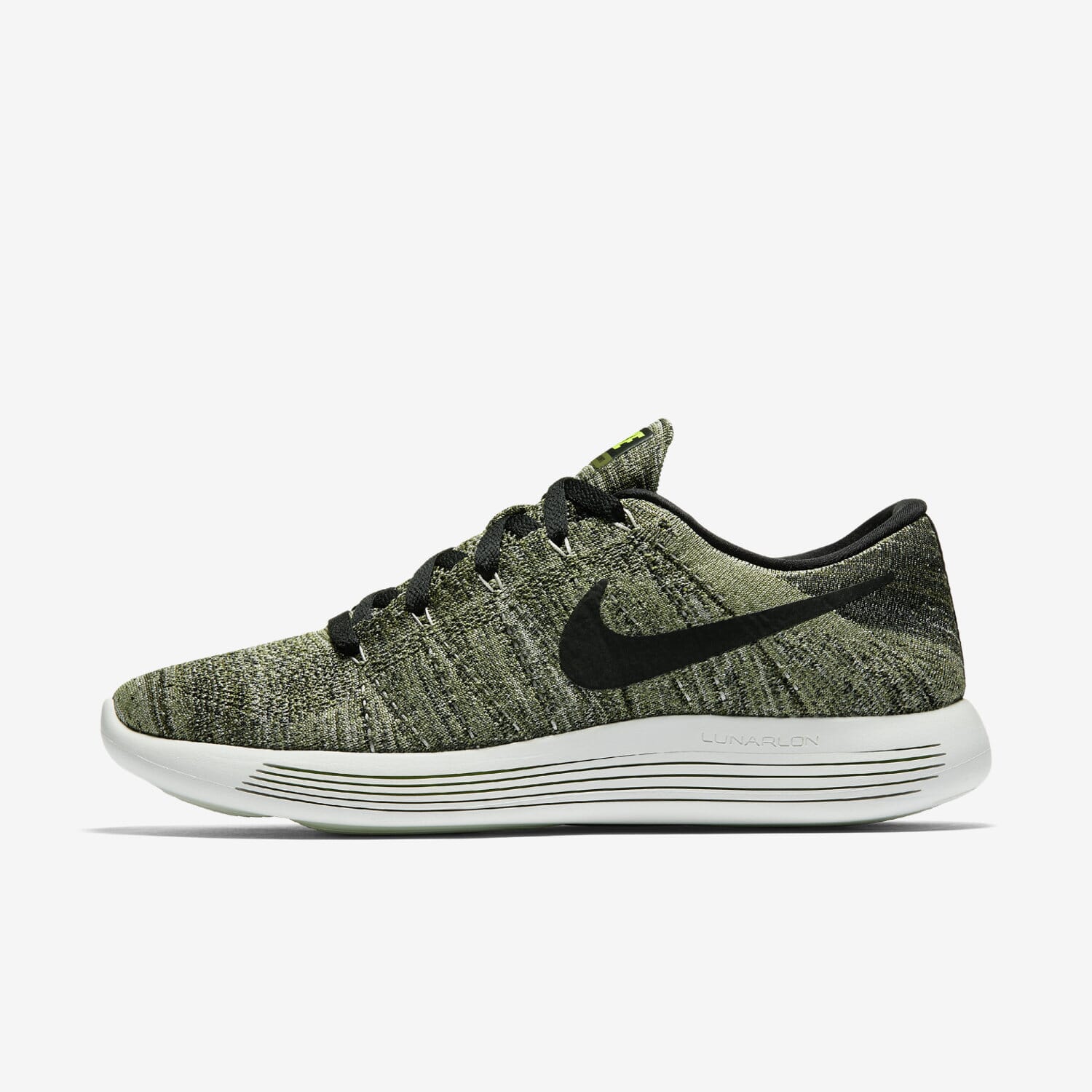

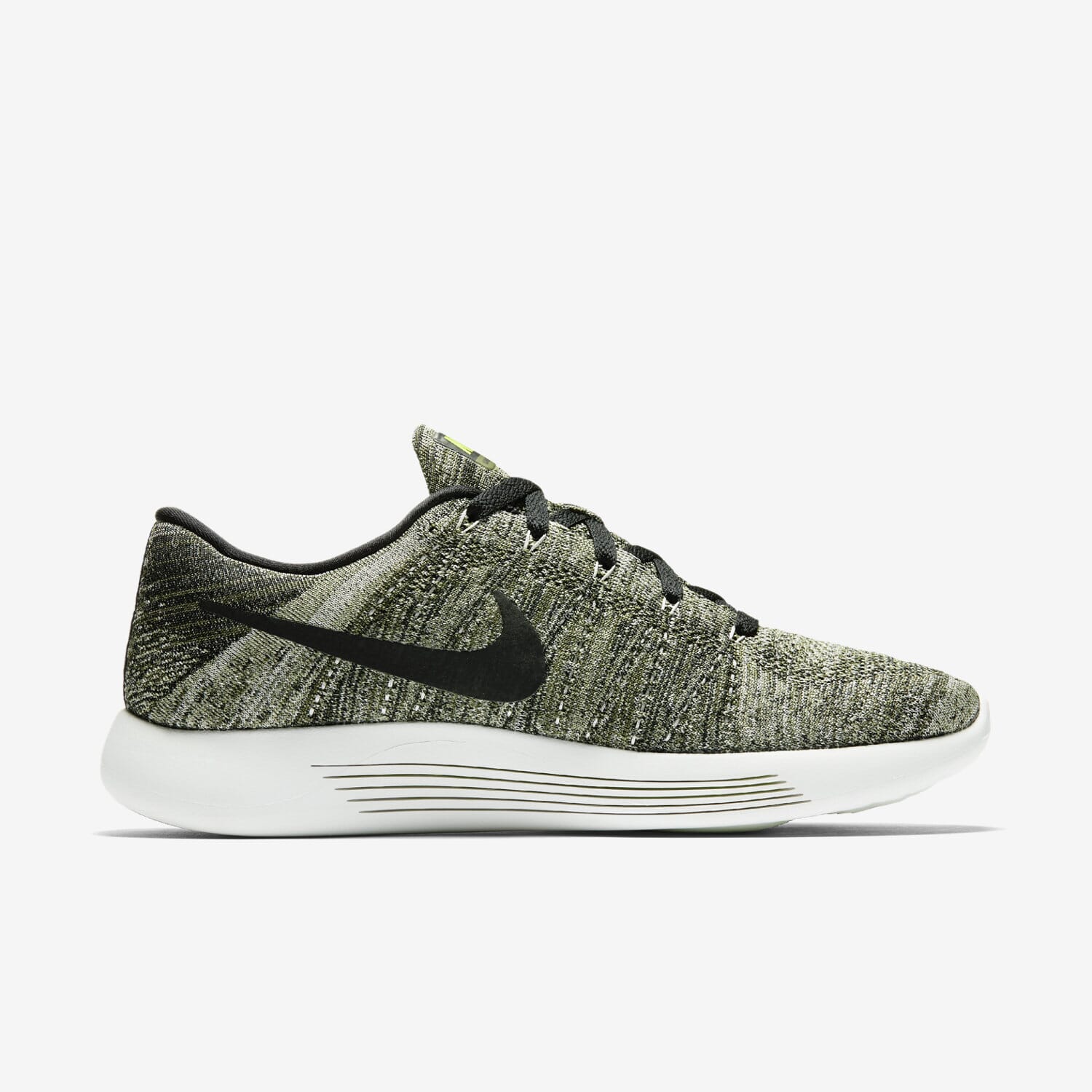

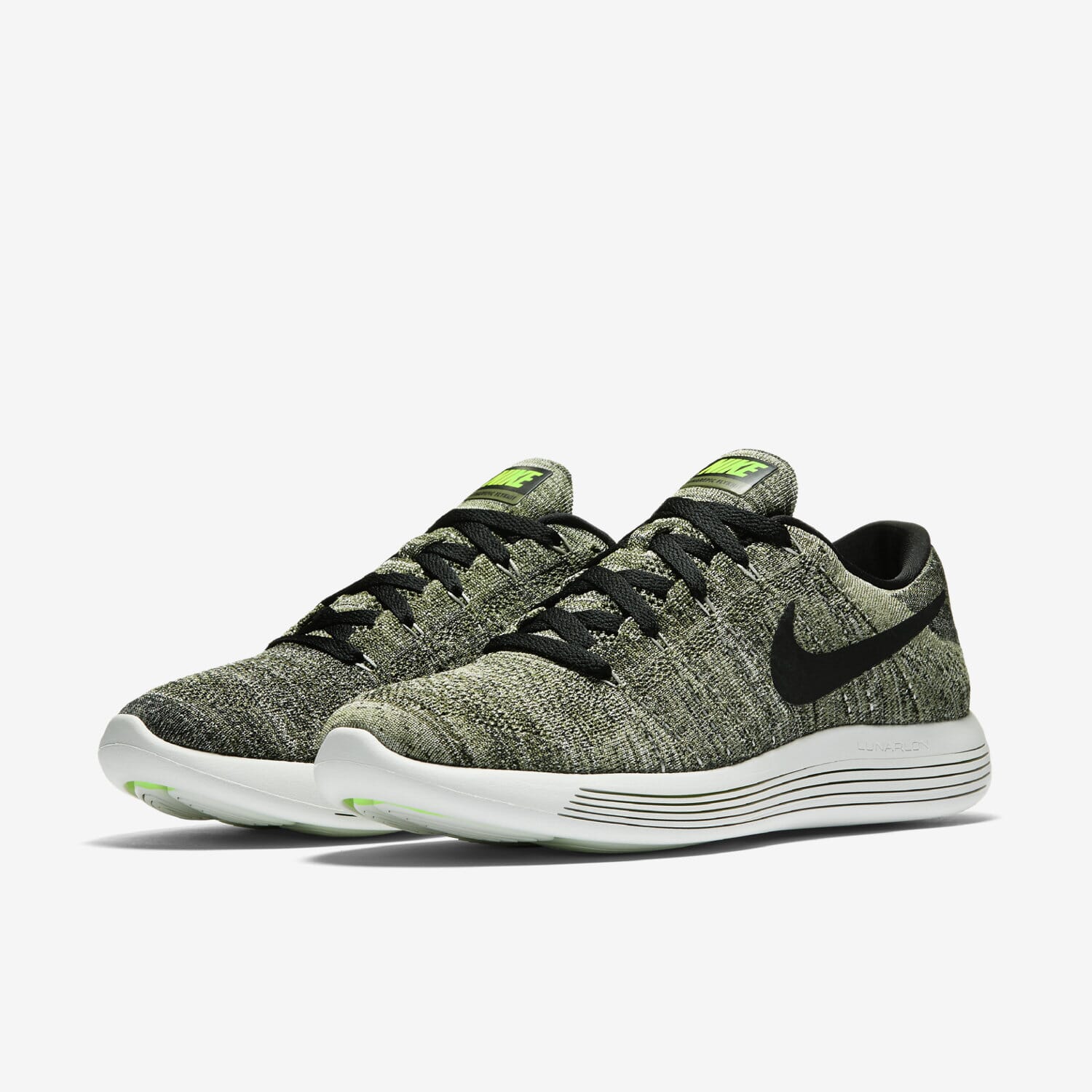
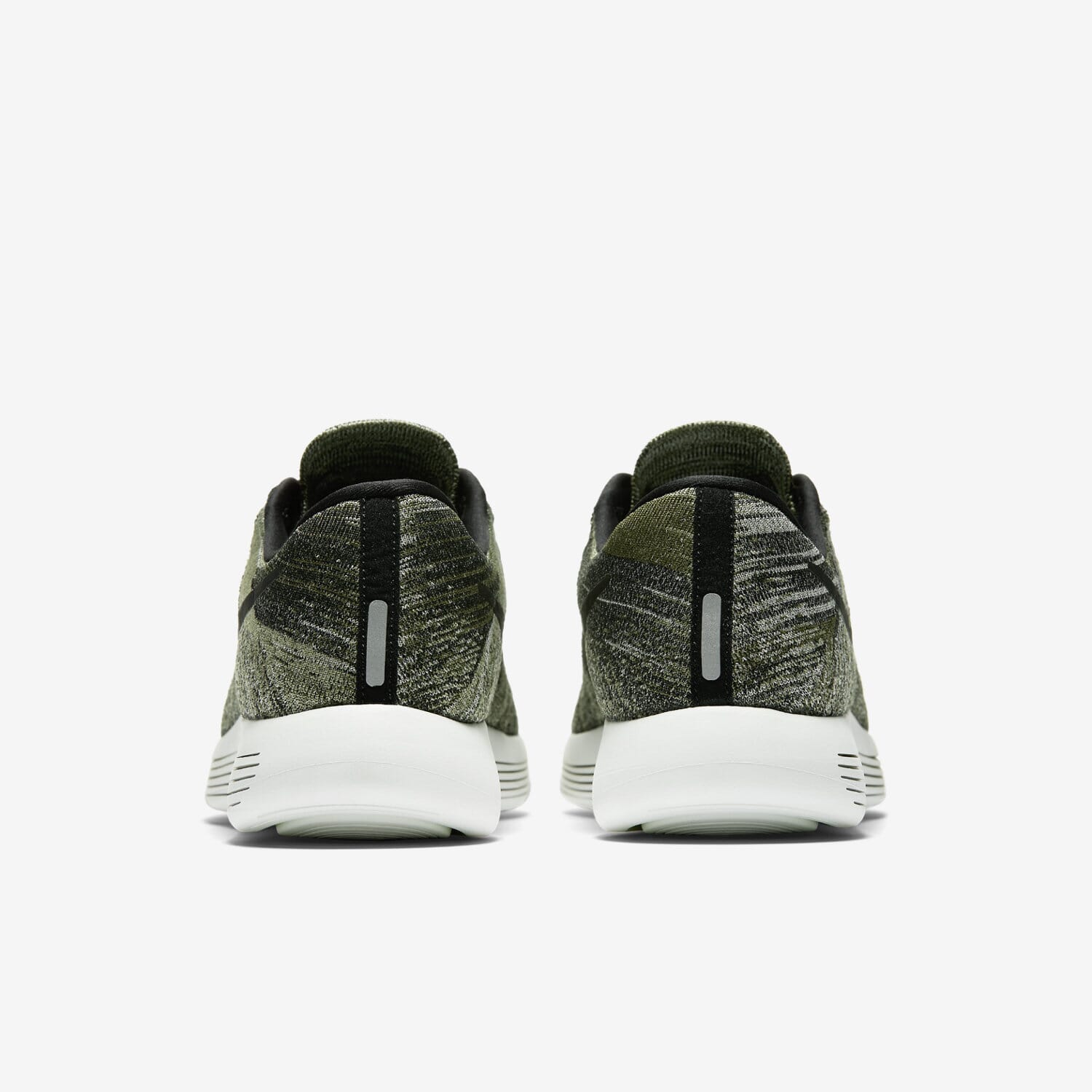
Gallery thumbnails
Another gallery option is to enlarge each thumbnail image onclick instead of swapping with the main image.
This saves time for your visitors as the responsive lightbox immediately opens from the thumbnail, cutting out the 'middle man' as it were.
If your thumbnail images aren't contained in an image gallery but are scattered around your web page, use the 'group' setting so they all display in the same lightbox view.
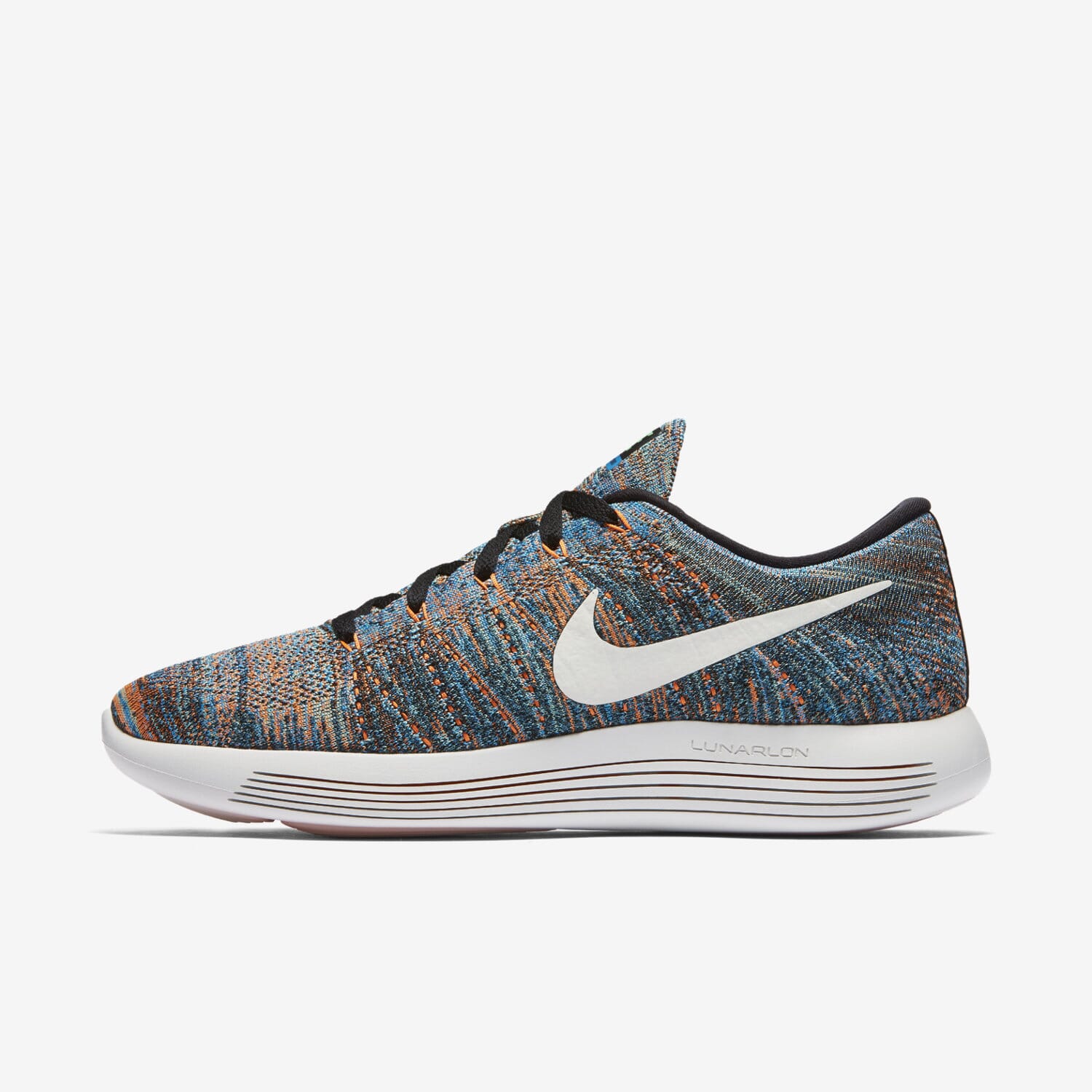
Lightbox caption to the right
Using a lightbox caption is a brilliant way to add value to each image, and it's also an easy and effective way to communicate important details to your visitors.
The title and alt settings are great for adding text only captions. But what if you want to add HTML to your lightbox caption? captionSource:span allows you to do just that!
This lightbox example shows how the caption can be positioned to the right and includes links, bullets and a button too!









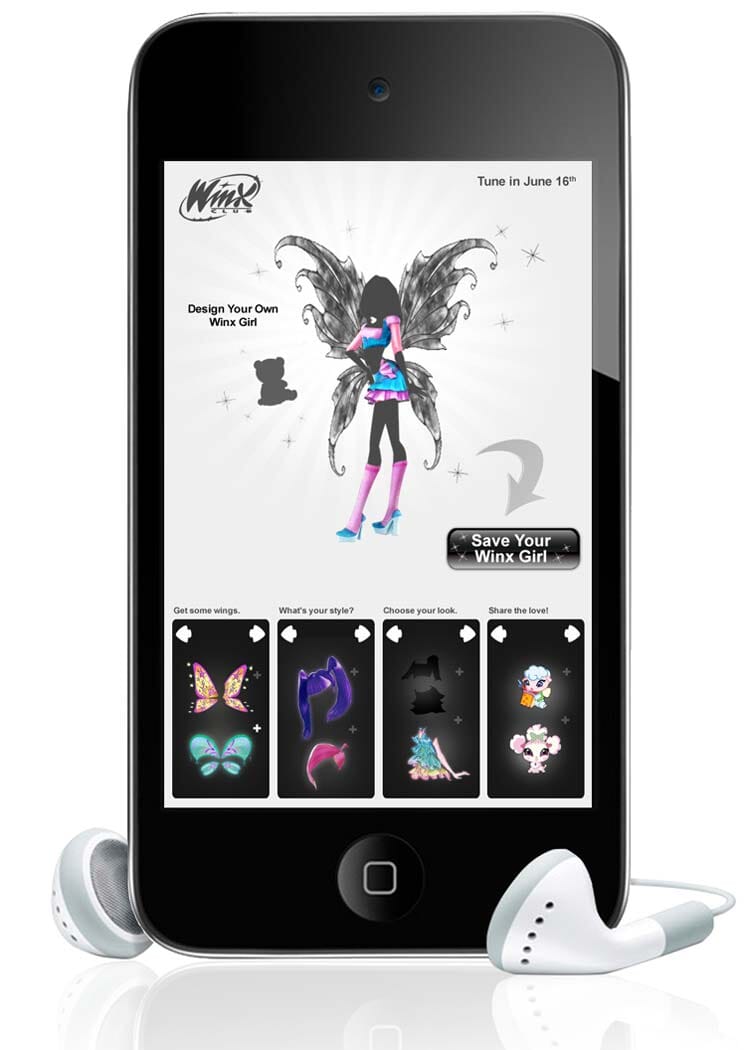
Gallery lightbox combined with image carousel
Gallery thumbnails are great for showing different colours & styles of your products, but what happens when you have so many images they spread down the web page?
That's where Magic Scroll comes in! Magic Scroll is a responsive image carousel and makes scrolling thumbnails super easy.
By combining Magic Thumb and Magic Scroll, your thumbnail images are contained within the gallery area keeping your website looking neat and tidy.
   |  |
Lightbox gallery combined with 360 spin
Have you ever thought about combining lightbox images with a 360 spin in your product image gallery?
360 product spins are a great way to increase conversions because you're showing customers exactly what they're buying. For the same reason your sales will increase, returns will reduce because customers will be receiving exactly what they expected.
Completely engage customers and combine Magic 360 with Magic Thumb!


Video lightbox
Magic Thumb is so much more than an image lightbox, it's also a YouTube video lightbox!
That's not all, Magic Thumb also supports Vimeo videos as well as your own hosted videos. Instead of embedding videos flat onto your website, enjoy all your videos in a lightbox popup.
This responsive lightbox can display both images and videos at the same time, switching effortlessly between each - it's so easy.
You can trigger lighboxes from text, just like this.
Slideshows can contain unlimited images. This one has 2:
Triggering a website lightbox
You'll be forgiven for thinking a lightbox can only be opened from an image. Yes, images are a common way to activate a lightbox, but they're not the only way.
This website lightbox example uses both text and a button to trigger the image lightbox. Depending what your website is promoting and how you want the layout to appear, not using images may be your preferred design choice.
Magic Thumb lets you use whatever you want: image, text, button, form, menu... anything!
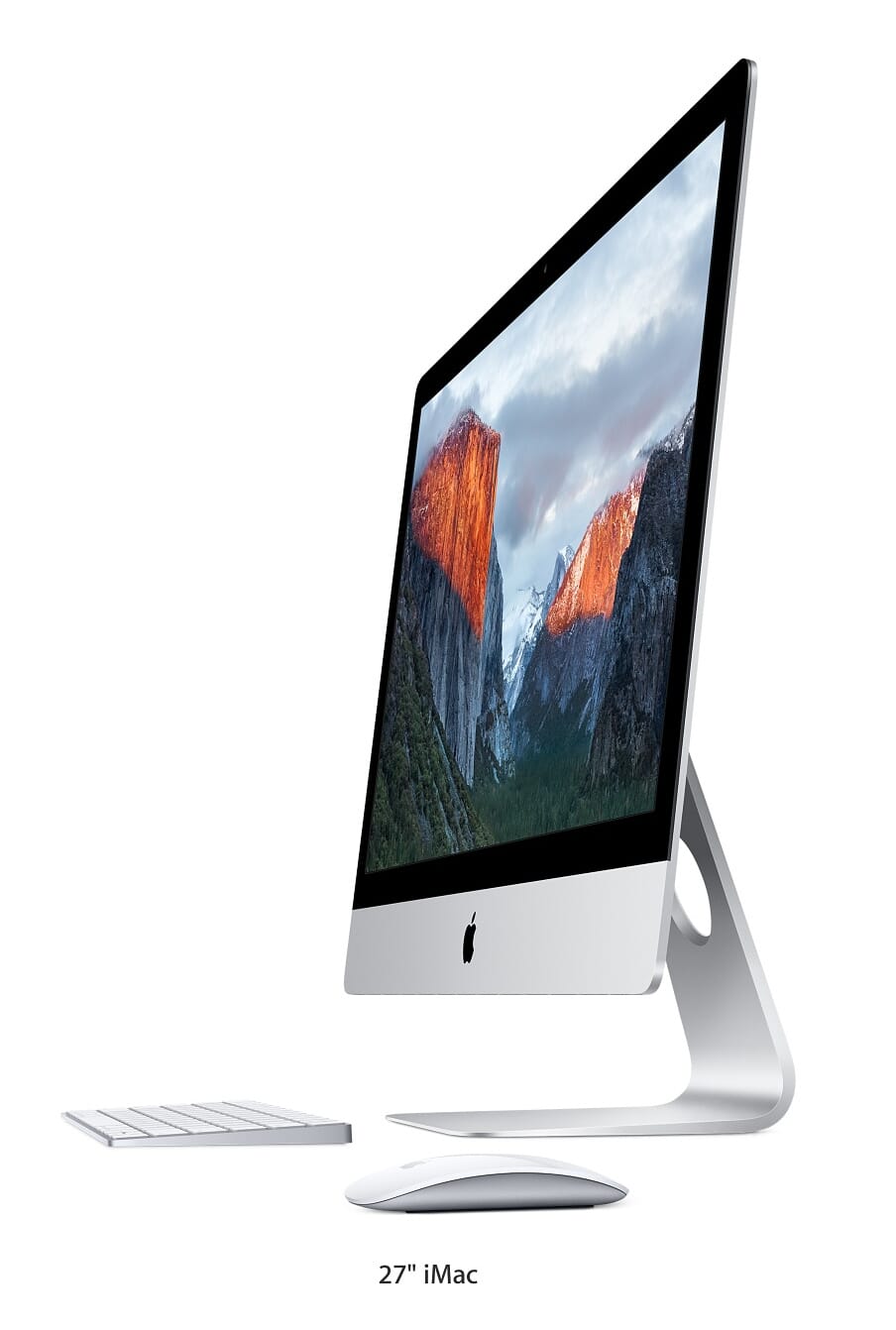
Show entire image in a lightbox
Auto-scaling images happens by default when the lightbox is triggered. This means a large image (which is bigger than the screen size) is automatically resized so your visitors can view the complete image without scrolling.
But sometimes you may want to show the whole image in its original size, even if it's larger than the users screen. No problem! Magic Thumb's got you covered.
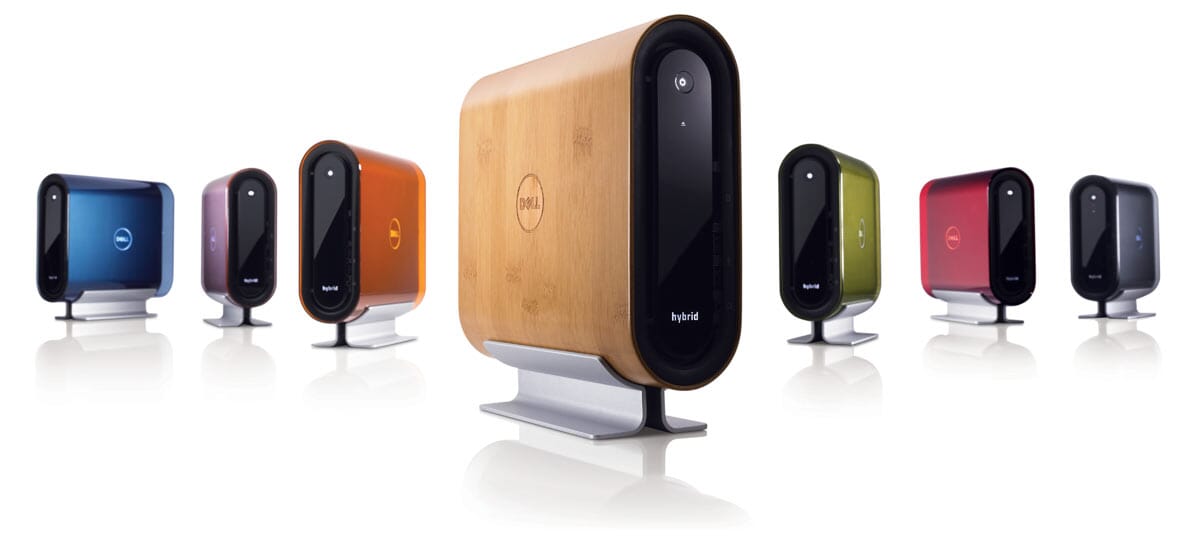
Fetch large image on click
Magic Thumb automatically preloads large images when a web page is loaded. This means each image is instantly available for visitors to enlarge, resulting in a faster user experience.
But what if you don't want to preload large images? You can choose to lazy load your images instead. Lazy loading defers the large image download until a visitor requests it by clicking that image.





Responsive image sizing
Magic Thumb instinctively scales your images to fit smaller screens.
Try for yourself! Move the slider on our responsive demo and you'll emulate the image size on different devices.
It's easy to enjoy this responsive lightbox knowing that all your visitors are seeing perfectly sized images on their devices.

Lightbox CSS
We think Magic Thumb looks amazing out of the box! But every website has a different design and we want this image lightbox to fit perfectly with your website.
Using CSS is an easy way to maintain and update your lightbox design. If you're new to CSS, we have an introduction to get you started. Everything can be customized, so let your creative side go wild!
As well as CSS, you can also make changes using HTML. There are nearly 30 parameters available to edit your lightbox HTML code.
What is a gallery lightbox?
You've probably seen a gallery lightbox many times when browsing websites and just not realized. It's when an image or video is enlarged to fill the screen, dimming out the rest of the web page behind.
Generally, a gallery lightbox is triggered when a thumbnail is clicked or hovered. This isn't always the case, images/videos can be any size (and orientation) not just thumbnail size, but lightboxes are commonly used when space is limited on a web page.
Benefits of using a lightbox
Created using JavaScript, this gallery lightbox is responsive so content automatically fits perfectly on any screen size. The lightbox can display an image gallery; video gallery or both images & videos.
Navigational arrows allow users to move between images and videos without returning to the web page, saving visitors time.
If using touchscreen devices, visitors effortlessly swipe between images and videos.