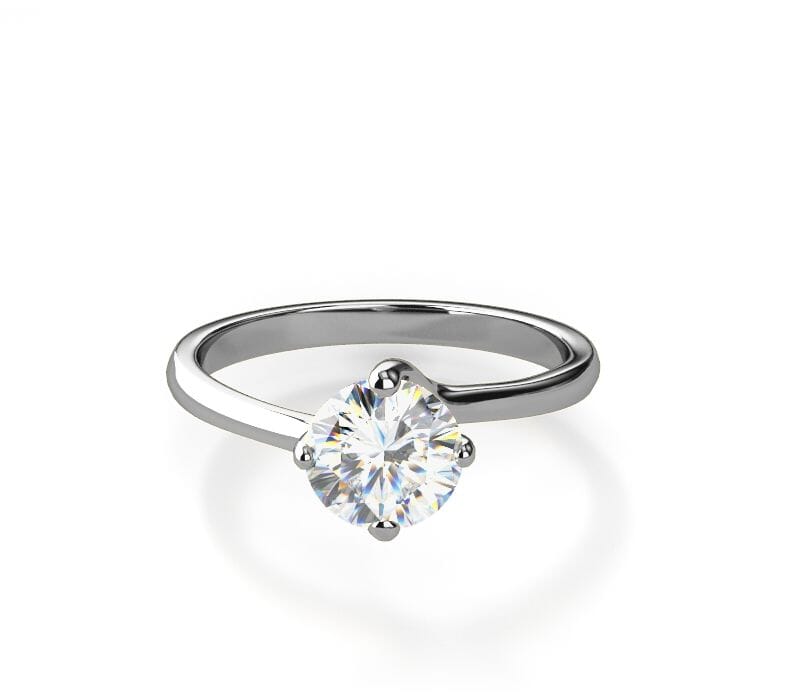
Show every detail from any angle
Engage your customers with a stunning 360 view of your products


Get Magic 360 today!
Our tools are used on 60,111 websites (and counting).

Choose your platform Use these plugins and extensions to setup Magic 360 on your site without writing a single line of code.
Or install it on any website with these instructions.
Responsive
Display your products from every angle on every device. With Magic 360's mobile gestures, inspecting every detail is a joy.Increase website speed & save bandwidth
Control how Magic 360 initializes & loads images. Choose to activate on page load or on request.SEO Friendly
Magic 360 supports SEO Friendly URLs and "alt" tags. Absolutely essential to get that number one spot in Google.Free Integration with your theme
If Magic 360 doesn't work immediately on your site, email us and we'll add support for your theme (free of charge).Refined for every browser

Optimized for every device

Transparent pricing with no ongoing fees
Pay once and it's yours forever
- 1 Site
- Unlimited use on 1 website
- Perfect for webstore owners
£99
One-off payment- 5 Sites
- Unlimited use on 5 websites
- Perfect for small agencies
£349
One-off payment.- 10 Sites
- Unlimited use on 10 websites
- Perfect for medium agencies
£599
One-off payment- Unlimited Sites
- Unlimited use on unlimited sites
- Perfect for big agencies
£1199
One-off paymentWhat you'll get with your purchase
- Unrestricted use forever
- Instant access to 21 extensions
- 30 minutes of tech support
- 1 year of free upgrades
Customer reviews
Rakibul Awal, storialtech.com
Abdallah
Clay
Kenn F. Nielsen, quickskate.dk
I'd like to be able to add Hotspots
Thank you
Stefano
Hi Stefano! Thanks for your feedback. Unfortunately, Magic 360 doesn't support hotspots but our hosted 360 service, Sirv, does: https://sirv.com/demos/demo-hotspot-on-360-spin/
Try for free: https://my.sirv.com/#/signup
Submit your review
Your review has been received and will be posted soon.
Changelog
- v4.6.13March 22, 2023
- Addresses an issue with blurred spin on high-definition displays
- v4.6.12October 8, 2020
- Addresses an issue where Magic 360 did not work in Firefox Nightly
- v4.6.11August 14, 2020
- Addresses an issue where an extra image may appear in zoom mode after multiple clicks/taps when using transparent images.
- Removes grey border around 360 view.
- v4.6.10February 28, 2019
- Addresses an issue with a vertical rotation of multi-row spin in iOS Safari
- v4.6.9December 12, 2018
- Addresses issue with fullscreen in Chrome 71.
- v4.6.8May 10, 2017
- Fixes page scroll over single-row Magic 360 instance on touchscreen devices.
- v4.6.7April 18, 2017
- Fixes an issue with a vertical rotation of multi-row spin in Chrome browser on Android.
- v4.6.6January 10, 2017
- Addresses an issue with blurred images.
- v4.6.5August 2, 2016
- Minor changes
- v4.6.4May 11, 2016
- Resolves an issue with a page scrolling in Chrome on mobile devices.
- v4.6.3April 24, 2016
- Added an image set for testing to the trial package.
- v4.6.2March 28, 2016
- Small fixes.
- v4.6.1March 28, 2016
- New fresh look.
- Improves automatic detection of the image filenames format.
- Speeds up image loading.
- Enhanced user experience in inner zoom and magnifier modes.
- New parameters to define number of digits used in the sequence numbering.
- New parameters to set up a starting index of the sequence numbering.
- Enhanced control of a spin with trackpad.
- Improves overall performance.
- Resolves a possible flashing issue in Firefox.
- Other small fixes and improvements.
- v4.5.21December 9, 2015
- Fix a possible issue when spin with more than 99 columns does not start.
- v4.5.20March 5, 2015
- Fix for possible issues with rotation on Y-axis while rows are loading.
- v4.5.19February 25, 2015
- Minor fixes.
- v4.5.18December 18, 2014
- Fix an issue with the deffered initialization of a hidden Magic 360 instance.
- v4.5.17December 15, 2014
- Address an issue with hidden images in IE 11 on Windows 7.
- v4.5.16August 1, 2014
- None.
- v4.5.15July 29, 2014
- Improved way of finding Magic 360 instances on the page.
- v4.5.14June 2, 2014
- Fix an issue with the automatic detection of the image filenames format in Firefox.
- v4.5November 6, 2013
- Zoom images in full screen.
- Supports IE11 pointer events.
- Supports IE11 native full-screen.
- Autospin backwards and forwards.
- Automatically optimize the autospin duration.
- Adjust loading box size according to spin width.
- Resolves an issue that could cause flashing during spin.
- Allow vertical drag gestures to scroll the page on touch devices.
- Reversed the direction of mousewheel to go clockwise on scroll down.
- v4.2September 17, 2013
- Fixed flickering in Chrome browser.
- Improved support of lazy loading images.
- v4.1July 19, 2013
- Support of CloudFlare lazy loading images.
- Optimized image caching.
- Resolved an AdBlock issue in Safari.
- Fixed issue of using the same images for fullscreen and normal views.
- Improvements to rendering in Quirks mode.
- v4.0June 13, 2013
Now responsive and IE10 compatible:
- Magic 360™ scales up and down to fit your responsive themes.
- Support of IE10 touch events.
- Automatically detect number of digits in the filename.
- Better full-screen mode on eBay.
- Hide the "Drag" message until auto-spin has stopped.
- Enable or disable right-click menu on a spin.
- Ability to reverse rows and columns.
- New API method to switch rows.
- v3.1March 13, 2013
Almost totally redesigned to provide:
- Much faster start for 3D spins - active as soon as the 1st row has loaded.
- Better full-screen view - scales up each small image until large image has loaded.
- Faster loading & better looking progress bar using pure CSS.
- Better image loading.
- Callbacks to allow tracking of number of spins and zooms.
- A number of minor improvements.
- v3.0September 10, 2012
New features including full-screen spin:
- Full-screen spin for gorgeous big spins.
- Even simpler interface - only one button.
- Arrows and text indicate that image can be spun.
- Entire image magnifier shows more detail.
- Alternative of circular / square magnifier.
- New cursor shows image can be magnified.
- Larger button shown on mobile devices.
- Choice of 24 different button designs.
- Skip images to load spin faster.
- Change speed of the auto-spin.
- Choose your own custom cursor.
- Smoother acceleration/deceleration.
- Change increment of mousewheel spin.
- Ability to drag without closing magnifier first.
- New HTML5 compliant method to define options.
- Pinch support added for resizing page in iOS devices.
- New API call can trigger full-screen.
- v2.1May 11, 2012
Many new features are now included:
- Change text on hover over buttons.
- API gives control to start, stop, load spins.
- New style loading message.
- New JavaScript callback "onready".
- Auto-spin direction clockwise or anticlockwise.
- Auto-spin speed reduced.
- Resume infinite spin on click.
- Resume infinite spin on click of the spin button.
- Resume infinite spin on mouseout (pause on hover).
- Stop auto-spin on drag.
- Hide buttons on non-stop-spin.
- Non-stop-spin cannot be paused by drag or scrollwheel.
- Mousewheel ignored during auto-spin.
- Change text for multiple languages.
- Set global options in multiple ways.
- v2.0November 30, 2011
Magic 360 has been completely rewritten in JavaScript with many new features:
- Works on iPad, iPhone, Android and other mobile devices.
- Multiple rows/angles to rotate products up/down as well as left/right.
- Auto-spin once, twice or infinitely.
- Button to turn zoom on/off.
- Click to magnify.
- Faster load time.
- Simplified setup.
- Customizable buttons.
- Customizable loading message.
- Fetch images on page-load, hover or click.
- Use any number of images - from 2 to 72 (or even more!).
- v1.0September 14, 2010
Magic 360™ combines 360° spin with image zoom. It is the ultimate way to inspect a product on a webpage in every detail. 360 rotate products using a set of images (normally 18 or 36), the effect creates a smooth spin with motion blur effects, customizable magnifying glasses and 10 other options that you may adjust. jQuery is not required - this is a standalone 360 rotate script, not a 360 rotate jQuery tool. The benefit is that it loads faster and spins smoother.
Infinite 360 Spin with a round magnifier
360 View with a square magnifier
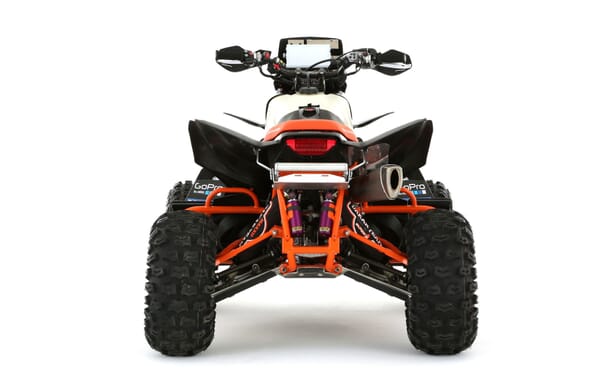
CounterClockwise 360 spin

Super smooth 250 frame 360 view