
The ultimate way to zoom images
Try 12 zoom effects that you can easily add to your website...









Gallery arrows
Replicate the look of your favourite eCommerce store by adding previous & next arrows to either side of the main image in your gallery. A convenient way for customers to browse your images.





Expanded view thumbnail position
Switching between images in the enlarged view is possible with thumbnails. By default, the thumbnail images display horizontally under the enlarged image but can easily be positioned vertically on the left hand side.
Tip: When images are displayed in portrait mode on any Smartphone, thumbnails will be positioned at the bottom for a perfect view.


















Gallery combined with Magic Scroll
Perfect if you have loads of images - Magic Scroll neatly contains all your images. Click the arrows to navigate or use swipe gestures on touch devices. A wonderful addition to Magic Zoom Plus.




Combined with Magic 360
Immerse your customers with 360 spin. Let them see every angle of your products with Magic 360. It is a knock-out combination with Magic Zoom Plus, to really maximise your conversions.

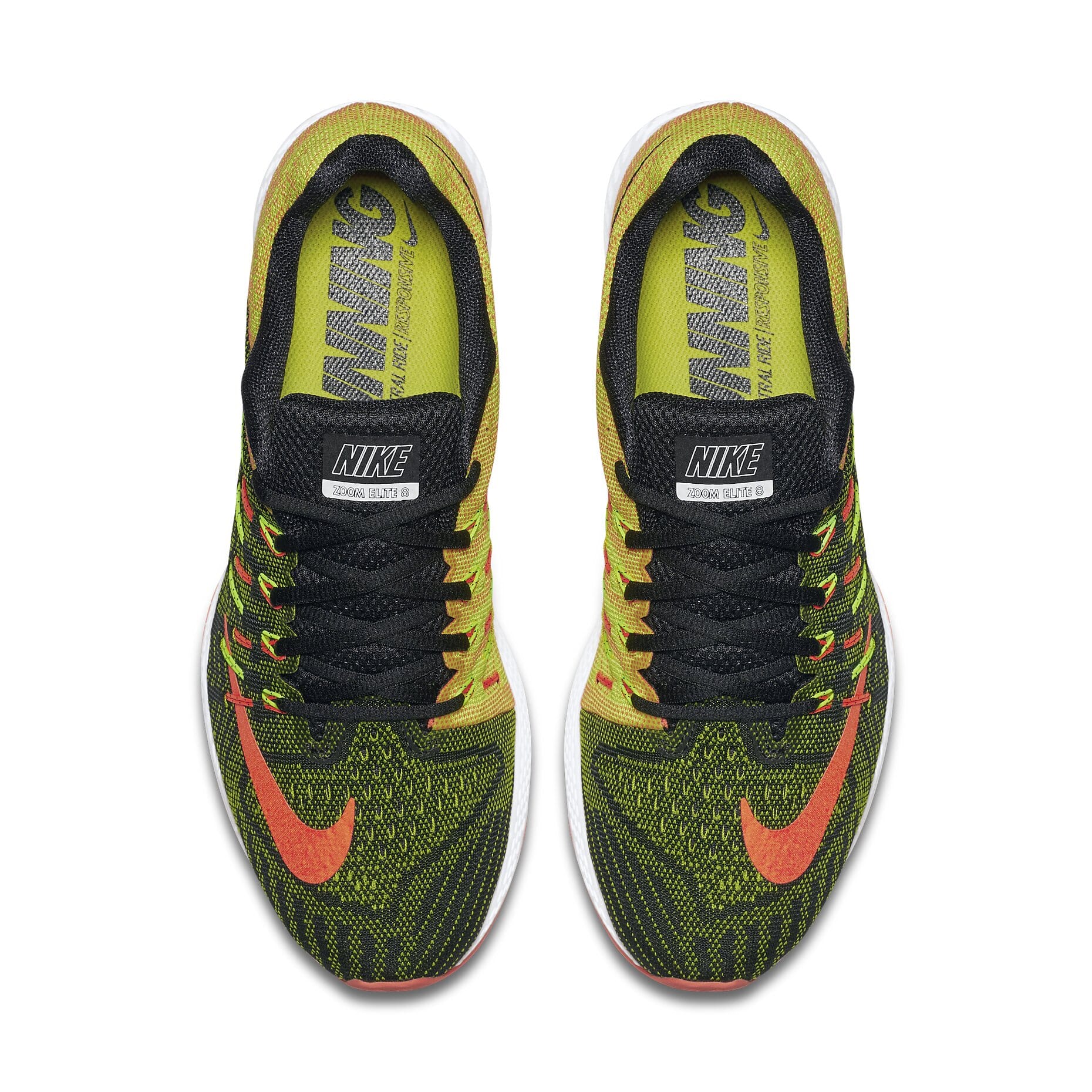


Make your website look this good, or better
It will look perfect
Build your own superior image magnifer with the settings wizard.
More examples
Browse through 25 more examples, in the integration guide.
You're in good company
Over 30,000 companies improved their images with Magic Toolbox, including...

- Unrestricted use forever on 1/5/10/Unlimited sites.
- Use any of our 44 extensions for super-easy installation.
- 30 minutes of free technical support.
- 1 year of free upgrades.
- 30% discount for Magic Scroll.
- A little bit of Magic 🙂
Mouseover zoom & enlarge
Born out of relentless refinement, the silent power of Magic Zoom Plus is its ability to both mouseover zoom images and click for full-screen enlarge. Out of the box, it immediately and intuitively provides both these crucial effects.
Studies have shown how people browse images in different ways. Younger users tend to prefer the speed of a quick zoom in. Older users prefer to enlarge to full-screen to see the whole product at once.
Be confident that you're catering for all users by choosing the Magic Zoom Plus.
Image magnify
In the old days, magnifying images was easy with Flash. But since Steve Jobs famously killed Flash by declining support for it on iPhone and iPad, Flash has been a dying technology.
The image magnify effect of our popular Magic Magnify tool (yes, that used Flash too) is now available in Magic Zoom Plus. Not only have we replicated the beautiful smooth round magnifier, we've improve it.
Faster loading, oversizing enlarge effect and intelligent positioning all make this our finest magnifier ever. Now you can buy one tool yet 3 effects - zoom, enlarge and magnify. We can't wait to see what you do with it!