
SOME OF THE WORLD’S MOST RESPECTED BRANDS TRUST MAGIC TOOLBOX

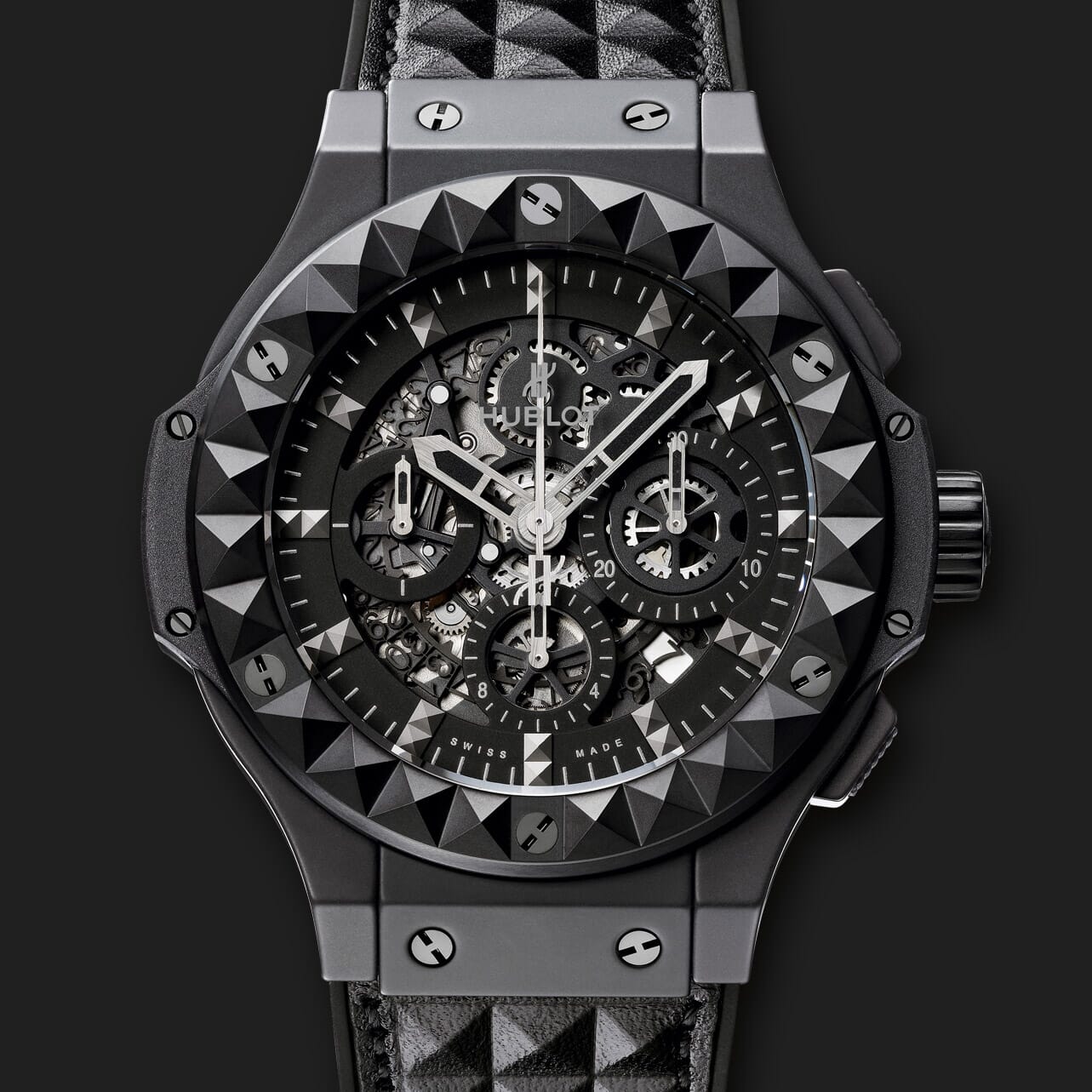 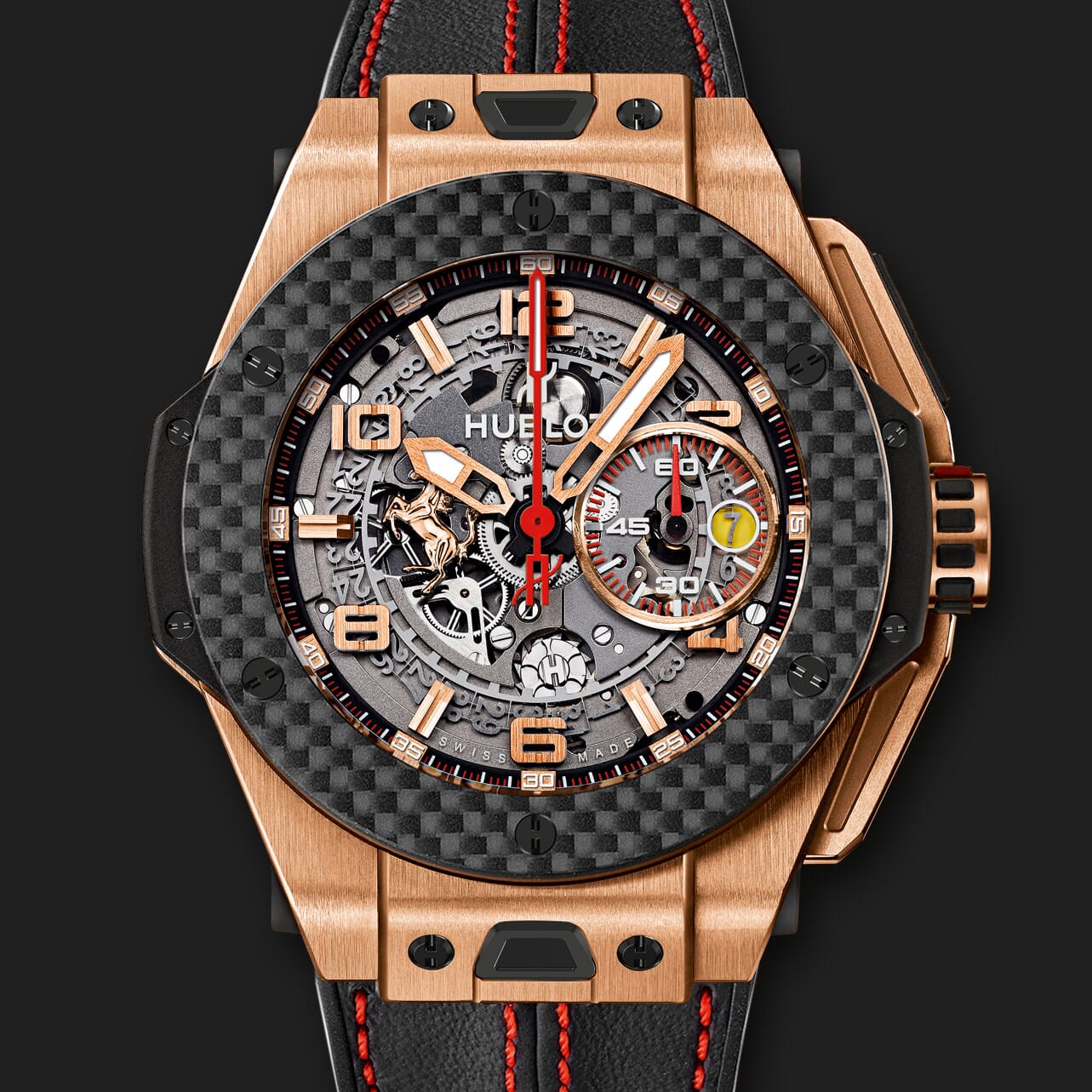 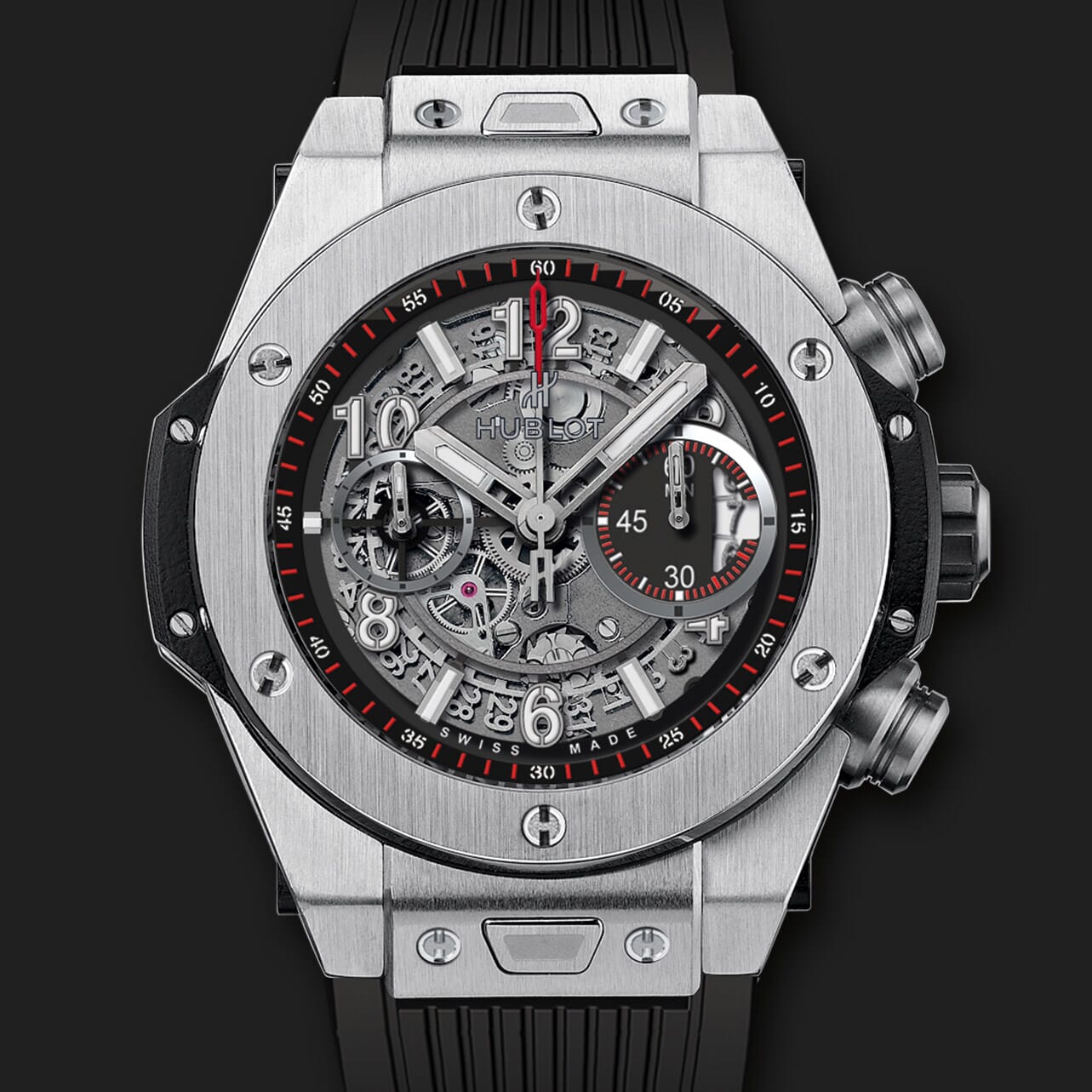 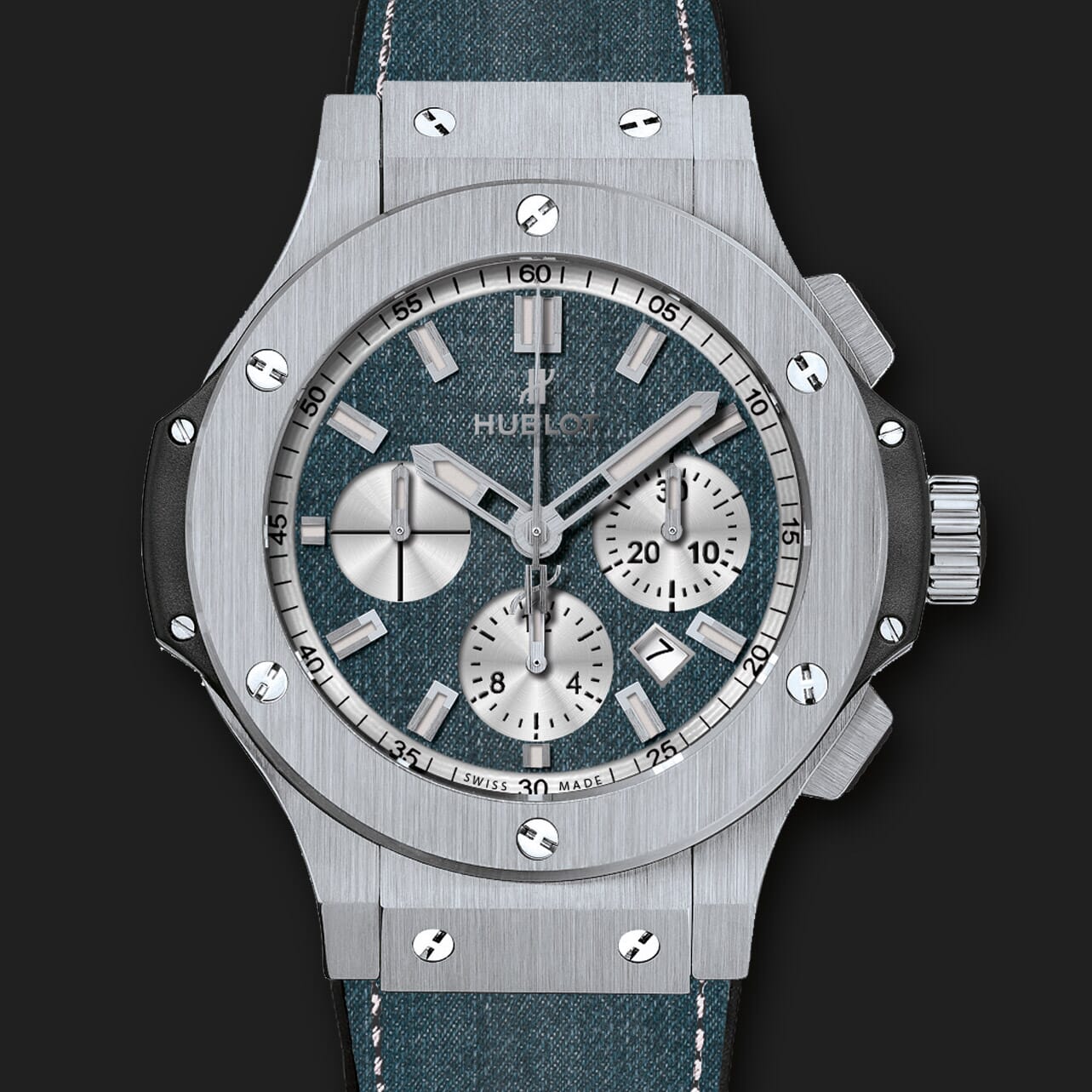 | |
Instantly allure customers to your store.
See images appear in outstanding detail.
- Stellar support and regular updates will make you happy.
- Fast loading and easy to configure.
The most powerful PrestaShop image zoom available
Supported Versions
- PrestaShop 8
- PrestaShop 1.0 - 1.7.x
Works on these pages
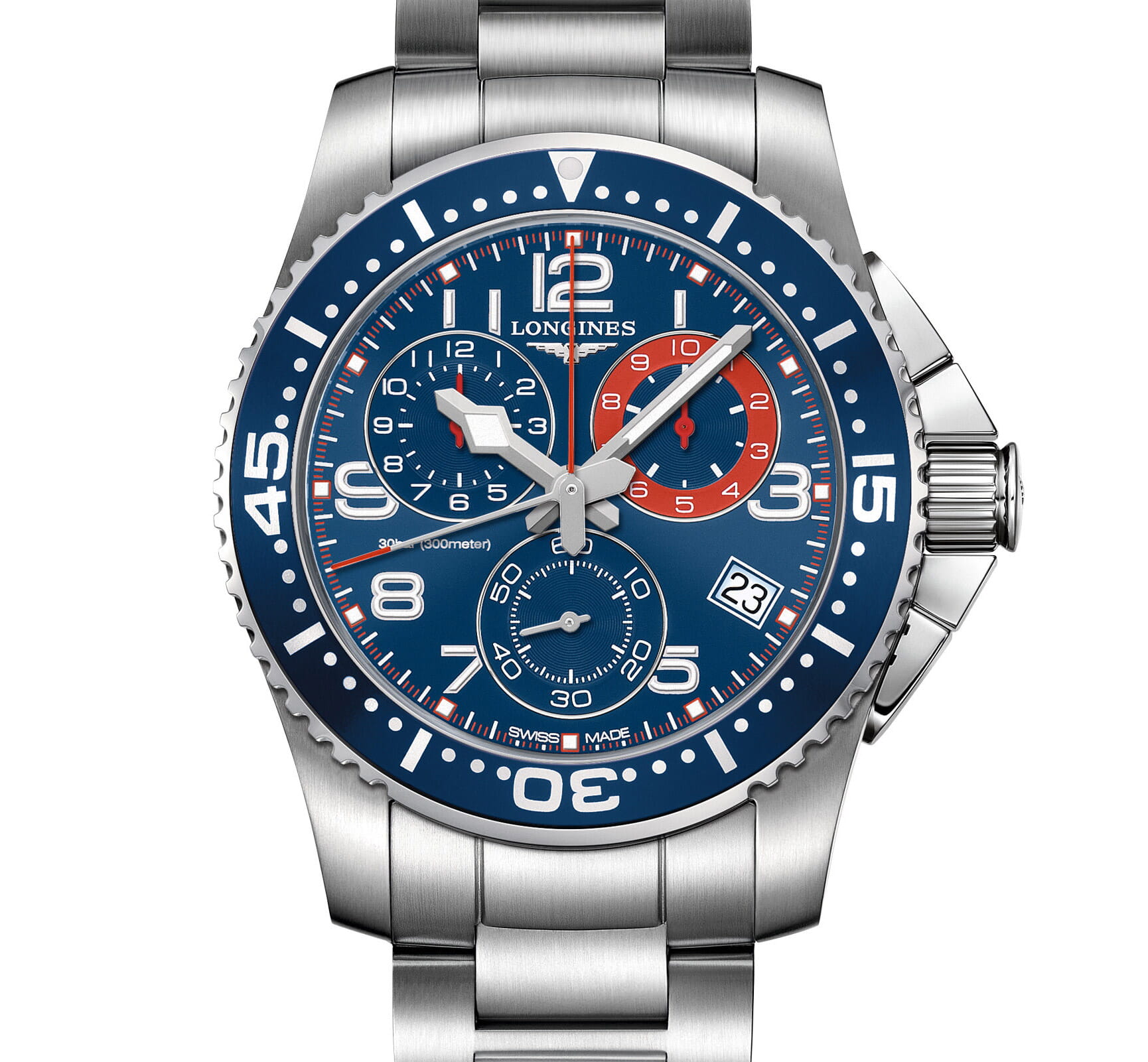
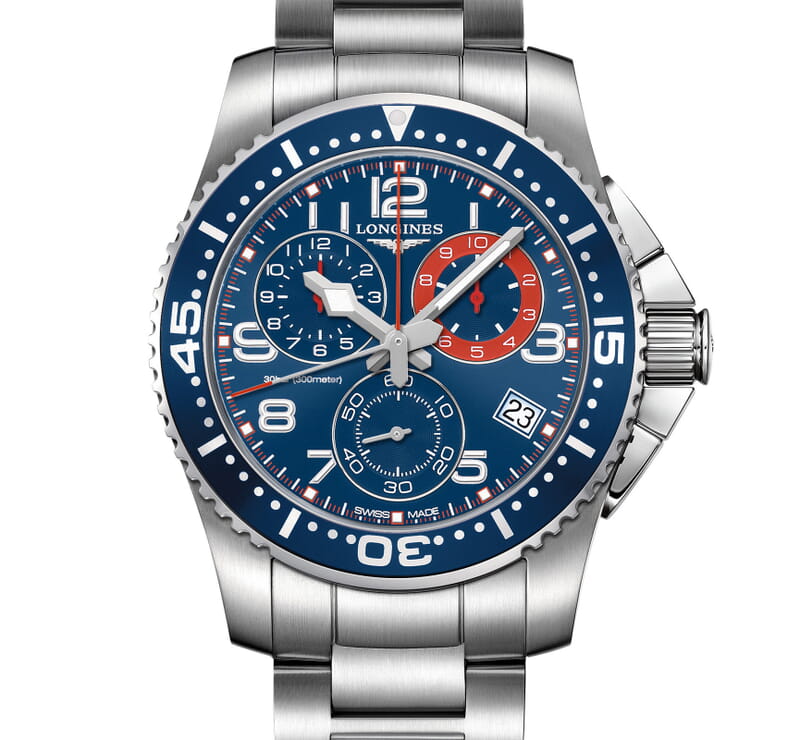
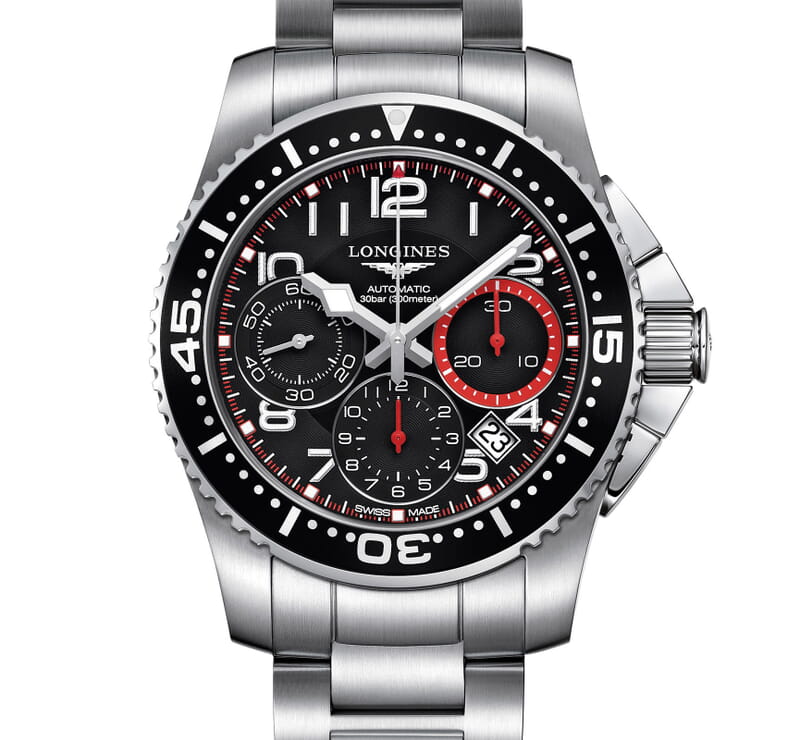
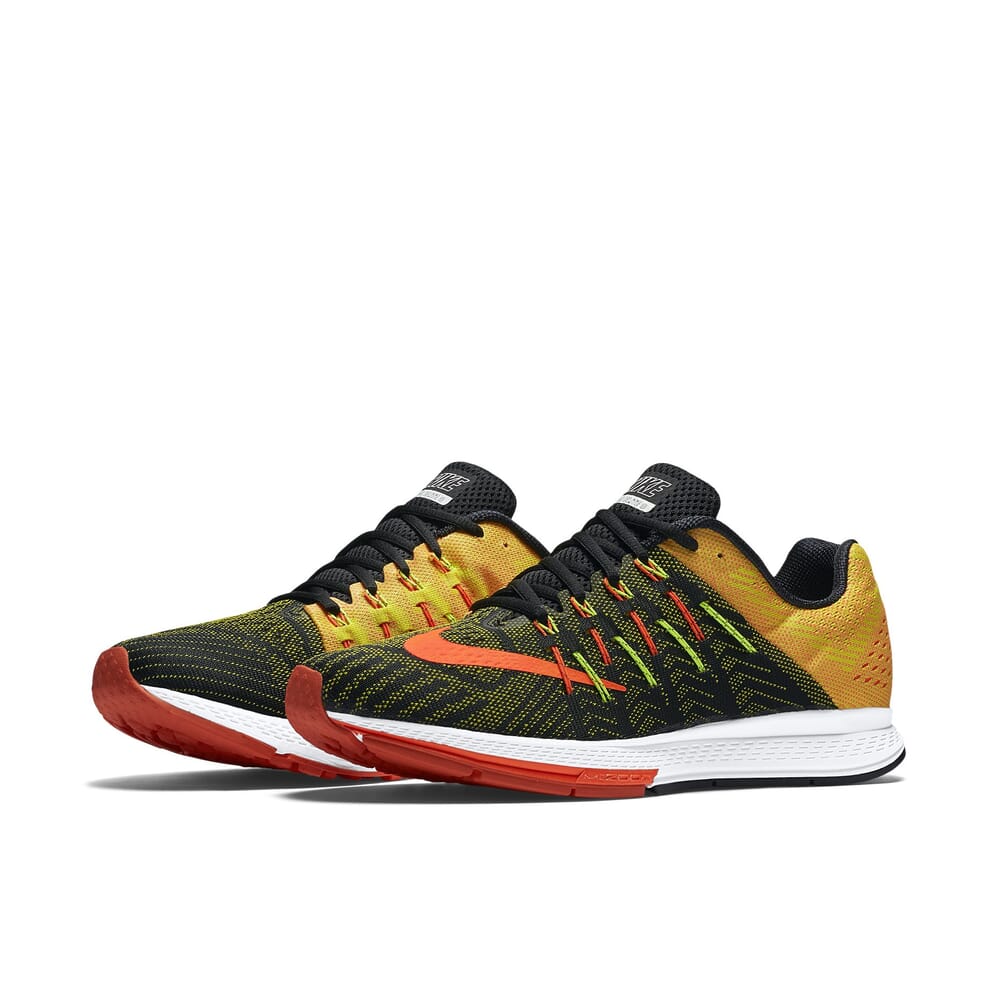
Instantly make your PrestaShop product images look irresistible! This smooth image zoom lets shoppers glide over your products to reveal beautiful detail as they hover.
It's an elegant, sophisticated experience, which reflects on the quality of your products and your brand.
Easy to use, anyone can install this official PrestaShop addon on their store. After installation, choose the zoom settings you desire, from 40 options, to make it look exactly how you want.
It works anywhere you need it: Product pages, Category pages, Featured blocks, Search results and many other places on your PrestaShop website.
For an even better experience, choose the premium version: Magic Zoom Plus. It does everything that Magic Zoom does and it has a stunning full-screen enlarger too. You have to try it to believe it!
Verified by PrestaShop:
Read reviews of Magic Zoom on the official marketplace for PrestaShop addons.
Rating 
Multiple beautiful images and videos
Your customers can swap between many product images or videos by either clicking or hovering thumbnails. Show as many as you want! Your detailed zoom will appear on hover or click. Your choice.Please customers on slow connections
All images are pre-cached, to help them download fast. For even faster download, choose to load images upon request, instead of on page load.Looks perfect on every device
No matter what device and browser your customer uses, Magic Zoom has been refined to look great on each one. Apply different settings and text on mobiles if you wish.Protect your images with watermarks
Easily add watermarks to all your product images to discourage other people from stealing them. We tried to make this process extremely easy, it won't take you more than a minute to configure and start protecting your images.Designed for solid SEO
Rest easy knowing that your product images will be indexed by Google. Magic Zoom will help achieve your best search engine ranking, with SEO-friendly image URLs and high quality images.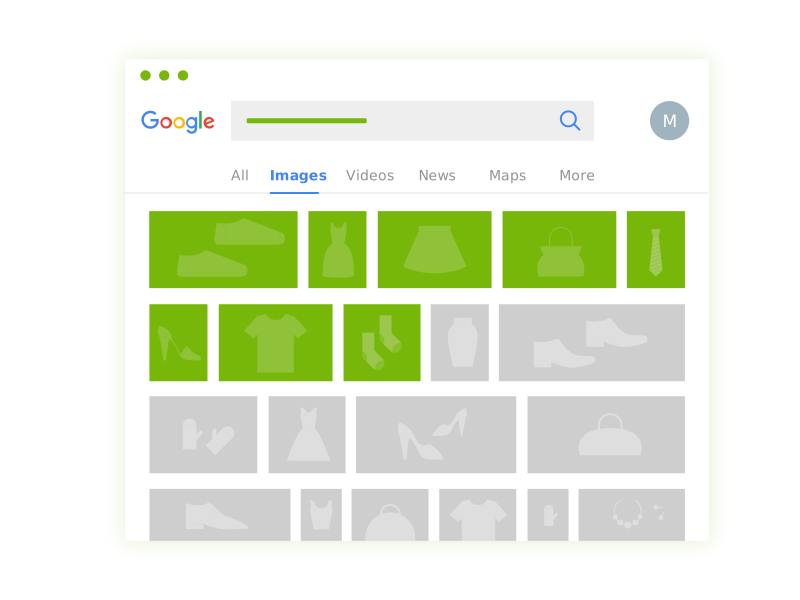
- 1 site
- Unlimited usage on 1 website
- Perfect for webstore owners
£29
One-off payment- 5 sites
- Unlimited usage on 5 sites
- Perfect for freelancers
£95
One-off payment- 10 sites
- Unlimited usage on 10 sites
- Perfect for small agencies
£175
One-off payment- Unlimited
- Unlimited use on unlimited sites
- For big agencies and enterprise
£399
One-off payment "I've been using magictoolbox code almost from the beginning. It is well done, imaginative, and compact. I've tried plenty of other image handlers but none are as good a value as these and I highly recommend them."
Wayne Eskridge, lightingshowroom.com
We've got you covered
Money back guarantee
30-day money back guarantee if you are not 100% satisfied.
Free Support
30 minutes free technical support for all customers. You can buy extra support if you need.
Instant Download
Download your product immediately after payment. Pay by credit card, PayPal or bank transfer.
Free updates
Enjoy 12 months of free updates. After that, new versions are available at 80% discount.
Customer reviews
Cristina Borrego, luna13galeria.com
Boillon, studiopitchart.fr
Submit your review
Your review has been received and will be posted soon.
Other PrestaShop modules
Try our other great image effects!
 Magic Zoom Plus
 Magic Thumb
 Magic Slideshow
 Magic Scroll
 Magic 360
Screenshots
Installation
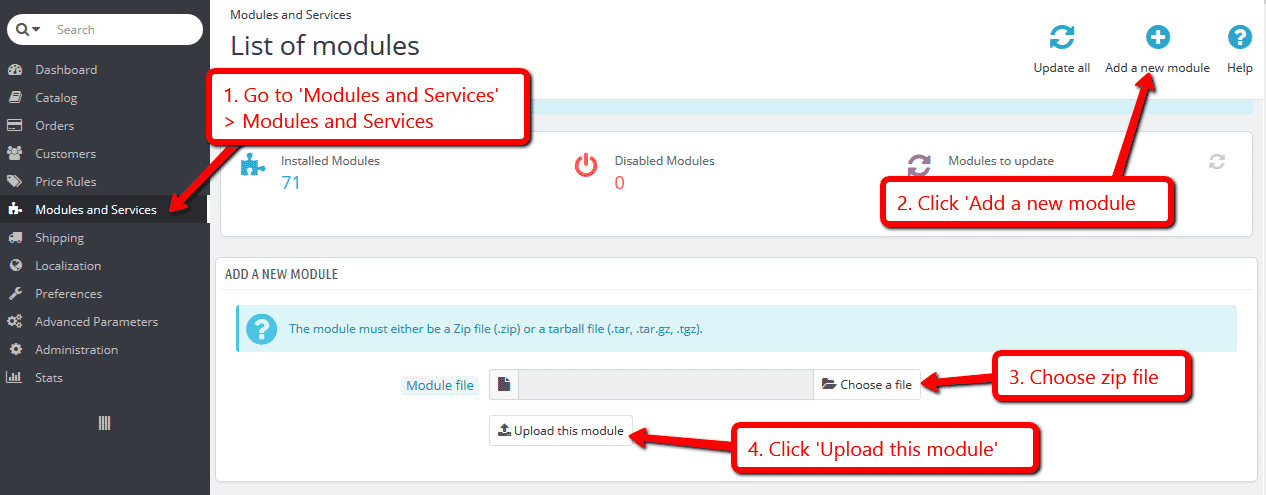
- Download the PrestaShop module for Magic Zoom (free and fully functional demo version).
-
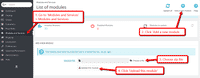 Either upload it via your PrestaShop admin area. Or unzip the file on your computer and FTP the magiczoom folder to the /modules/ directory of your store, keeping the file and folder structure intact.
 -
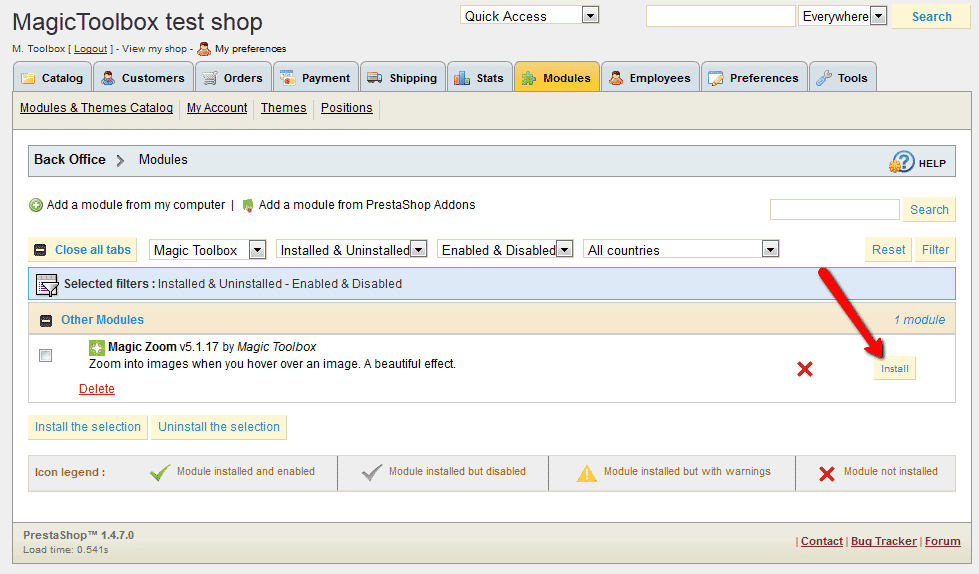
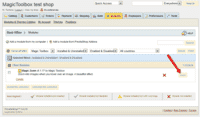 Activate the module via the Modules menu Modules > Other Modules > Install.
 - The demo version is now installed!
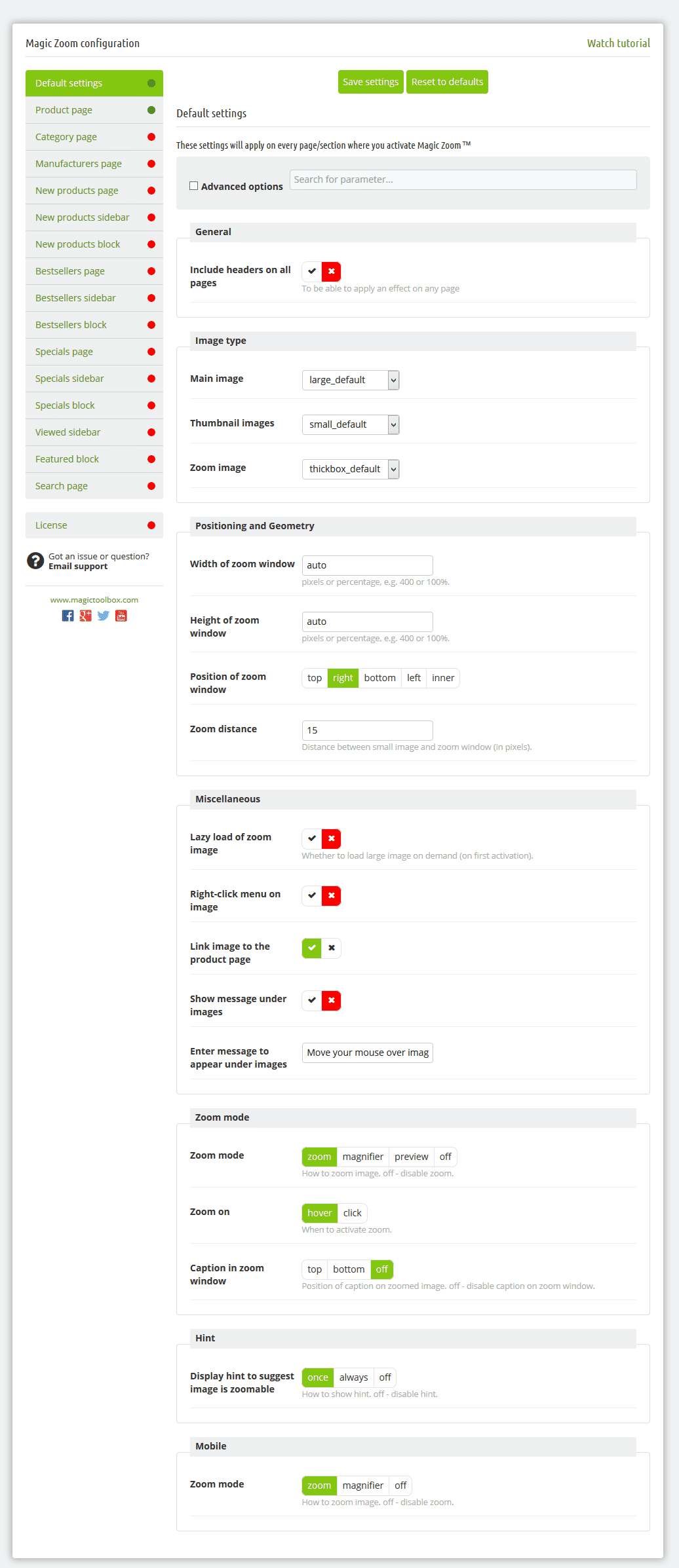
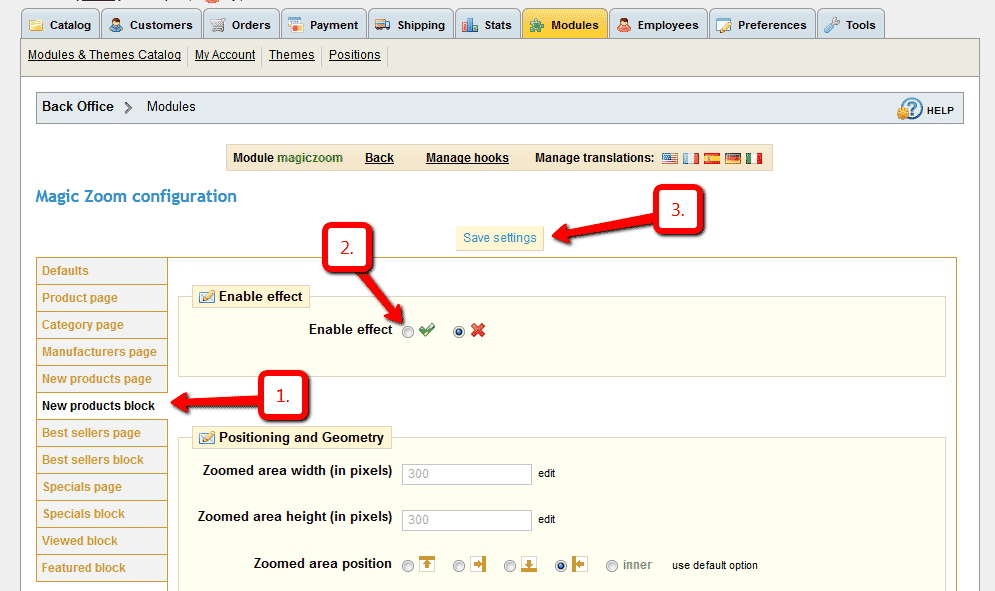
Settings location (screenshot)
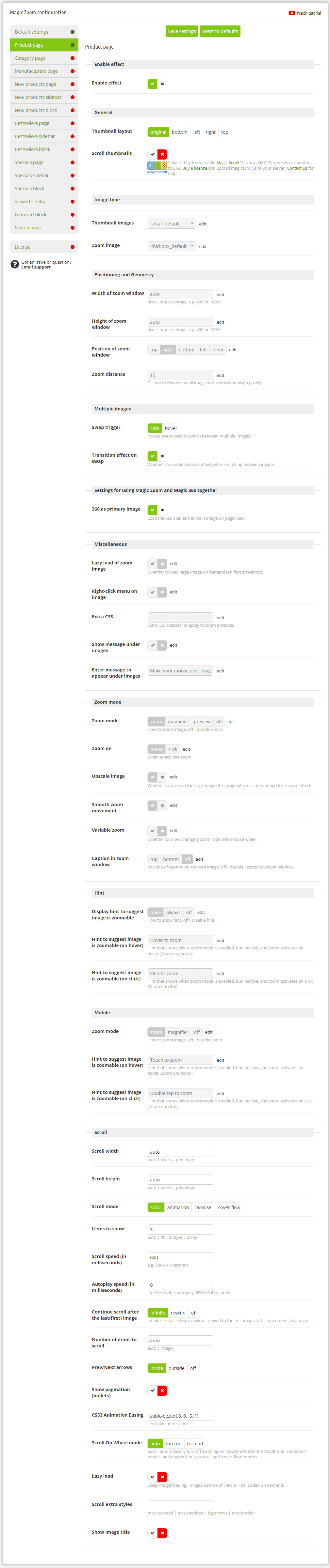
Product page settings (screenshot) Customize Magic Zoom as you wish.
-
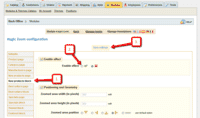 Magic Zoom can be enabled on any page or section you choose.
 -
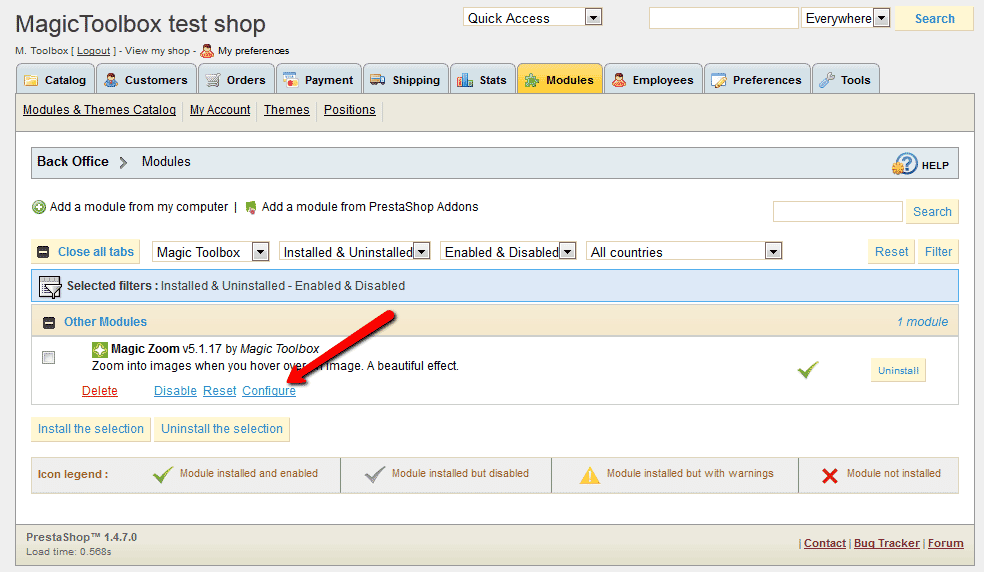
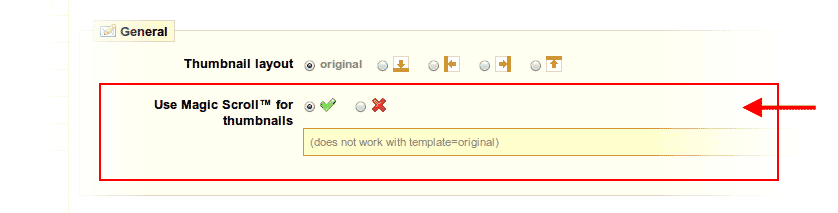
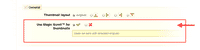 Activate Magic Scroll to enjoy organised thumbnails on your product page: Modules > Modules > Magic Zoom > Configure > 'Product page' tab > 'General' section > Scroll thumbnails > Select 'Yes' > Save changes.
 -
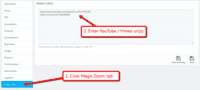 A popular feature is to display product images & video. Do this via: Catalog > Products > [Your product] > 'Magic Zoom' tab > Enter your video url(s) > Save change.
 - Buy Magic Zoom To upgrade your free and fully functional trial version of Magic Zoom (which removes the "Trial version" text), buy Magic Zoom and overwrite following file with the same one from your licensed version:
/modules/magiczoom/magiczoom.js

Video tutorial
Multiple images
Swapping between many images is already a standard feature in Magic Zoom. But if you have lots of images, the page can look complicated.
Make your thumbnails look slick and organised with Magic Scroll for PrestaShop. It neatly contains the images adds arrows to slide between them. Example:









- Simply activate Magic Scroll on the Magic Zoom options page.
- To remove the "Please upgrade" text, buy a license and overwrite the /modules/magiczoom/views/js/magicscroll.js file with that from your licensed version.
Combine zoom & video
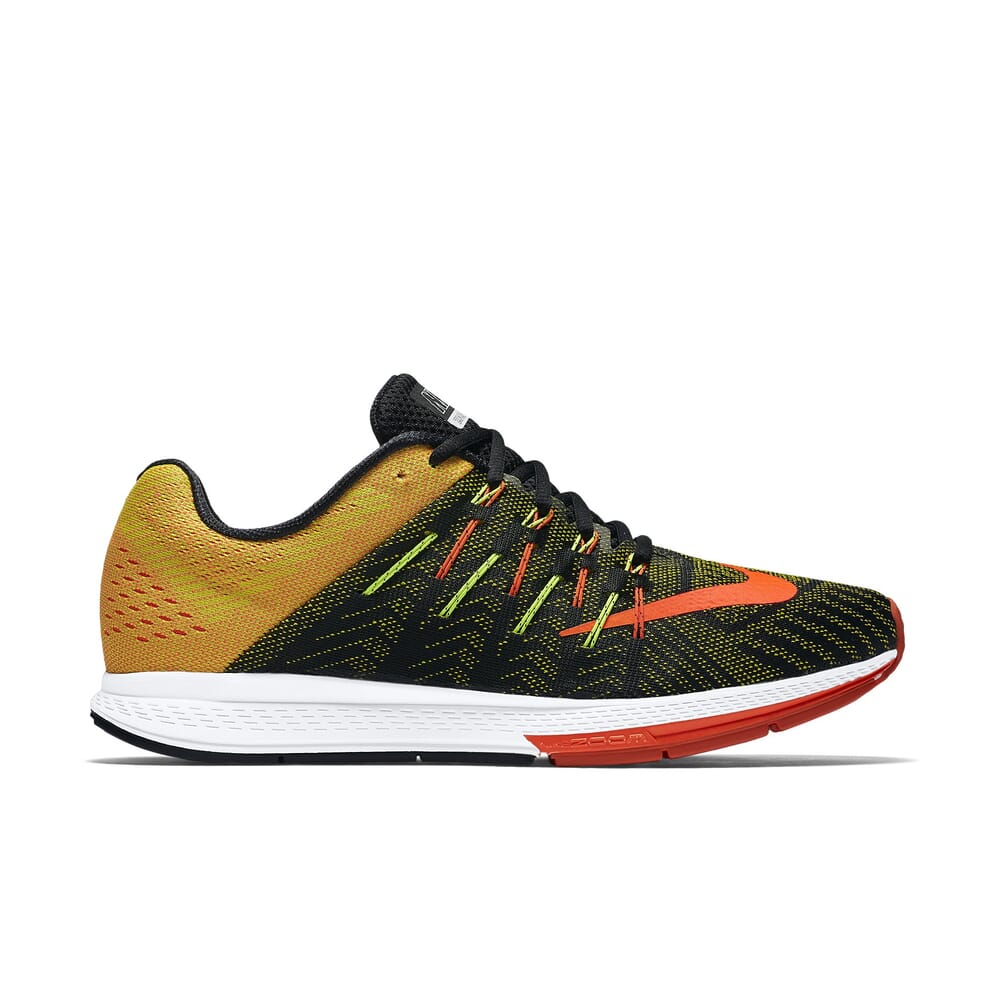
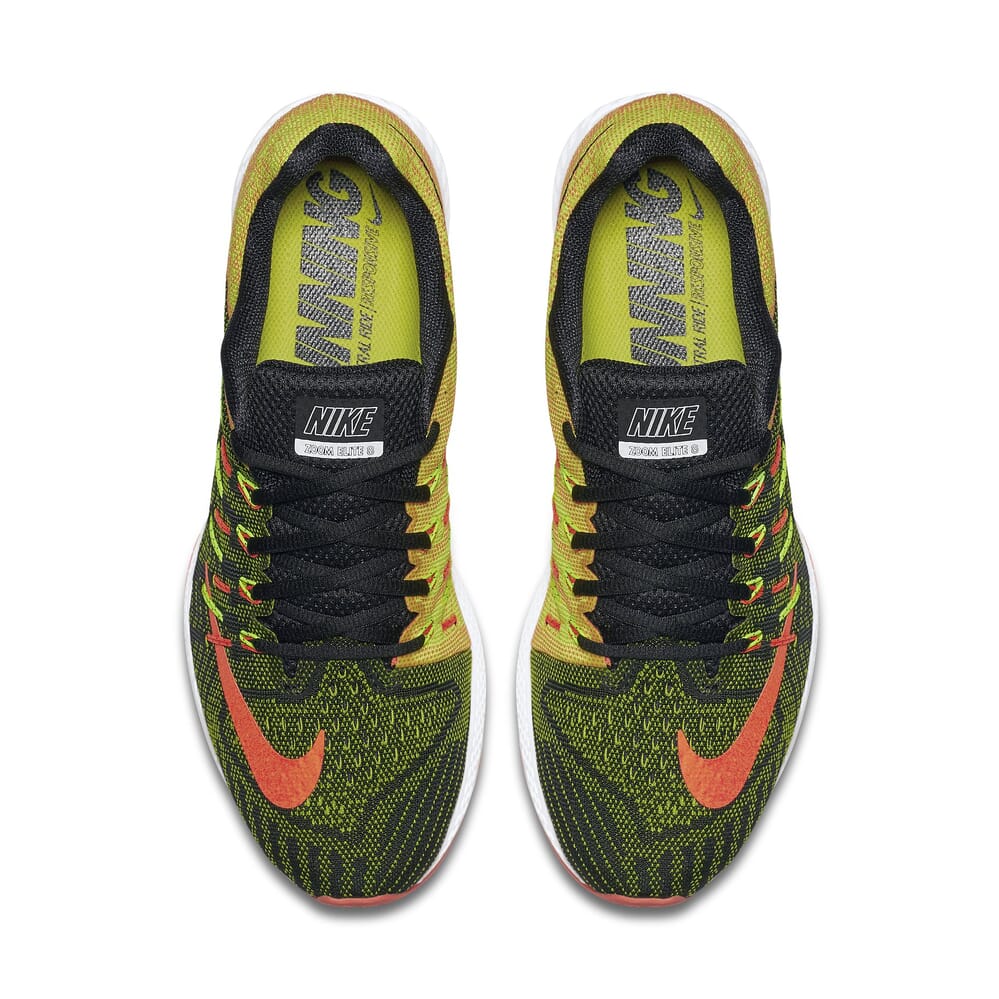
PrestaShop users now receive 2 tools in 1: image zoom & video!
Product videos offer potential customers a clear demonstration of any product. Conveying an incredible amount of information very quickly. Videos are proven to increase likelihood to buy, spend longer on your site and spend more per order.
It's time to stand out from the competition and turn potential customers into actual customers.

- Make sure Magic Zoom is installed on your PrestaShop store.
- Open an existing product or create a new one.
- Click 'Magic Zoom' tab > Enter YouTube and Vimeo video url(s) > Save change.
 Refresh web page > Video(s) appear as thumbnails on product page.
- That's it!

Combine zoom & spin




To zoom some images and spin others on your product page (like the example above), you can install both Magic Zoom and Magic 360.
- Install the Prestashop module for Magic Zoom.
- Install the Prestashop module for Magic 360.
- Create a new product or open an existing one.
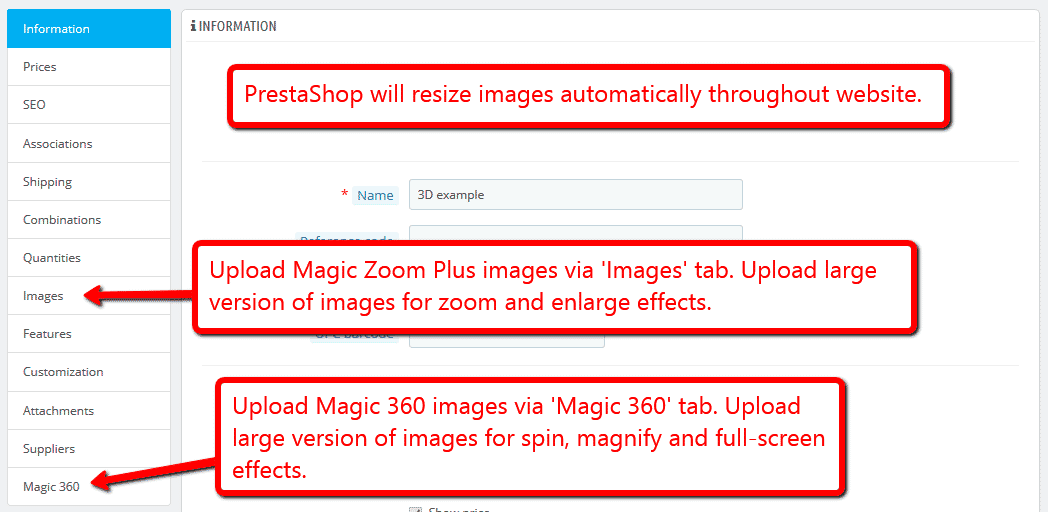
- Upload your zoom and enlarge images via the 'Images' section. Upload your 360 spin images via the 'Magic360' section (screenshot -
 ).
).
Zoom in CMS area
- Go to the module options page Admin > Modules > Modules > Magic Zoom > Configure.
- Go to 'Defaults' tab > General > Include headers on all pages > Click 'tick' > Save settings.
- Go to 'Preferences > CMS'.
- Open existing page or create a new page.
- Scroll down to 'Page content' section > Click 'Source code' button (a pop up box will appear).
Add zooming to any image on your CMS page by referencing the small and large images. Reference your small image with <img> and link it to your big image using the CSS class of "MagicZoom". Your code will look something like this:
<a href="big.jpg" class="MagicZoom"><img src="small.jpg"></a>
- Click 'Ok' > Save changes.
- All HTML code for Magic Zoom settings are described here.
- Troubleshooting - if zoom does not appear and you're using PrestaShop16, please disable: Preferences > General > Use HTMLPurifier Library.
Product attributes







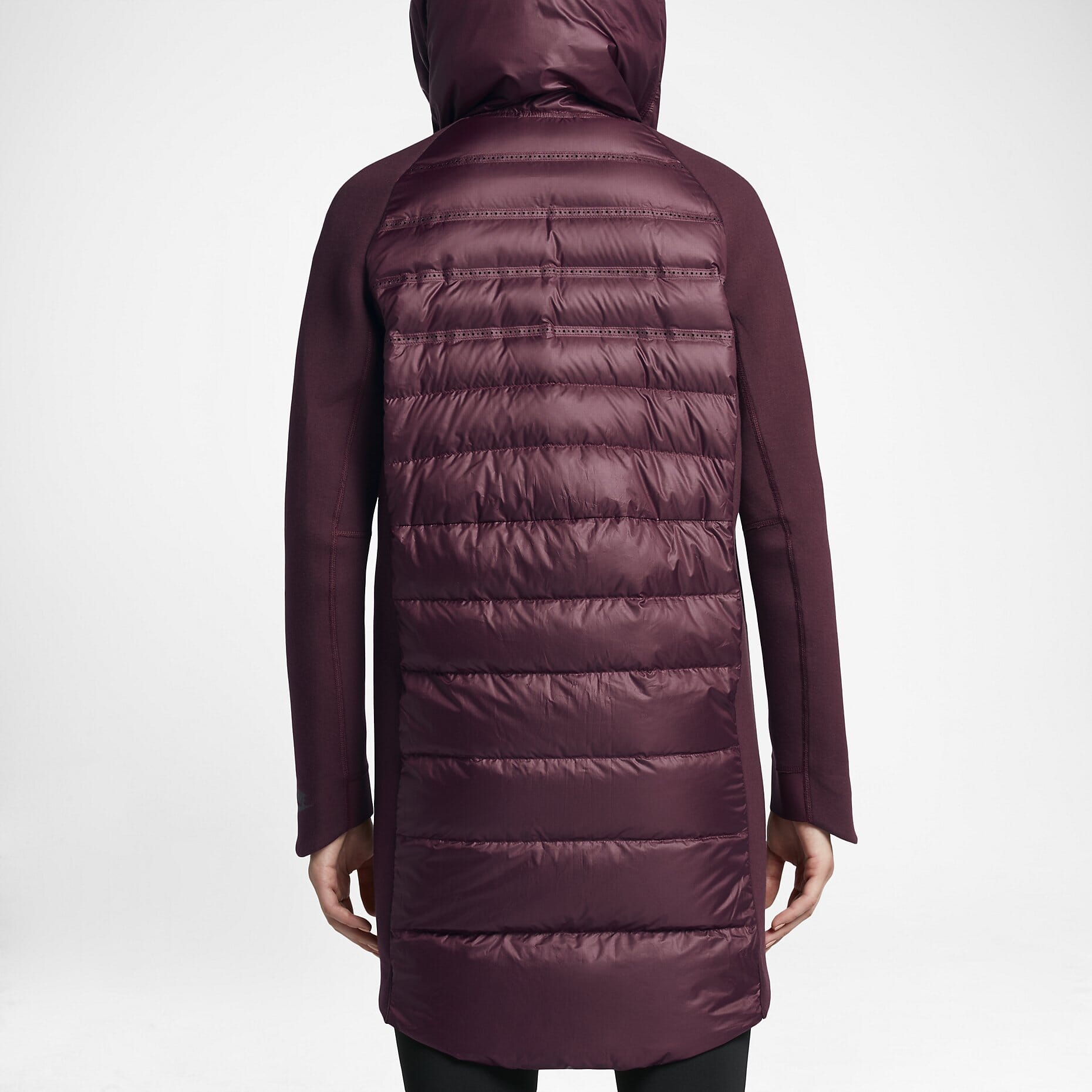










Do your products come in different colours or styles?
Magic Zoom supports PrestaShop product attributes out of the box.
Attributes are configured on a per-product basis. Each option can have multiple images assigned. Our demo example uses 4 images for each attribute.
Whether you choose radio, dropdown menu or swatch thumbnails - product attributes is a perfect way to show customers your product range.
Translate hint text
Customers love reading websites in their own language. If your PrestaShop store is multilingual, use the Translate button at the top of the Magic Zoom settings page to translate your Hint messages.

Live demos


Uninstallation
Thanks for trying Magic Zoom on your PrestaShop site! What did you hope Magic Zoom could do? How can we improve it? Let us know, we're always improving our tools based on customer feedback.
- Deactivate Magic Zoom via the Modules and Services > Module and Services > Other Modules > Uninstall.
- Delete Magic Zoom via the Modules and Services > Module and Services > Other Modules > Delete.
- Magic Zoom is now uninstalled.