




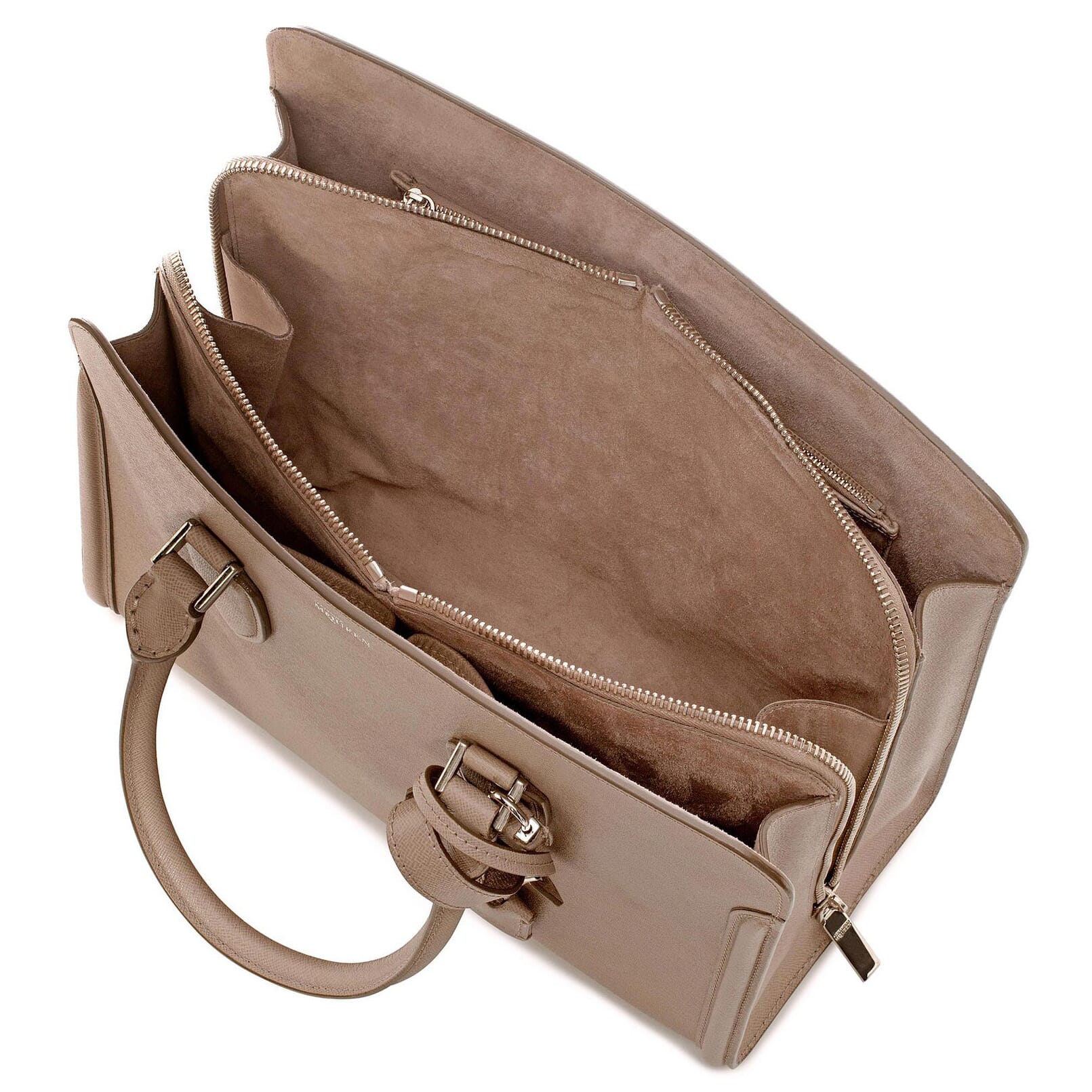
Works on these pages:
- Product details page
- Category page
Image zoom and lightbox effects allow customers to zoom product images on hover; enlarge to full-screen on click.
But are zoom & lightbox effects needed to sell products? A study carried out by jeremysaid.com on Skinner Auctions revealed some interesting results we want to share with you.
63% more visitors viewed products with large zoomable images. What was more impressive was a 329% increase in customers buying. Why? Because the large image offered a detailed view of the product. Close up details give customers confidence. And customers need confidence to buy.
In summary. Big zoomable images = bigger conversions.
Don't miss a chance to earn more - download the free trial of Magic Zoom Plus WP e-Commerce plugin today!
Features you'll love...- Responsive
- Fast
- Built with SEO in mind
- Image caching
- Easy to customise
- Auto image resizing
- Scrollable thumbnails
- Supports all templates
- Watermarked images
- On-demand loading
- Regularly updated
- jQuery compatible
- One-off payment
- Responsive
- Fast
- Built with SEO in mind
- Image caching
- Easy to customise
- Auto image resizing
- Scrollable thumbnails
- Supports all templates
- Watermarked images
- On-demand loading
- Regularly updated
- jQuery compatible
- One-off payment
Live demos

Screenshots
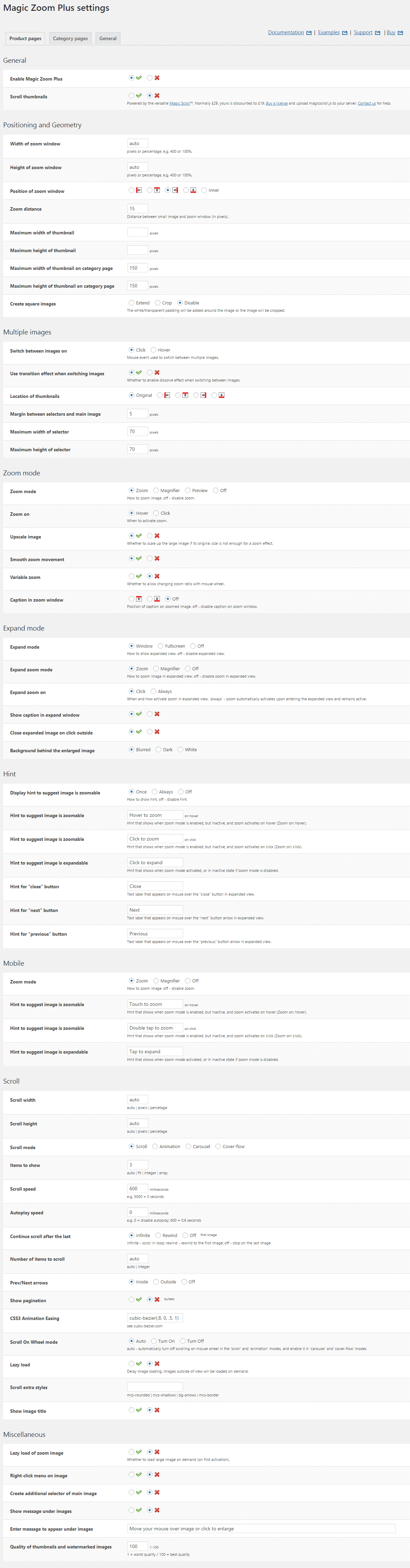
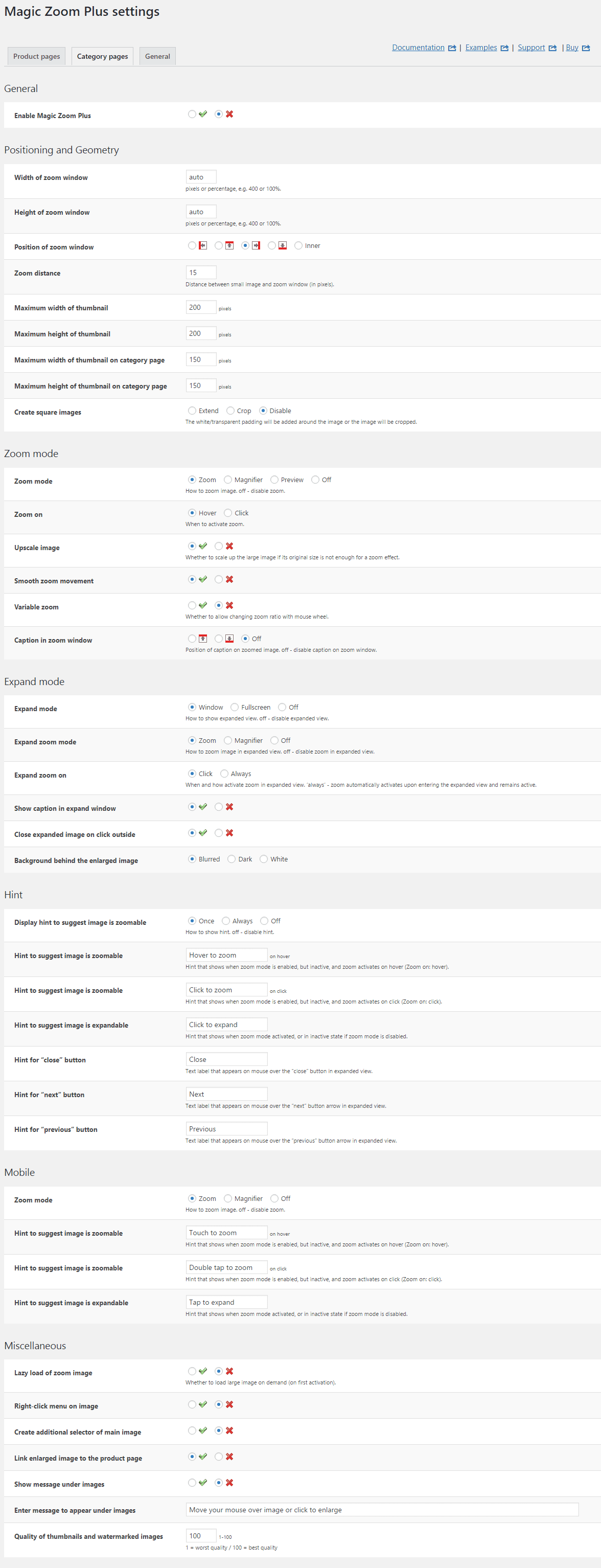
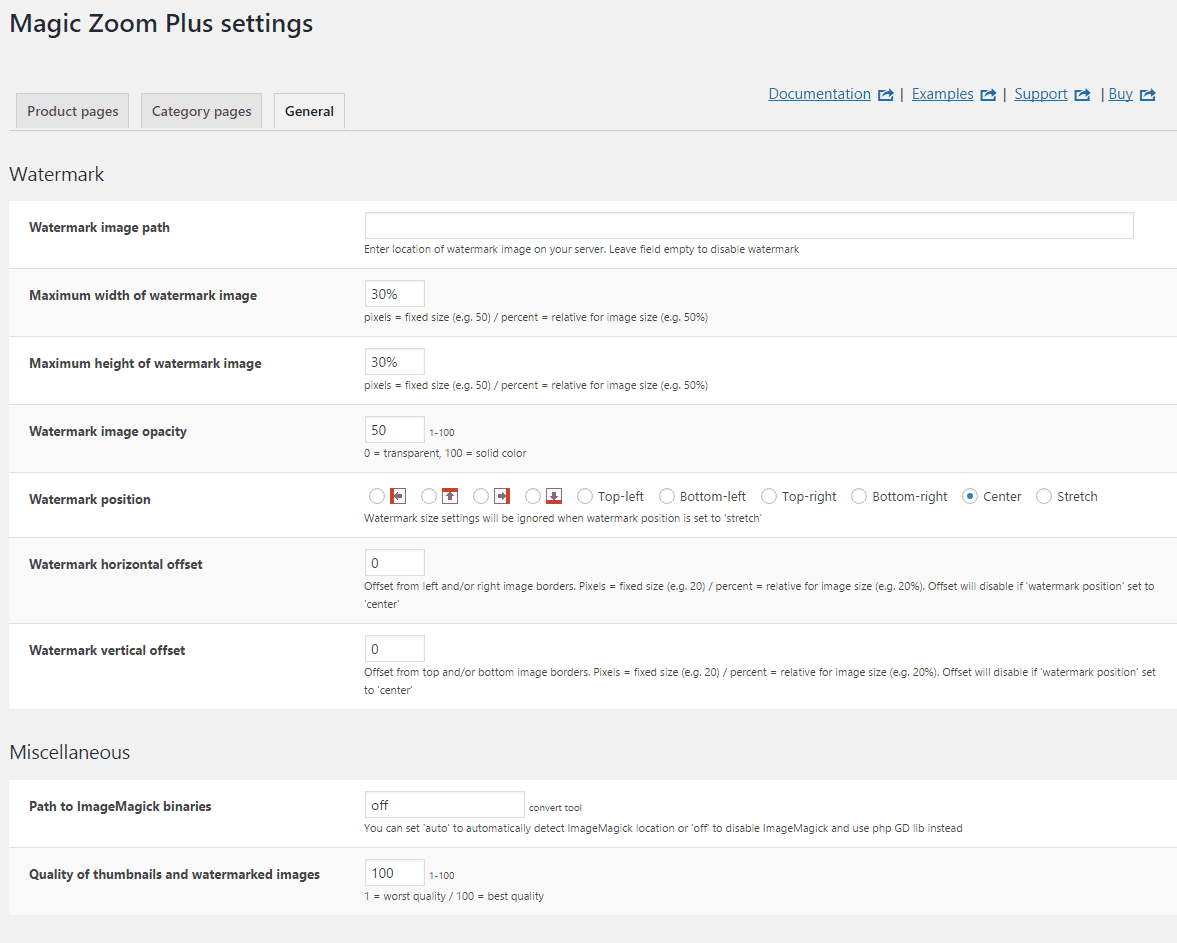
Installation
- Download the Magic Zoom Plus plugin for use with WordPress e-Commerce (free and fully functional demo version).
(If you don't use the WP e-Commerce plugin, please use our standard WordPress plugin for content). -
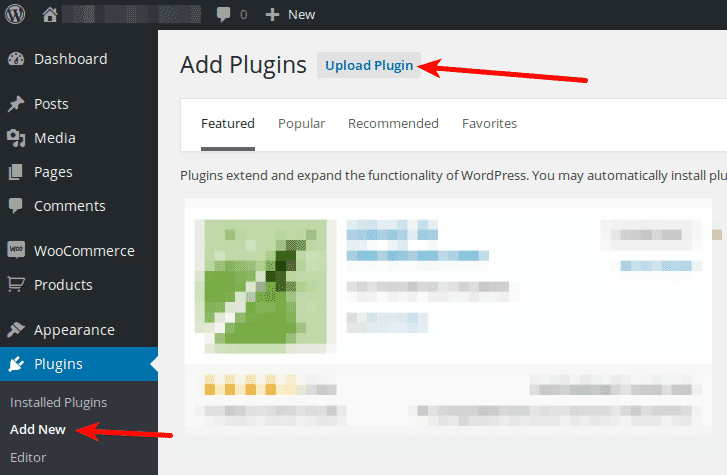
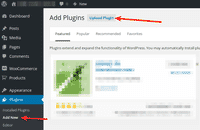 Either upload it via your WordPress admin area. Or unzip the file on your computer and upload the magiczoomplus-wpecommerce folder via FTP to /wp-content/plugins/, keeping the file and folder structure intact.
 - Activate Magic Zoom Plus plugin in the Plugins menu of WordPress.
- The demo version is now installed!
- Buy Magic Zoom Plus To upgrade your free and fully functional trial version of Magic Zoom Plus (which removes the "Trial version" text), buy Magic Zoom Plus and overwrite following file with the same one from your licensed version:
wp-content/plugins/mod_wpecommerce_magiczoomplus/magiczoomplus-wpecommerce/core/magiczoomplus.js
Multiple images
Swapping between many images is already a standard feature in Magic Zoom Plus. But if you have lots of images, the page can look complicated.
Make your thumbnails look slick and organised with Magic Scroll for WP e-Commerce. It neatly contains the images adds arrows to slide between them. Example:









- Simply activate Magic Scroll on the Magic Zoom Plus options page.
- To remove the "Please upgrade" text, buy a license and overwrite the wp-content/plugins/mod_wpecommerce_magiczoomplus/magiczoomplus-wpecommerce/core/magicscroll.js file with that from your licensed version.
Uninstallation
Thanks for trying Magic Zoom Plus on your WP e-Commerce site! What did you hope Magic Zoom Plus could do? How can we improve it? Let us know, we're always improving our tools based on customer feedback.
- Go to the Plugins menu of WordPress > 'Magic Zoom Plus for WP e-Commerce' plugin > Click 'Deactivate'.
- Once page has refreshed, go back to 'Magic Zoom Plus for WP e-Commerce' plugin > Click 'Delete' > Click 'Yes, delete these files'.
- Magic Zoom Plus is now uninstalled.
FAQ
Does Magic Zoom Plus support retina screens?
Yes! Retina images are served for all your products. Your WP e-Commerce customers will enjoy the high-def quality.
Customer reviews
Submit your review
Your review has been received and will be posted soon.
Other WP e-Commerce plugins
Try our other great image effects!
 Magic Zoom
 Magic Thumb
 Magic 360
This plugin was built for use with Dan Milward's popular WordPress e-Commerce plugin, which turns WordPress into an ecommerce platform.