
extensions
Maximise your redSHOP store sales
Delight your customers with 4 of the best redSHOP components. Perfect for online stores needing to boost conversions and user experience.
Your products will look stunning with this range of image zoom, enlarge and 360 product spin tools. Easy to install, they instantly bring redSHOP websites to life, inspiring shoppers with confidence.
Try the 4 redSHOP components below and download the free trial for your store.
     | |
Magic Zoom Plus for redSHOP
Complete customisation at your fingertips.
- Touchscreen swipe to swap images and double tap to zoom.
- Professional design to make your products look magnificent.
- redSHOP 3
- redSHOP 2
- redSHOP 1.x.x
98% of shoppers say its their favourite zoom
Product details page
Manual install elsewhere
Swipe gestures
SEO friendly
Responsive
Zoom on click
Regularly updated
jQuery compatible
One-off payment
Friendly support
- Download the Magic Zoom Plus component for redSHOP (free and fully functional demo version).
- In Upload Package File, select the zip file that you just downloaded and click Upload File and Install.
- Open the page Components > Magic Zoom Plus to customize Magic Zoom Plus as you wish.
- It is ready to use

-
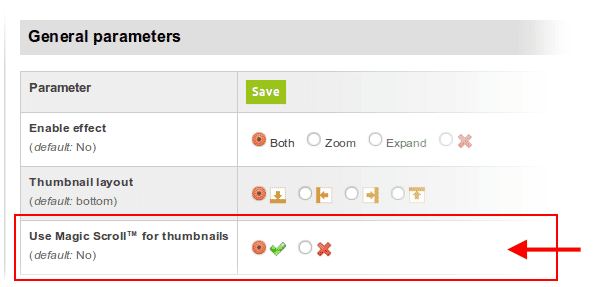
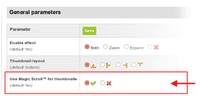 Activate Magic Scroll to enjoy organised thumbnails on your product page: Components > Magic Zoom Plus > Use Magic Scroll™ for thumbnails > Select 'tick' > Click 'Save'.
 - Buy Magic Zoom Plus To upgrade your free and fully functional trial version of Magic Zoom Plus (which removes the "Trial version" text), buy Magic Zoom Plus and overwrite following file with the same one from your licensed version:
/modules/mod_redshop_magiczoomplus/core/magiczoomplus.js
Customize effect
Customize Magic Zoom Plus to your hearts content. Get inspiration from these examples and refer to the customization guide to see all the options available such as dimensions, fade-in/out, background color, speed, smoothing, effects and hover/click image swapping.
To change the colors, fonts and other styles, edit the CSS file located here:
/modules/mod_redshop_magiczoomplus/core/magiczoomplus.css
Module position
If you don't see Magic Zoom Plus component working, please change the module position here: Administrator > Extensions > Modules manager > Magic Zoom Plus module for redSHOP. If it still does not work, you may have an incompatible template. Please send us your FTP access details and login/password for your Joomla back-end and we will help you.
Multiple images
Swapping between many images is already a standard feature in Magic Zoom Plus. But if you have lots of images, the page can look complicated.
Make your thumbnails look slick and organised with Magic Scroll for redSHOP. It neatly contains the images adds arrows to slide between them. Example:









- Simply activate Magic Scroll on the Magic Zoom Plus options page.
- To remove the "Please upgrade" text, buy a license and overwrite the /modules/mod_redshop_magiczoomplus/core/magicscroll.js file with that from your licensed version.
Product attributes






Do your products come in different colours or styles?
Magic Zoom Plus supports redSHOP product attributes out of the box.
Show customers a different image for each option.
Using attributes keeps your page clutter free, at the same time displaying all your wares.
Thanks for trying Magic Zoom Plus on your redSHOP site! What did you hope Magic Zoom Plus could do? How can we improve it? Let us know, we're always improving our tools based on customer feedback.
- Go to: Extensions > Plugin Manager > Disable plugin.
- Go to: Extensions > Extension Manager > Manage > Add tick in box next Magic Zoom Plus for redSHOP > Click 'Uninstall'.
- Magic Zoom Plus is now uninstalled.



Magic Zoom Plus for redSHOP
   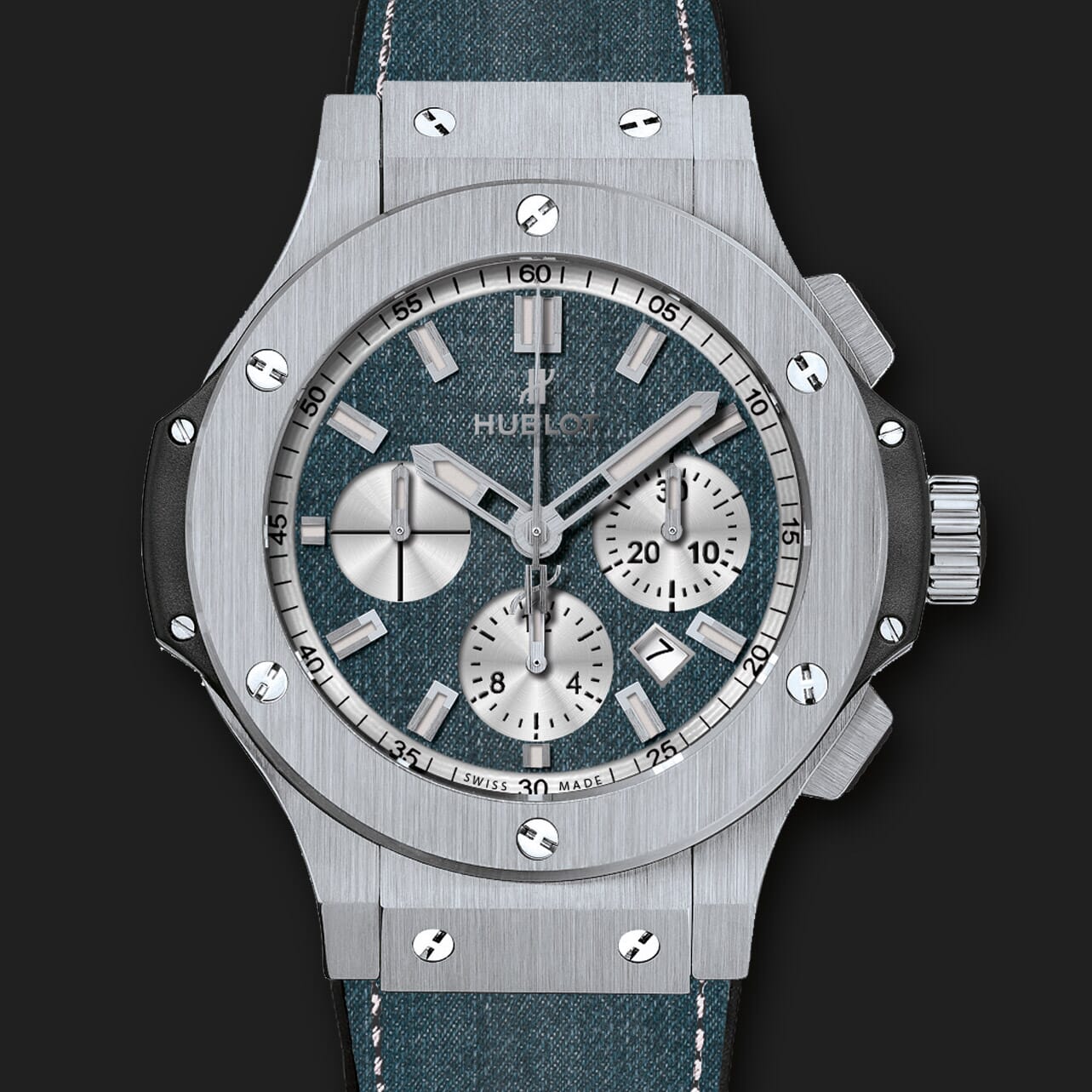 | |
Magic Zoom for redSHOP
Beautiful, responsive image zoom for redSHOP.
- Use mobile gestures for easy image switching on phones and tablets.
- Easily customized to match the style of your store.
- redSHOP 3
- redSHOP 2
- redSHOP 1.x.x
93% of users say it boosted their sales
Product details page
Manual install elsewhere
Responsive
Fast loading
SEO friendly
Easy to customise
Switchable thumbnails
Friendly support
One-off payment
Regularly updated
jQuery compatible
On-demand loading
Optimised for mobile
- Download the Magic Zoom component for redSHOP (free and fully functional demo version).
- In Upload Package File, select the zip file that you just downloaded and click Upload File and Install.
- Open the page Components > Magic Zoom to customize Magic Zoom as you wish.
- It is ready to use
- Activate Magic Scroll to enjoy organised thumbnails on your product page: Components > Magic Zoom > Use Magic Scroll™ for thumbnails > Select 'tick' > Click 'Save'.
- Buy Magic Zoom To upgrade your free and fully functional trial version of Magic Zoom (which removes the "Trial version" text), buy Magic Zoom and overwrite following file with the same one from your licensed version:
/modules/mod_redshop_magiczoom/core/magiczoom.js
Customize effect
To customize colors and borders, edit the magiczoom.css file located in /modules/mod_redshop_magiczoom/core/magiczoom.css. Also, look at the customization guide.
Module position
If you don't see Magic Zoom component working, please change the module position here: Administrator > Extensions > Modules manager > Magic Zoom module for redSHOP. If it still does not work, you may have an incompatible template. Please send us your FTP access details and login/password for your Joomla back-end and we will help you.
Multiple images
Swapping between many images is already a standard feature in Magic Zoom. But if you have lots of images, the page can look complicated.
Make your thumbnails look slick and organised with Magic Scroll for redSHOP. It neatly contains the images adds arrows to slide between them. Example:
- Simply activate Magic Scroll on the Magic Zoom options page.
- To remove the "Please upgrade" text, buy a license and overwrite the /modules/mod_redshop_magiczoomplus/core/magicscroll.js file with that from your licensed version.
Product attributes
Do your products come in different colours or styles?
Magic Zoom supports redSHOP product attributes out of the box.
Show customers a different image for each option.
Using attributes keeps your page clutter free, at the same time displaying all your wares.
Thanks for trying Magic Zoom on your redSHOP site! What did you hope Magic Zoom could do? How can we improve it? Let us know, we're always improving our tools based on customer feedback.
- Go to: Extensions > Plugin Manager > Disable plugin.
- Go to: Extensions > Extension Manager > Manage > Add tick in box next Magic Zoom for redSHOP > Click 'Uninstall'.
- Magic Zoom is now uninstalled.



Magic Zoom for redSHOP

Magic 360 for redSHOP
Spin images round to show them from all angles
- Photograph products yourself or hire a pro
- Outstanding mobile experience - almost like real life.
- redSHOP 3
- redSHOP 2
- redSHOP 1.x.x
98% of shoppers say it influenced their purchase
Product details page
Manual install elsewhere
360 spins (1 row)
3D spins (many rows)
Swipe gestures
SEO friendly
Responsive
Zoom on click
Regularly updated
jQuery compatible
One-off payment
Friendly support
Important: Normal product images will not show when 360 spin displays on product page.
- Download the Magic 360 component for redSHOP (free and fully functional demo version).
- In Upload Package File, select the zip file that you just downloaded and click Upload File and Install.
- Open the page Components > Magic 360 to customize Magic 360 as you wish.
- It is ready to use
- Buy Magic 360 To upgrade your free and fully functional trial version of Magic 360 (which removes the "Trial version" text), buy Magic 360 and overwrite following file with the same one from your licensed version:
/modules/mod_redshop_magic360/core/magic360.js
Setup a 360 spin
To setup a 360 spin, upload your set of 360 images to your product in your redSHOP admin.
On the component settings page, choose which products should have the Magic 360 effect by modifying following parameters:
- Number of images on X-axis - Number of images in the spin set e.g. 18 or 36 (0 = disabled)
- Product IDs - Choose which products have 360 images, comma separated e.g. 1,4,5,12,14 (all = all products)
Module position
If you don't see Magic 360 component working, please change the module position here: Administrator > Extensions > Modules manager > Magic 360 module for redSHOP. If it still does not work, you may have an incompatible template. Please send us your FTP access details and login/password for your Joomla back-end and we will help you.
Thanks for trying Magic 360 on your redSHOP site! What did you hope Magic 360 could do? How can we improve it? Let us know, we're always improving our tools based on customer feedback.
- Go to: Extensions > Plugin Manager > Disable plugin.
- Go to: Extensions > Extension Manager > Manage > Add tick in box next Magic 360 for redSHOP > Click 'Uninstall'.
- Magic 360 is now uninstalled.
FAQ
What is a 360 product viewer?
A 360 product viewer takes a set of 360 degree images and merges them together on a web page. This creates an interactive spin which visitors can move left and right to see every angle of the item. (If your 360 photography was also taken on Rows, your 360 spin will move up and down too.)


Magic 360 for redSHOP
  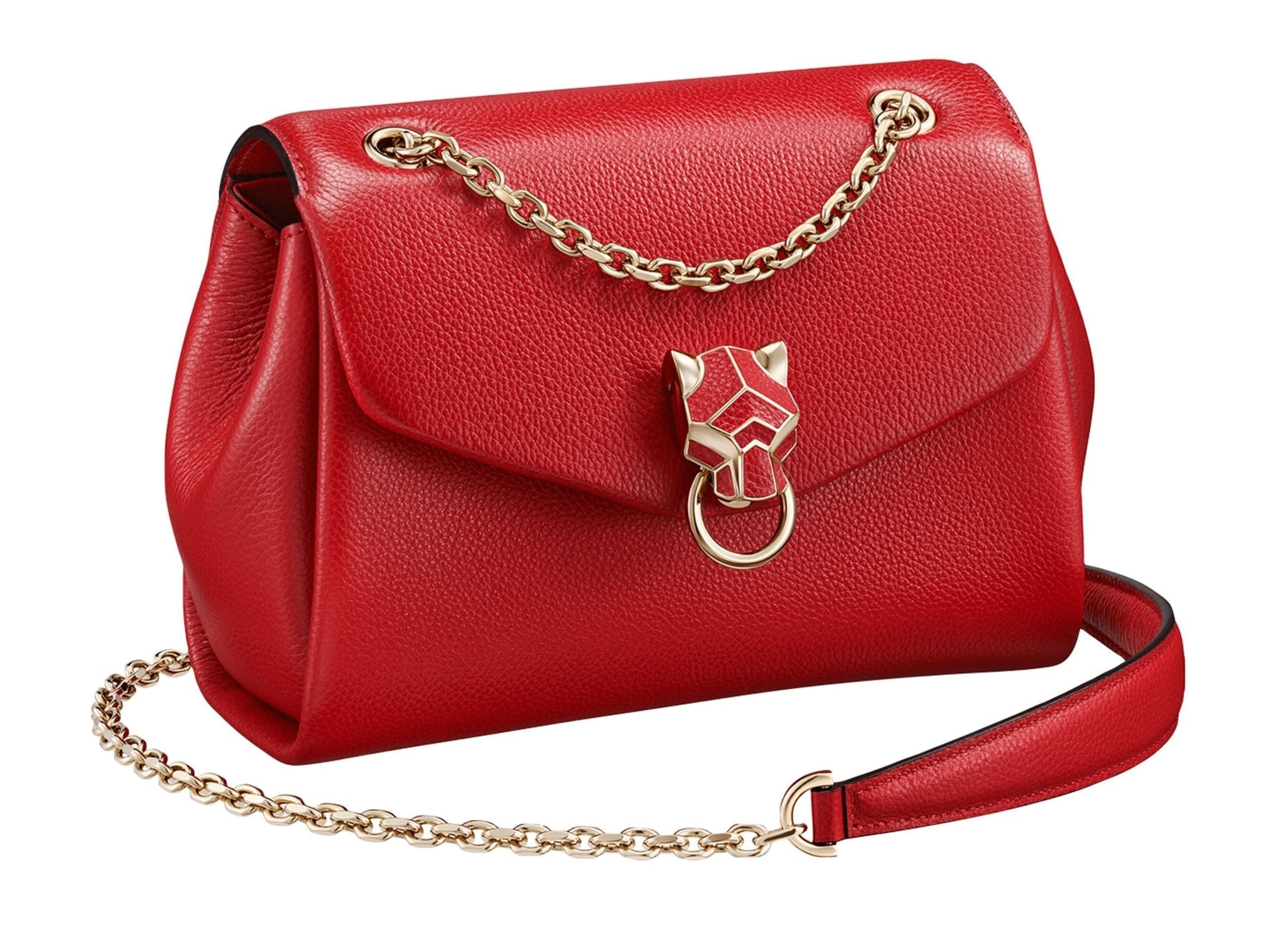  | |
Magic Thumb for redSHOP
Glorious full-screen image lightbox for RedShop.
- 45,544 happy users can't be wrong
- Change the buttons, effects, borders, captions and more.
- redSHOP 3
- redSHOP 2
- redSHOP 1.x.x
92% of users say its the best image lightbox
Product details page
Manual install elsewhere
Responsive
Fast loading
SEO friendly
Lazy loading
Supports video
Friendly support
One-off payment
Regularly updated
jQuery compatible
Swappable thumbnails
- Download the Magic Thumb component for redSHOP (free and fully functional demo version).
- In Upload Package File, select the zip file that you just downloaded and click Upload File and Install.
- Open the page Components > Magic Thumb to customize Magic Thumb as you wish.
- It is ready to use
- Activate Magic Scroll to enjoy organised thumbnails on your product page: Components > Magic Thumb > Use Magic Scroll™ for thumbnails > Select 'tick' > Click 'Save'.
- Buy Magic Thumb To upgrade your free and fully functional trial version of Magic Thumb (which removes the "Trial version" text), buy Magic Thumb and overwrite following file with the same one from your licensed version:
/modules/mod_redshop_magicthumb/core/magicthumb.js
Module position
If you don't see Magic Thumb component working, please change the module position here: Administrator > Extensions > Modules manager > Magic Thumb module for redSHOP. If it still does not work, you may have an incompatible template. Please send us your FTP access details and login/password for your Joomla back-end and we will help you.
Multiple images
Swapping between many images is already a standard feature in Magic Thumb. But if you have lots of images, the page can look complicated.
Make your thumbnails look slick and organised with Magic Scroll for redSHOP. It neatly contains the images adds arrows to slide between them. Example:
- Simply activate Magic Scroll on the Magic Thumb options page.
- To remove the "Please upgrade" text, buy a license and overwrite the /modules/mod_redshop_magiczoomplus/core/magicscroll.js file with that from your licensed version.
Product attributes
Do your products come in different colours or styles?
Magic Thumb supports redSHOP product attributes out of the box.
Show customers a different image for each option.
Using attributes keeps your page clutter free, at the same time displaying all your wares.
Thanks for trying Magic Thumb on your redSHOP site! What did you hope Magic Thumb could do? How can we improve it? Let us know, we're always improving our tools based on customer feedback.
- Go to: Extensions > Plugin Manager > Disable plugin.
- Go to: Extensions > Extension Manager > Manage > Add tick in box next Magic Thumb for redSHOP > Click 'Uninstall'.
- Magic Thumb is now uninstalled.

Magic Thumb for redSHOP
About
These instructions are for redSHOP. Use them to add effects to your website including image zoom on hover/mouseover; image lightbox (enlarge image to full screen); and image magnifiers.
Changelog
- v1.7.6
Added redShop 3.0 support.
March 10, 2020
- v1.7.5
Removed 'Caption source' option.
June 7, 2018
- v1.7
Added support for Magic Scroll v2. Added support for Magic Slideshow v3. Added support for Magic Zoom Plus v5.
March 31, 2015
- v1.6
Added support for Joomla version 3.x * Code improved.
March 24, 2015
- v1.5
Added support for Magic Slideshow v2.
December 12, 2013
- v1.2
Added attributes support
June 10, 2011
- v1.1
Added MagicScroll for selectors
June 2, 2011
- v1.0
Cloned from VM module
May 24, 2011