
Protect your images by adding a watermark to them.
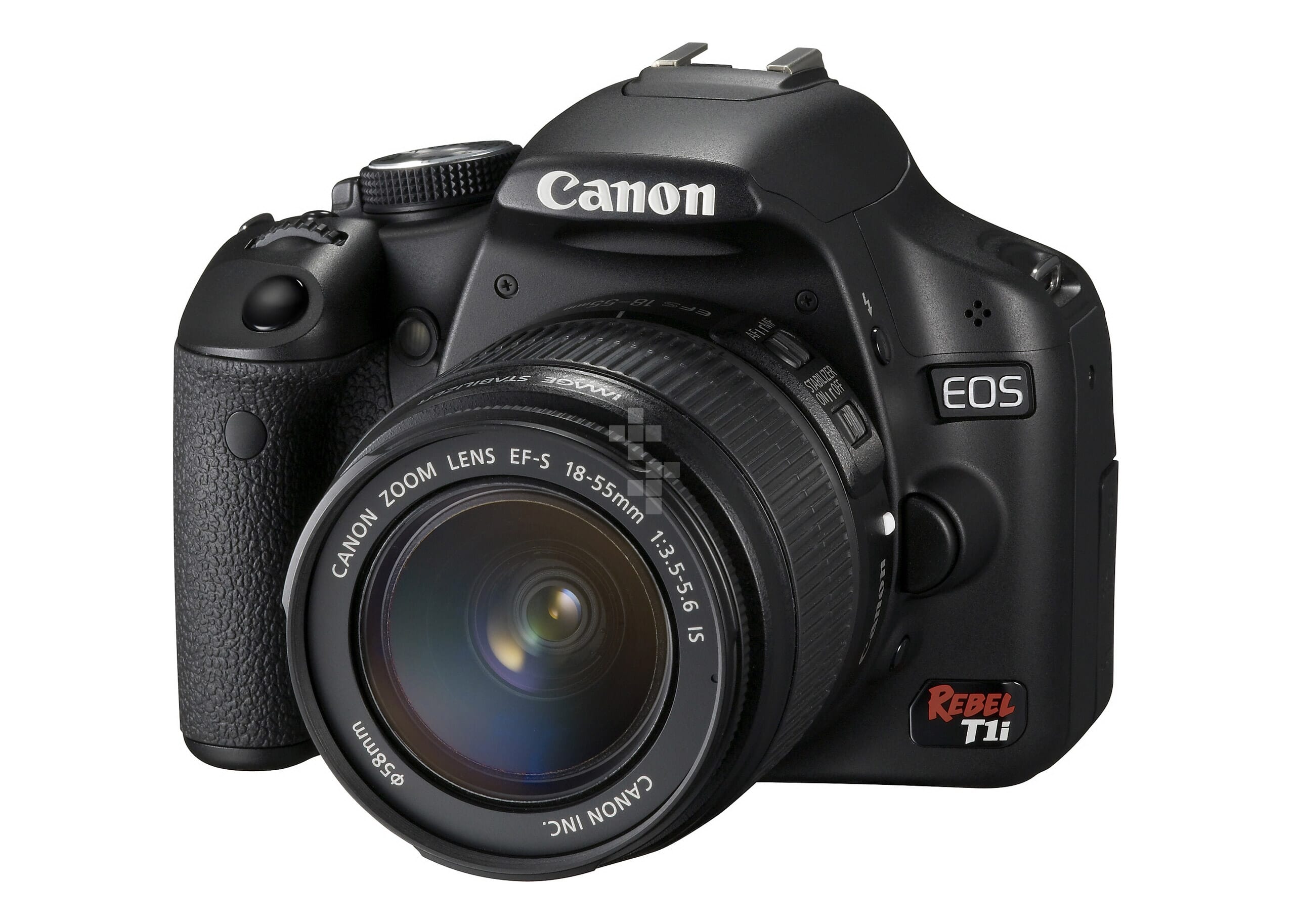
This example shows a watermark on both the standard image and also the full screen image (click the  icon). By default, it only shows on the fullscreen image.
You can choose the design of the watermark - just create a PNG with transparency. We recommend using grey and keeping it discreet so that it is not too intrusive. You can adjust the transparency easily with the watermark-alpha parameter.
There are four parameters for customising the watermark:
<script>
 MagicTouch.options = {
'watermark' : 'http://www.example.com/watermark.png',
'watermark-alpha' : 10,
'watermark-normal' : 0,
'watermark-fullscreen' : 1
 }
</script>
Extra protection
The watermark does not provide complete protection - your large image location is easily found in the source code of your page.
For greater protection, you can use HTTP Basic Authentication to protect your large images with a password:
Create a .htaccess file, for example:
AuthType Basic
AuthName "MagicTouch Protected Area"
AuthUserFile /path/to/.htpasswd
Require valid-user
Create a .htpasswd file with the htpasswd system utility (this comes with Apache), for example:
# htpasswd -c /path/to/.htpasswd magictouch
New password: mypassword
Re-type new password: mypassword
Adding password for user magictouch
- Enter the username/password in your Magic Touch™ control panel.
Contact us if you would like help with this.