
Works on these pages:
Features you'll love...
Screenshots


Installation
- Download the component for VirtueMart 1.x.x or VirtueMart 2.x/3.x/4.x (no longer available to new customers)
- Go to Extensions > Manage. In Upload Package File, select the zip file that you just downloaded and click Upload File and Install.
- Open the page Components > to customize as you wish. On the same page enter your Magic Touch key. To get your ID, login to your Magic Touch™ account.
- It is ready to use

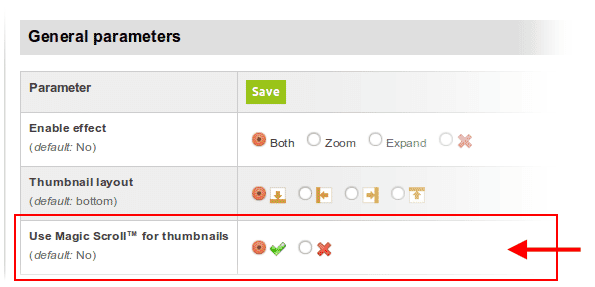
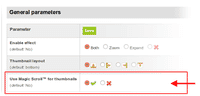 Activate Magic Scroll™ to enjoy organised thumbnails on your product page: Components > > Use Magic Scroll™ for thumbnails > Select 'tick' > Save changes.
- Buy To upgrade your free and fully functional trial version of (which removes the "Trial version" text), buy and overwrite following file with the same one from your licensed version:
media/plg_system_vm/.js
Module position
If you don't see component for VirtueMart working, please change the module position here: Administrator > Extensions > Modules manager > module for VirtueMart. If it still does not work, you may have an incompatible template. Please send us your FTP access details and login/password for your Joomla back-end and we will help you.
Multiple images
Swapping between many images is already a standard feature in . But if you have lots of images, the page can look complicated.
Make your thumbnails look slick and organised with Magic Scroll for VirtueMart. It neatly contains the images adds arrows to slide between them. Example:









- Simply activate Magic Scroll on the options page.
- To remove the "Please upgrade" text, buy a license and overwrite the /modules/mod_virtuemart_magiczoomplus/core/magicscroll.js file with that from your licensed version.
Product attributes

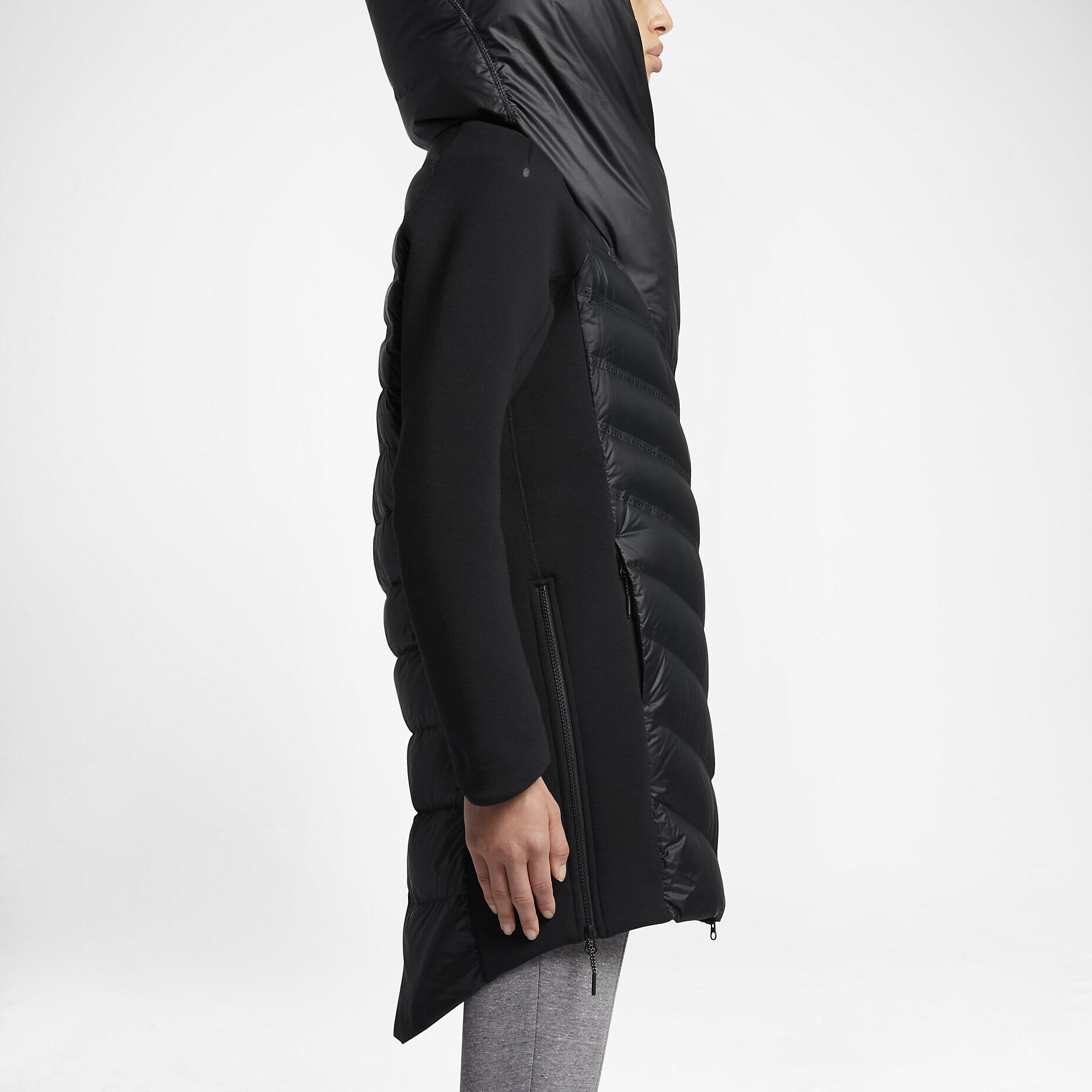


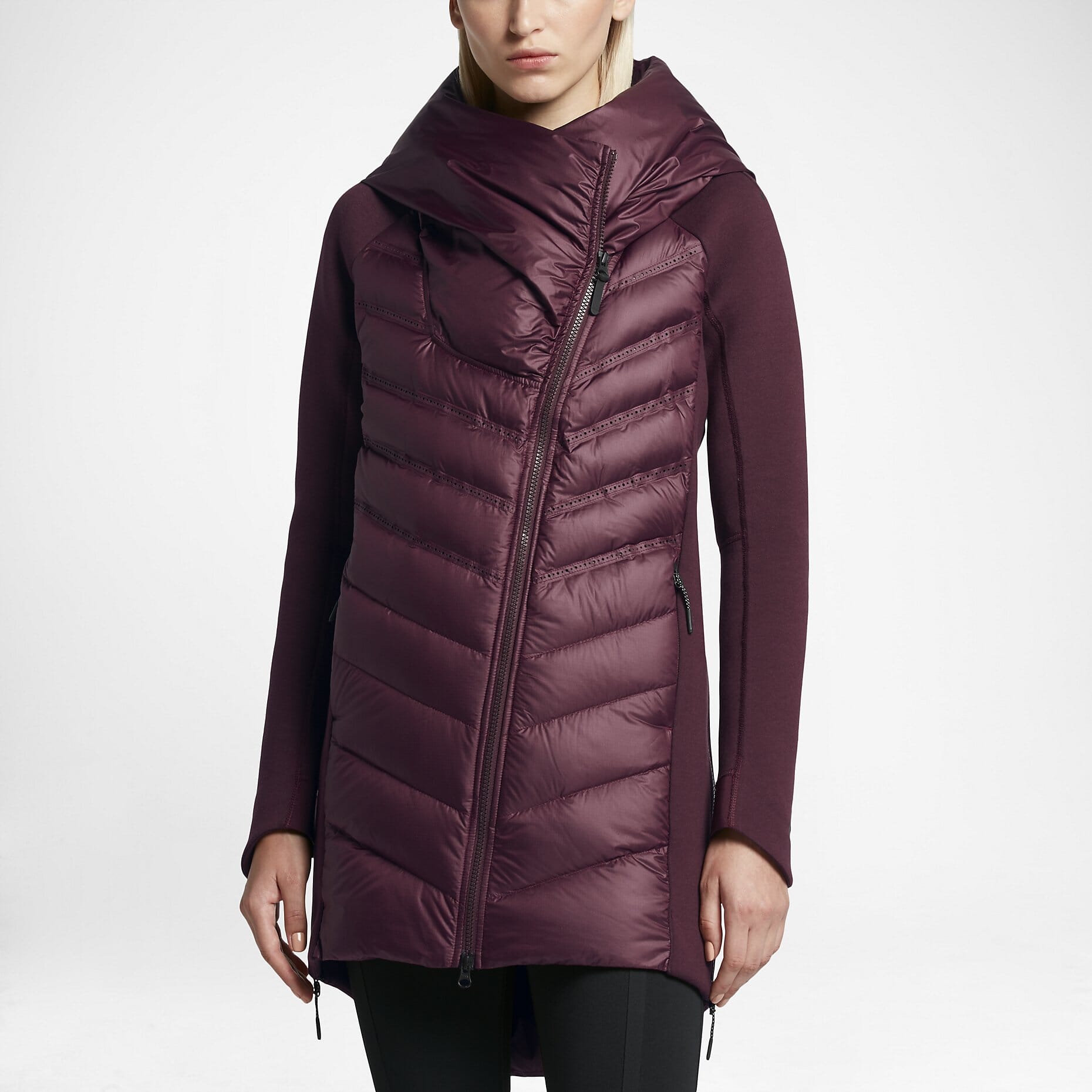

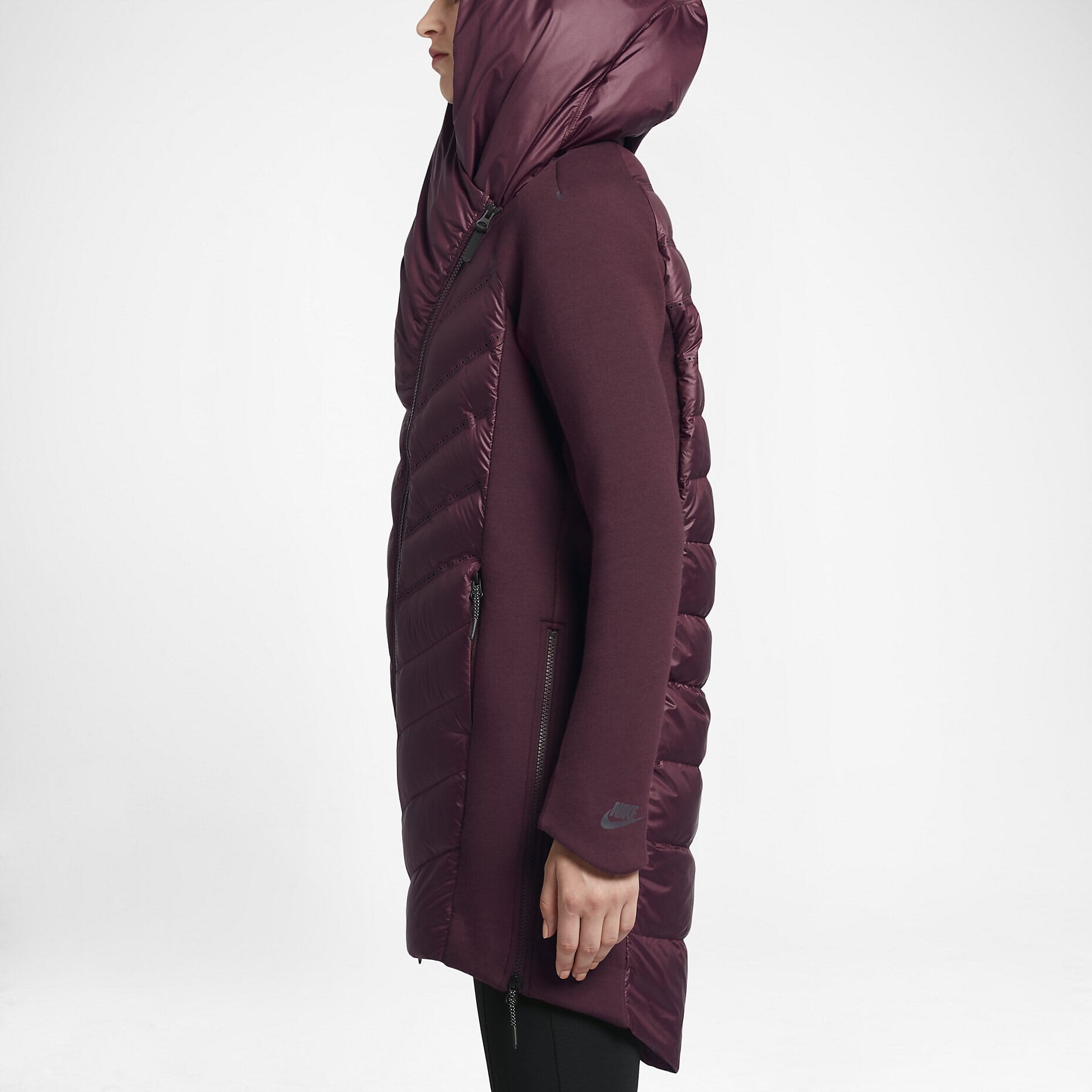
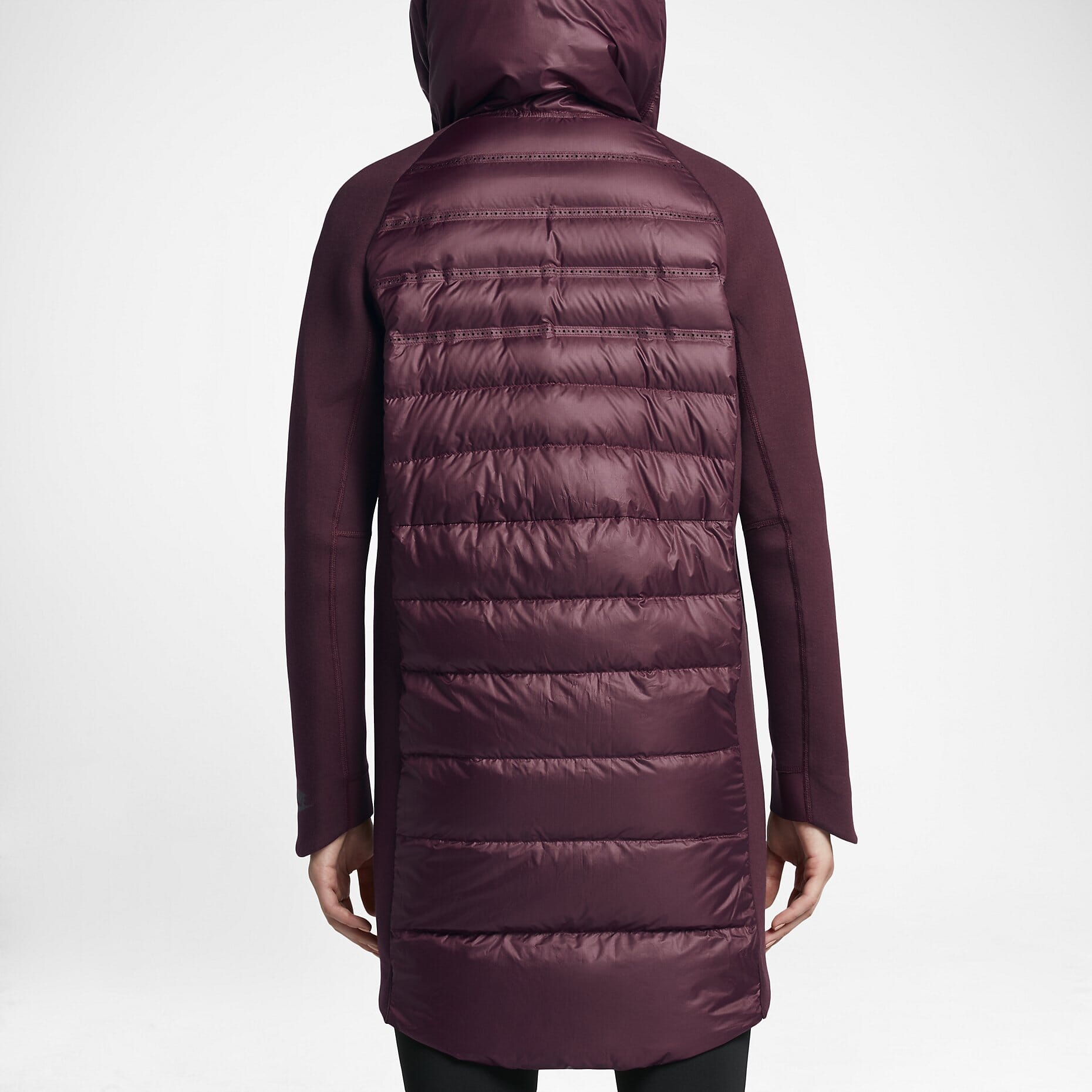





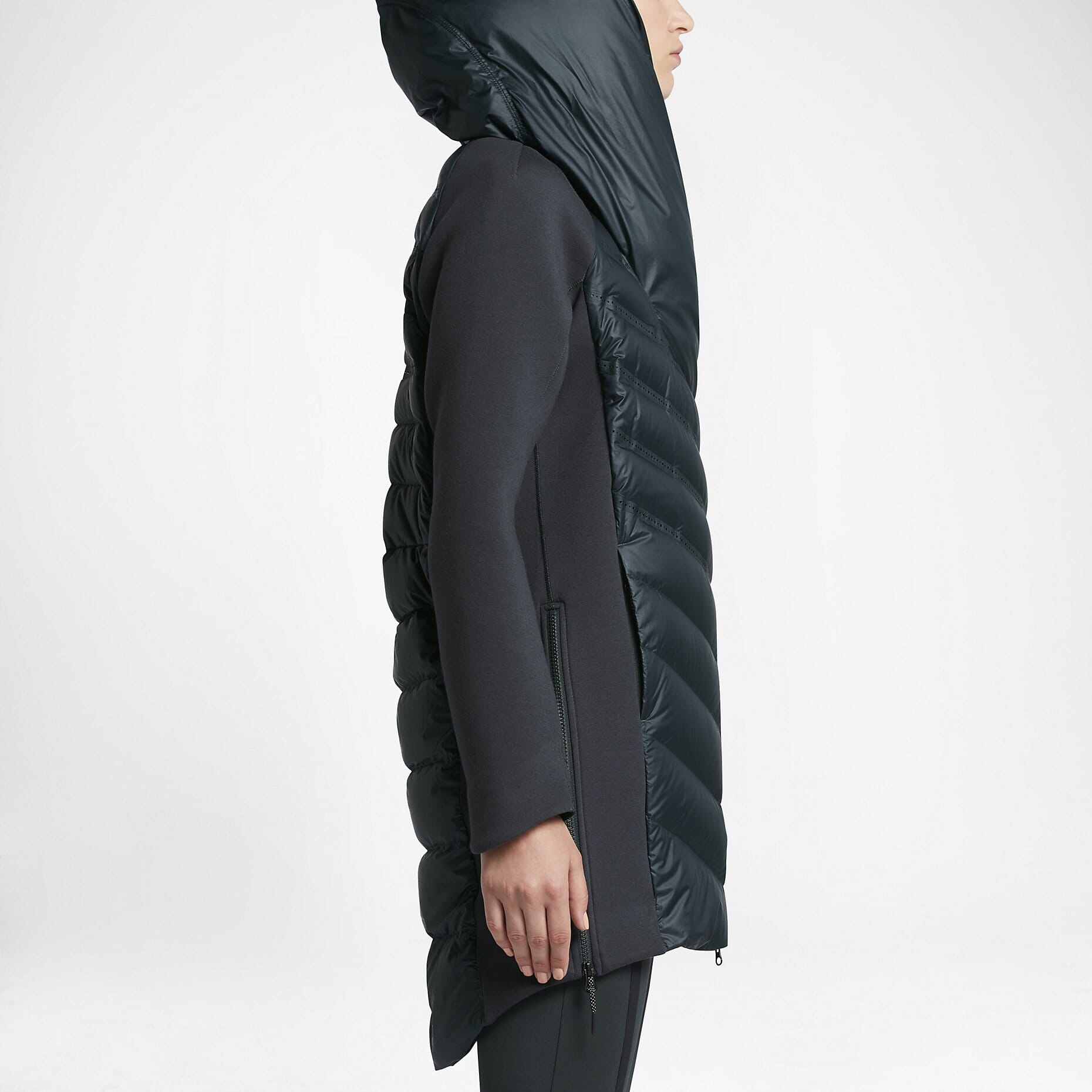

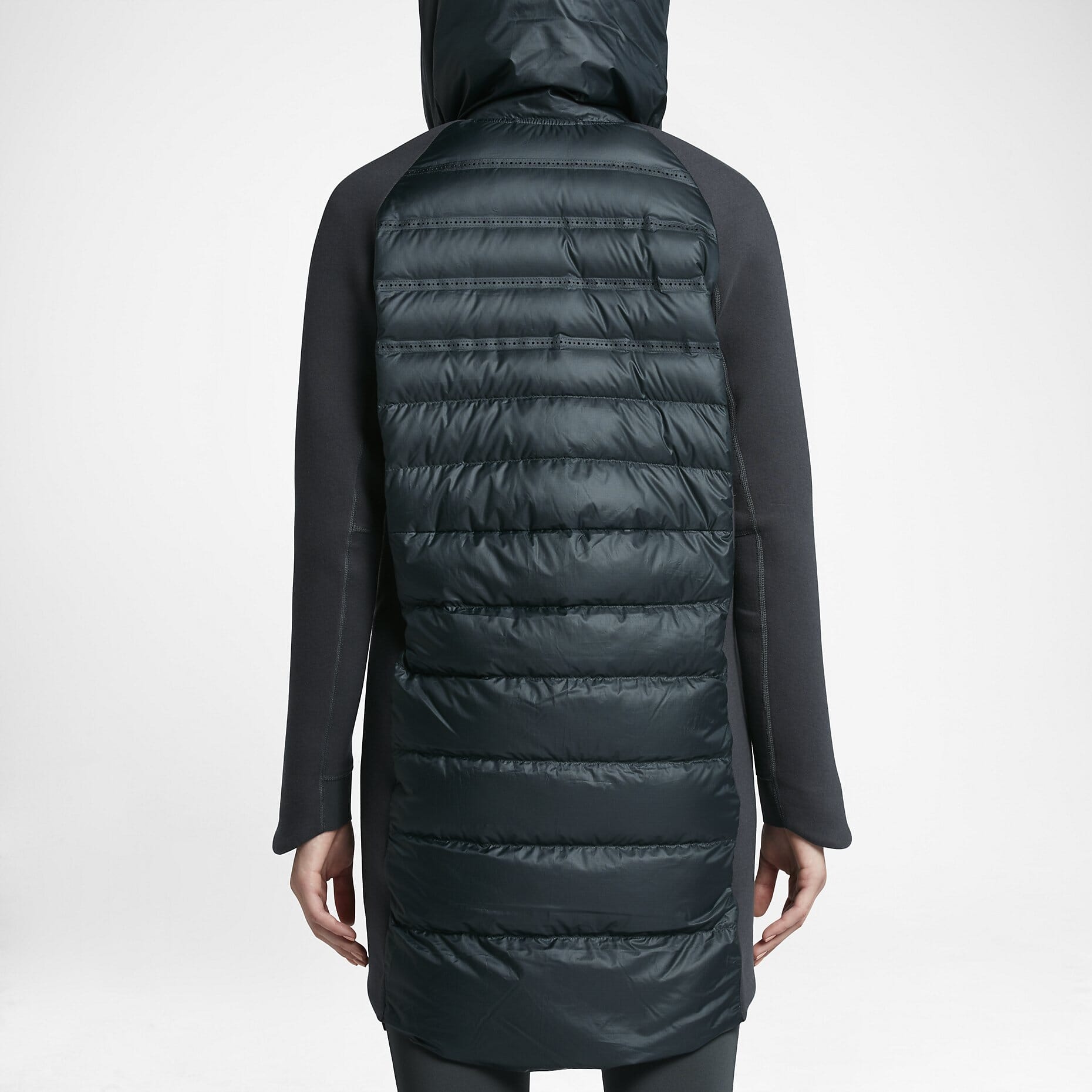


Do your products come in different colours or styles?
works with VirtueMart product attributes out of the box.
Each product may have "child" products each with different images.
When your customers select a child product, the gallery updates to reveal specific images.
Whether you choose radio, dropdown menu or swatch thumbnails - product attributes is a perfect way to show customers your product range.
Uninstallation
Thanks for trying on your VirtueMart site! What did you hope could do? How can we improve it? Let us know, we're always improving our tools based on customer feedback.
- Go to: Extensions > Plugin Manager > Disable plugin.
- Go to: Extensions > Extension Manager > Manage > Add tick in box next for VirtueMart > Click 'Uninstall'.
- is now uninstalled.
Customer reviews
Submit your review
Your review has been received and will be posted soon.
Other VirtueMart components
Try our other great image effects!
 Magic Zoom
 Magic Zoom Plus
 Magic Thumb
 Magic 360
 Magic Slideshow
 Magic Scroll