
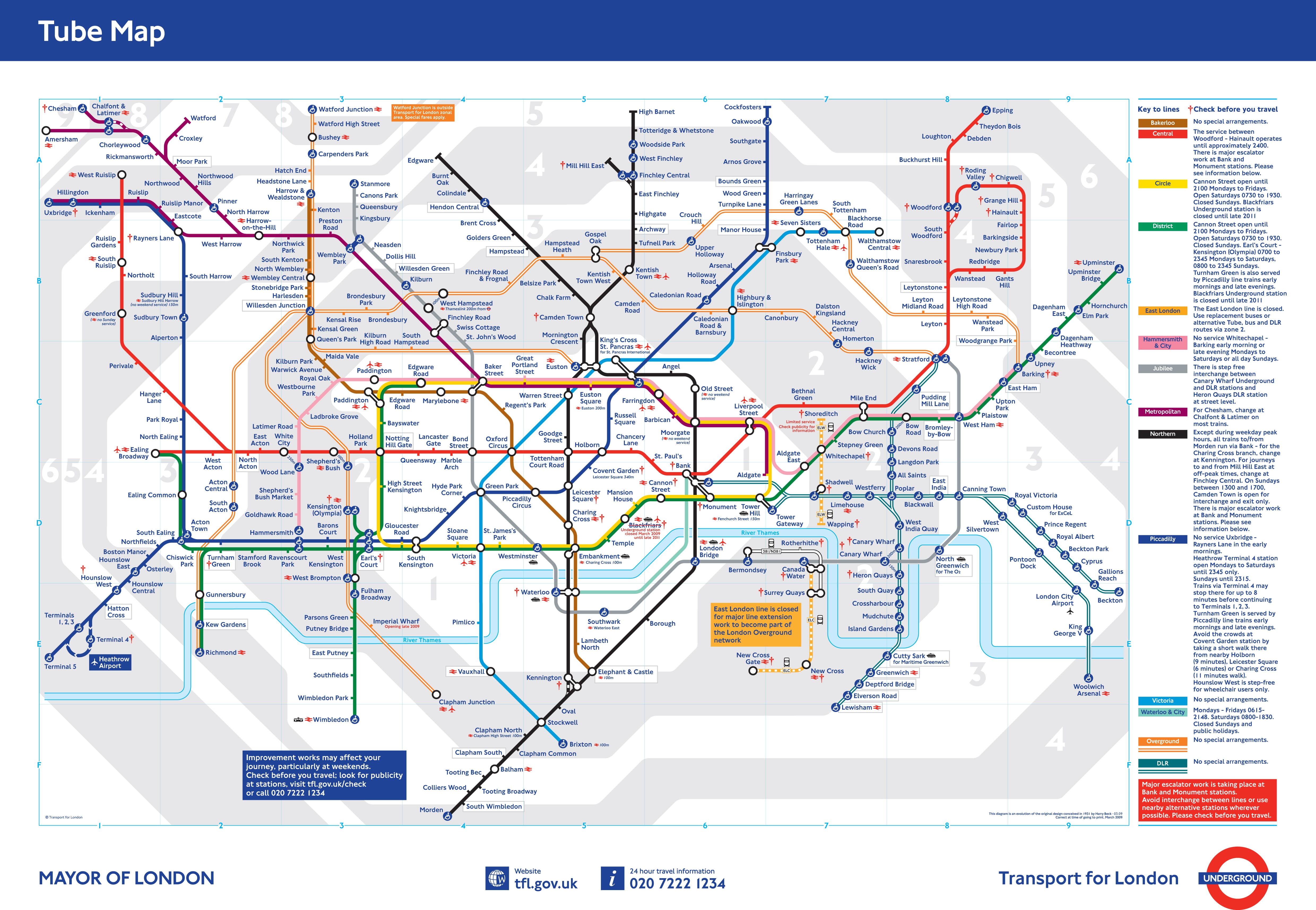
No more piddly little images
Zoom in deep. Then zoom in some more. Limitless detail made easy and fast.
That's Magic Touch™.

or choose zoom level


between multiple images




Click below to download the ™ module. It's ready to use!
Or install it on any website with these instructions.
Bandwidth allocation
Control how initializes & loads images. Choose to activate on page load or on request.
SEO friendly
supports SEO Friendly URLs. Vital for website high ranking in search engines.
jQuery compatibility
requires no jQuery, 3rd party library or framework. is completely compatible.
Custom themes support
If doesn't work immediately on your site, email us and we'll add support for your theme (free of charge).
Refined for every browser

Optimized for every device

How it works
Watch the video to see how Magic Touch™ works!
Magic Touch™ uses JavaScript and Flash. All the files and images that make it work are served from our servers.
The first visitor to the page triggers Magic Touch™ to fetch and prepare your large image for zooming. Hundreds of small images (called "tiles") are created to allow the incredibly fast and deep zoom. It takes 12 seconds on average to prepare the very first zoom, then all future zooms load within 1 second.
Pricing
Light users, free for all
10,000 zooms, expires each monthAdvert in corner of zooms
1GB storage
Professionals, buy a bundle
No adverts
No expiry date
100GB storage
+ SSL, watermark, custom logo, speed-guarantee, and more...
| Zooms | Price |
|---|---|
| 10,000 per month | Free |
| 20,000 | $29 |
| 100,000 | $79 |
| 500,000 | $249 |
| 2,000,000 | $599 |
| 10,000,000 | $1,999 |
| 50,000,000 | $8,999 |
Service Level Agreement
We aim for Magic Touch™ to be available 100% of the time and we commit to providing it 99.9% of the time (see the terms and conditions). Our performance is directly related to the uptime that AWS provides. The AWS goal is to be "indistinguishable from perfect", although on the rare occasion downtime has occurred.
Even if Magic Touch™ goes down, your images will still be served, thanks to the way it references images. Your server will serve them instead of AWS (the only difference is that the zoom won't work).
Choose your plan
Paid plans have these extra features:
- Serve zooms over SSL (secure connections).
- Personalise your zooms by adding your own logo.
- Protect your images with a watermark.
The Free Plan allows 10,000 branded zooms per month. The Magic Touch™ logo is shown in the top right corner. If you exceed 10,000 zooms, Magic Touch™ will stop working. If you need more than 10,000 zooms, you can buy zooms.
Increase conversions
After you add Magic Touch™ to your ecommerce store, your conversions (the percentage of visitors that buy something) should increase. Measure it yourself by doing an A/B split test on your website - compare a page with Magic Touch™ versus a page without it. Then tell us your results!
Zooming into an image gives such incredible detail to the user that it boosts their confidence in the quality of your products. Overcoming quality concerns is a big factor in making sales online. Magic Touch™ works like Google Maps and Yahoo Maps - people are familiar with these zoom features. Try it on your site.