
extensions
The 6 finest LiteCommerce image tools
LiteCommerce is a free shopping cart solution that can be used in conjunction with the Drupal CMS.
But there is one more extremely useful integration for LiteCommerce - bring your store to life with 6 stunning image zoom tools by Magic Toolbox.
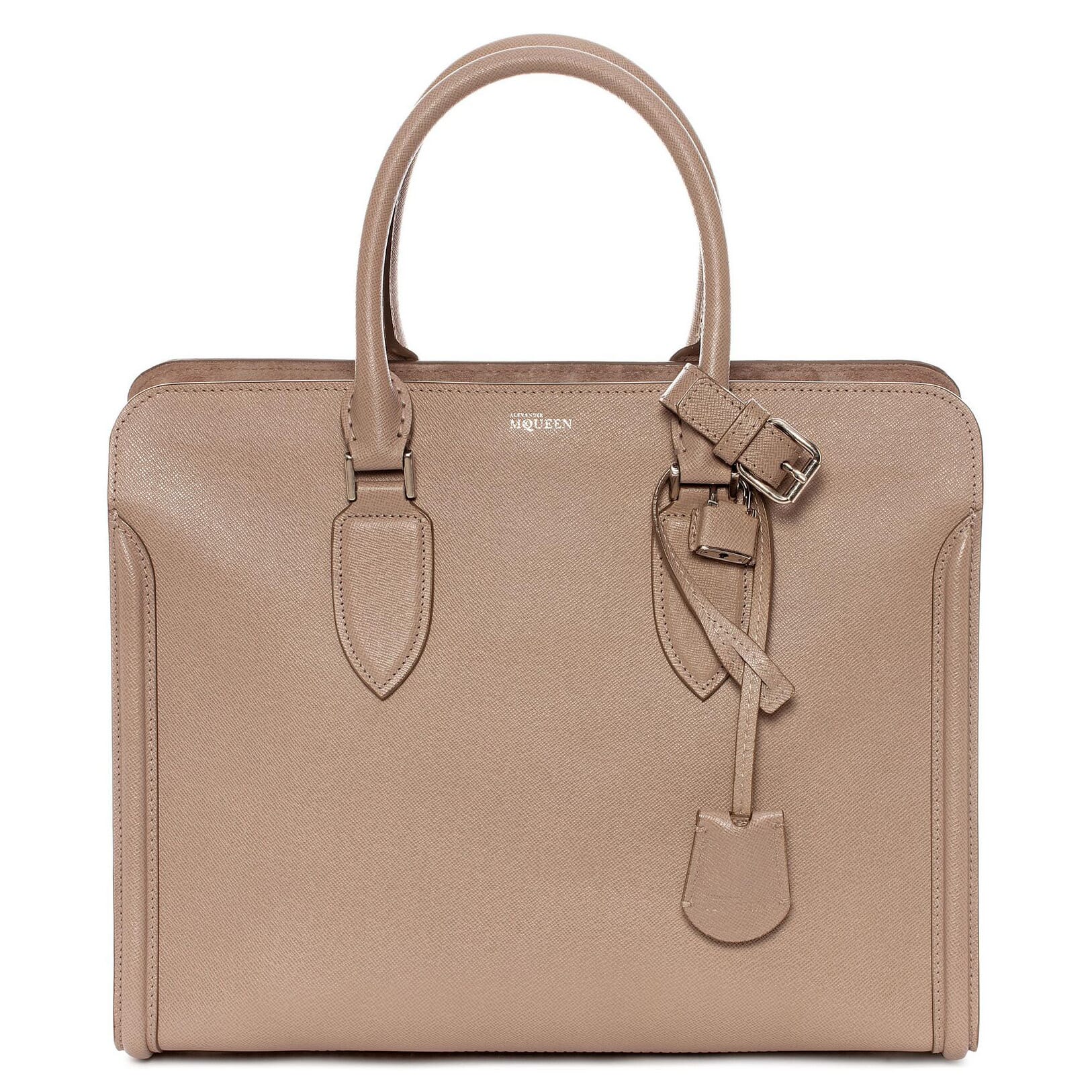  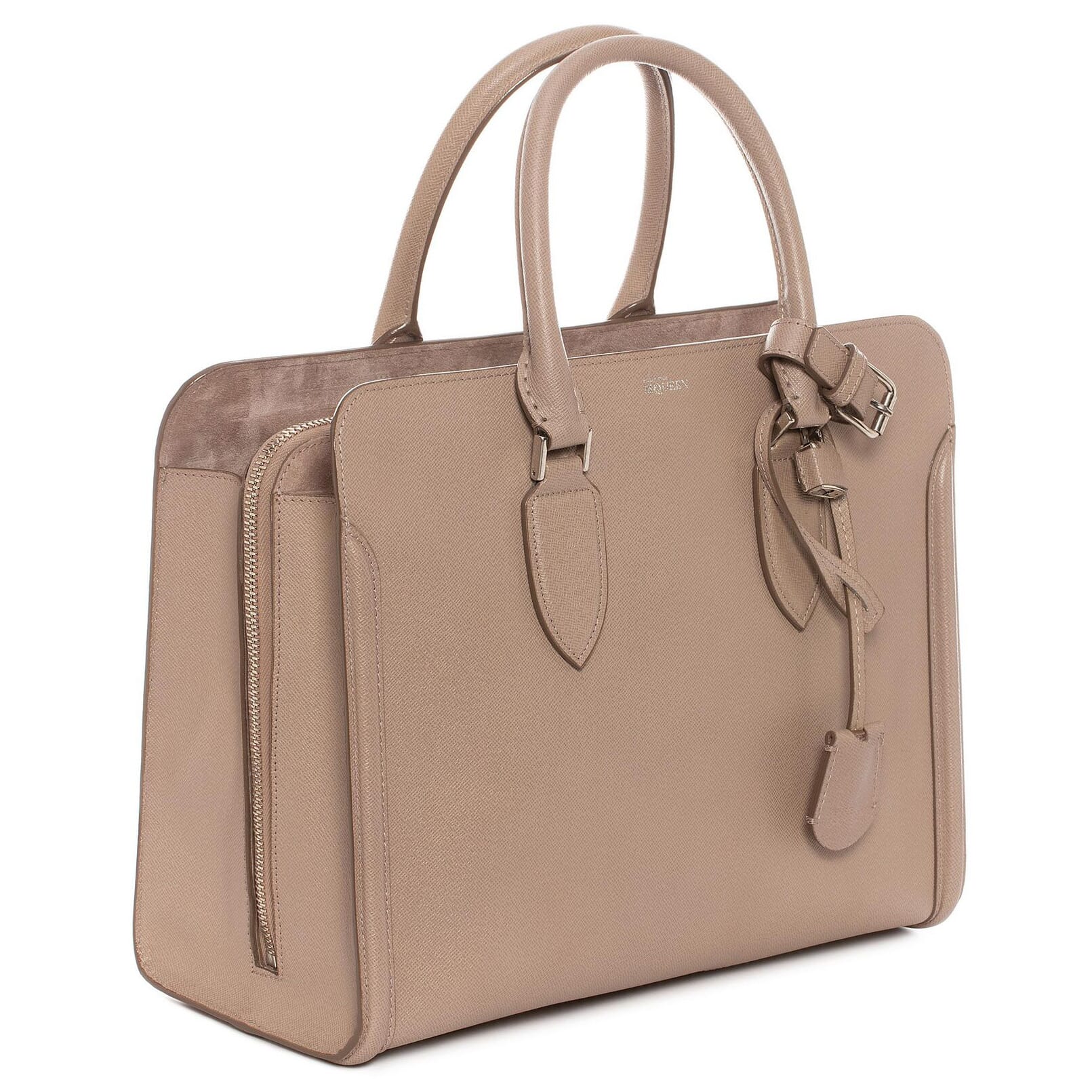 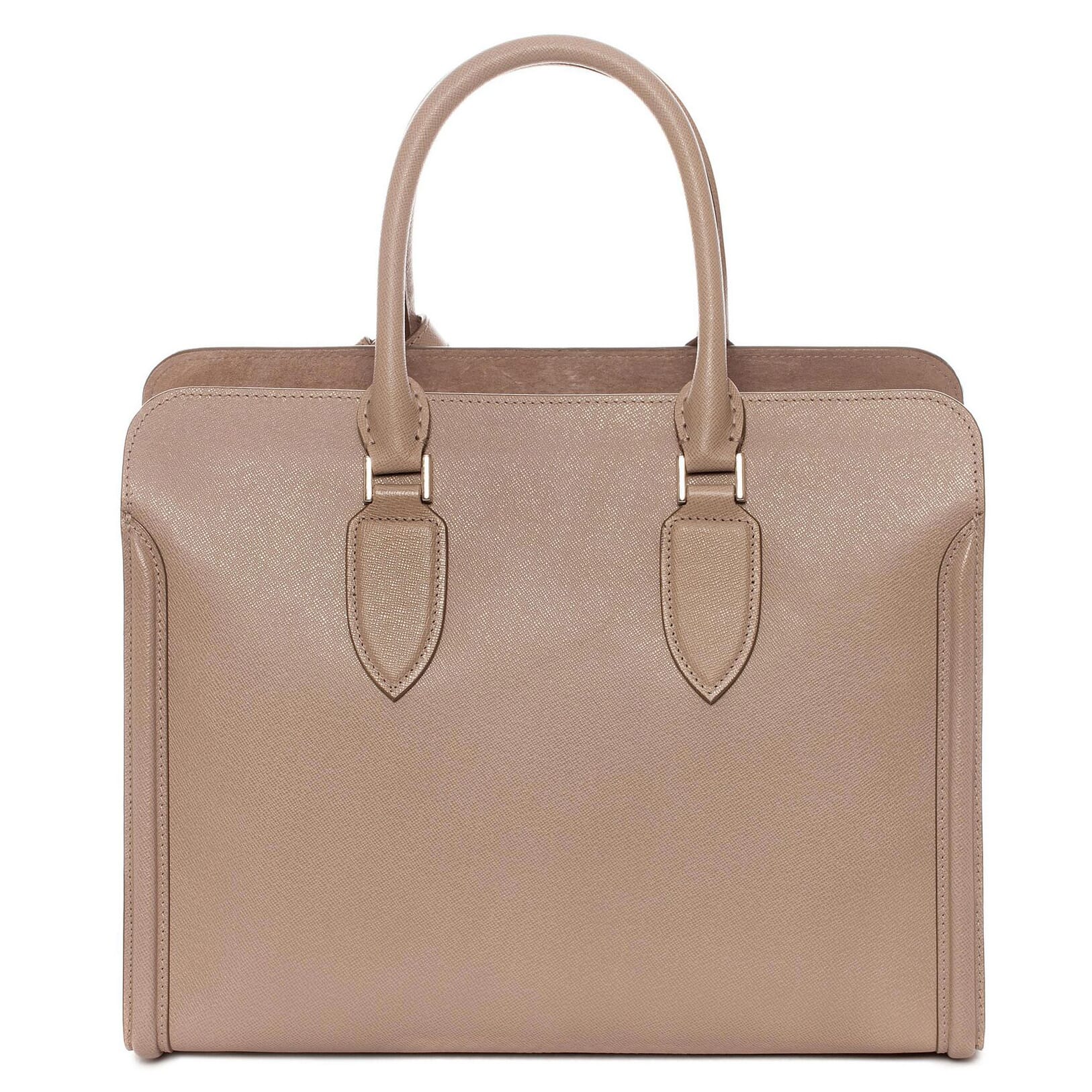 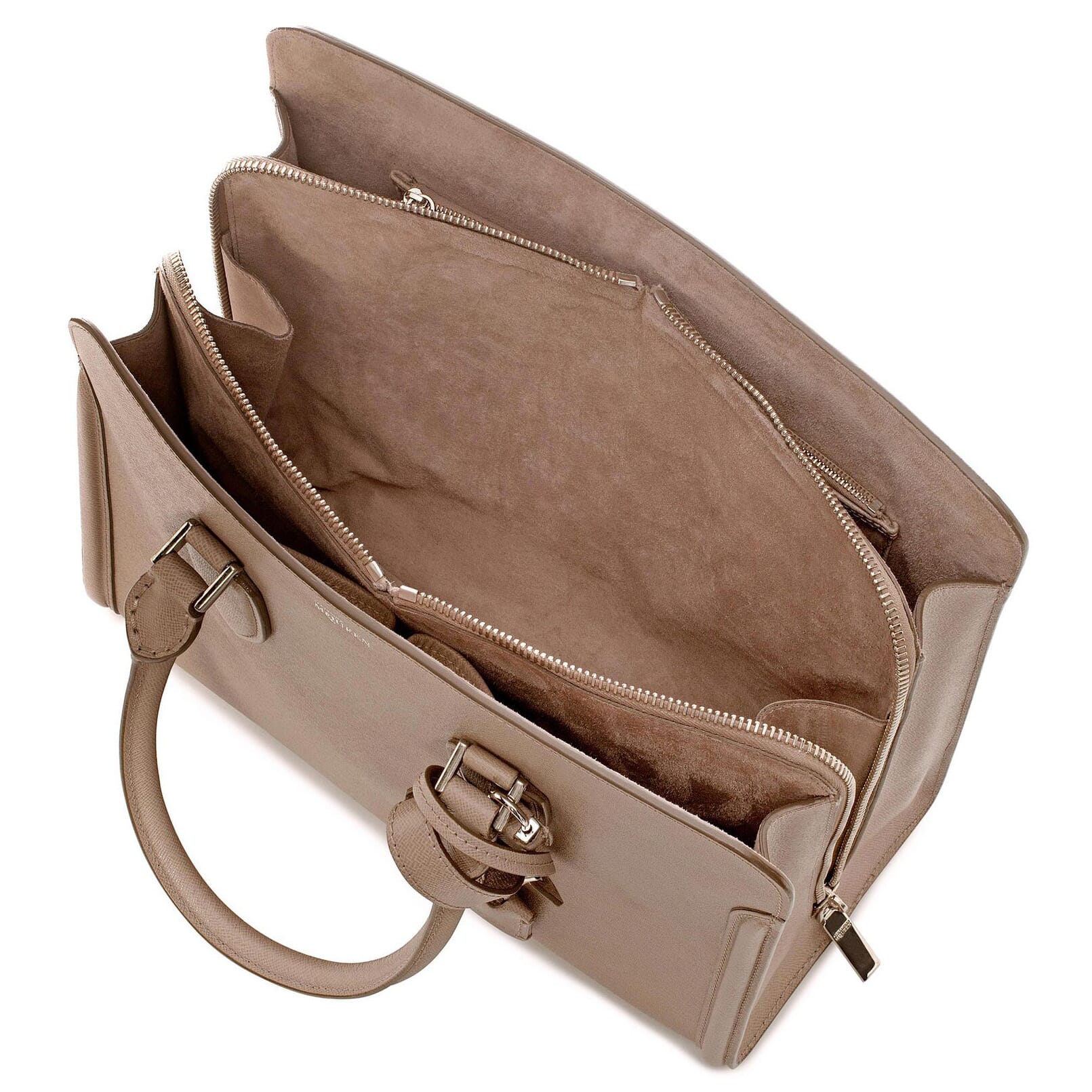 | |
Magic Zoom Plus for LiteCommerce
The only image zoom guaranteed to raise your LiteCommerce sales.
- Perfect zoom for mobile devices - supports gestures and retina images.
- 10 years spent to create the best image zoom - try it now.
- LiteCommerce 1.0.x
98% of shoppers say its their favourite zoom
Responsive
Fast loading
SEO friendly
Supports video
Easy to customise
Switchable thumbnails
Friendly support
One-off payment
jQuery compatible
Regularly updated
Lazy loading
Optimised for mobile
- If a previous version of the module is installed, uninstall it.
- Download the LiteCommerce module for Magic Zoom Plus (free and fully functional demo version).
- Unzip the module and upload the classes and skin folders to your LiteCommerce directory.
- Login to your LiteCommerce admin area and re-build the cache: [Maintenance -> Re-build cache] link in the menu.
- Enable the Magic Zoom Plus module on Manage add-ons page and press Save changes button.
- Go to Manage Modules > Magic Zoom Plus settings and configure Magic Zoom Plus how you want it.
- Buy Magic Zoom Plus To upgrade your free and fully functional trial version of Magic Zoom Plus (which removes the "Trial version" text), buy Magic Zoom Plus and overwrite following file with the same one from your licensed version:
skins/default/en/modules/MagicToolbox/MagicZoomPlus/js/magiczoomplus.js
Thanks for trying Magic Zoom Plus on your LiteCommerce site! What did you hope Magic Zoom Plus could do? How can we improve it? Let us know, we're always improving our tools based on customer feedback.
- Login to your LiteCommerce admin area.
- Disable the Magic Zoom Plus module on Manage add-ons page and press Save changes button.
- Re-build the cache: [Maintenance > Re-build cache] link in the menu.
- Magic Zoom Plus is now uninstalled.



Magic Zoom Plus for LiteCommerce
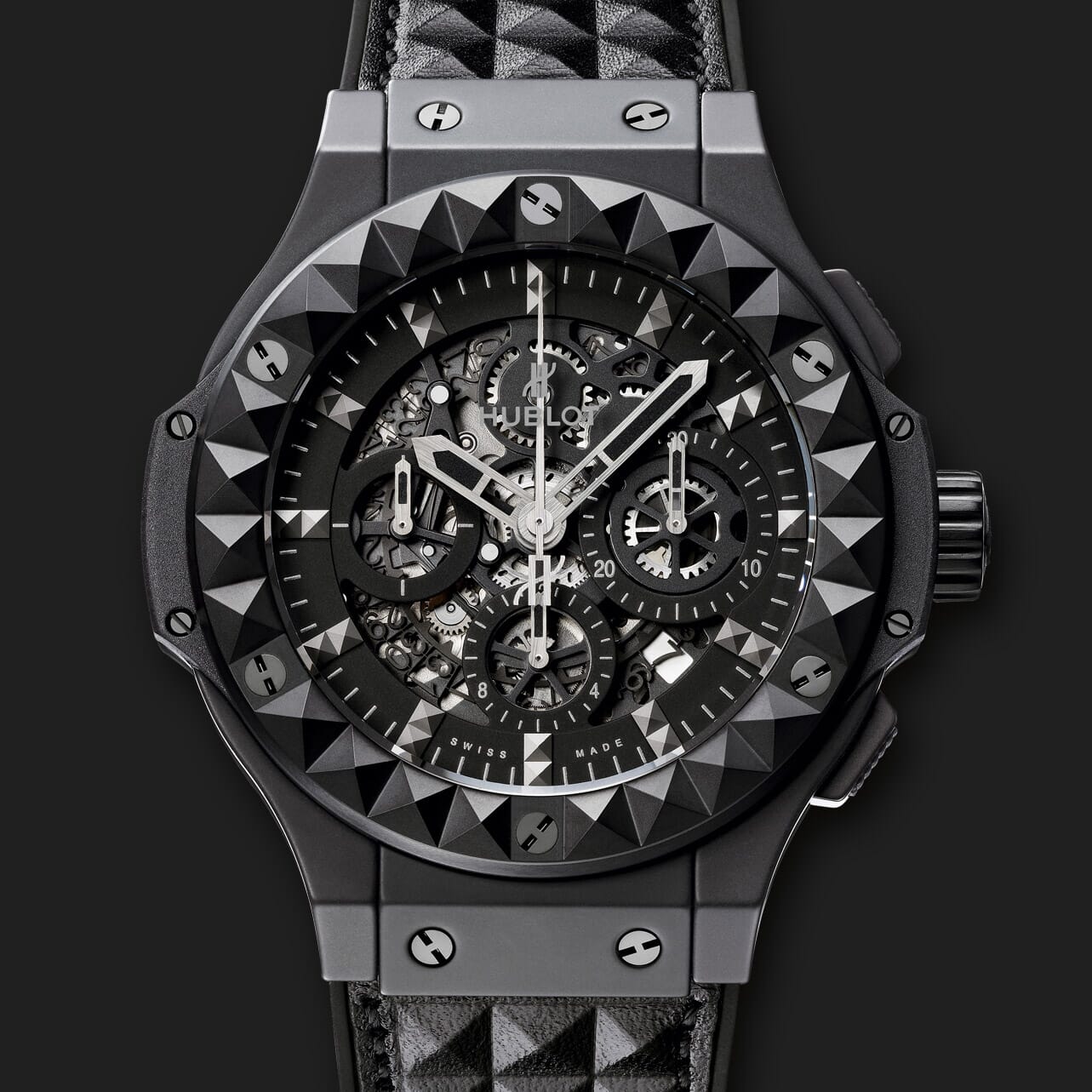   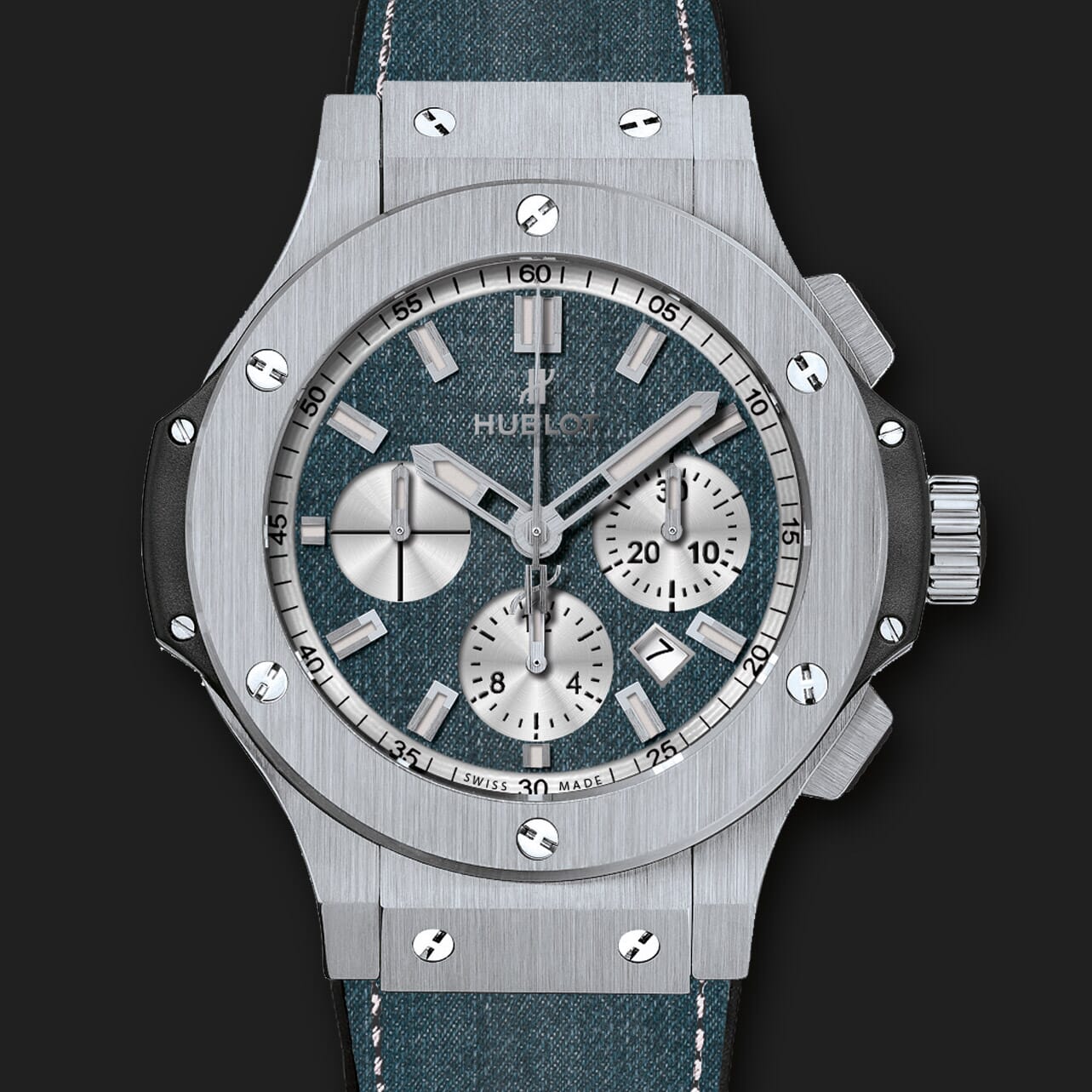 | |
Magic Zoom for LiteCommerce
Works everywhere - all browsers, all tablets, all phones
- Elegant look and sophisticated feel.
- Enlarge images using dissolve and smooth pan image zoom.
- LiteCommerce 1.0.x
93% of users say it boosted their sales
Responsive
Fast loading
SEO friendly
Supports video
Easy to customise
Switchable thumbnails
Friendly support
One-off payment
Regularly updated
jQuery compatible
On-demand loading
Optimised for mobile
- If a previous version of the module is installed, uninstall it.
- Download the LiteCommerce module for Magic Zoom (free and fully functional demo version).
- Unzip the module and upload the classes and skin folders to your LiteCommerce directory.
- Login to your LiteCommerce admin area and re-build the cache: [Maintenance -> Re-build cache] link in the menu.
- Enable the Magic Zoom module on Manage add-ons page and press Save changes button.
- Go to Manage Modules > Magic Zoom settings and configure Magic Zoom how you want it.
- Buy Magic Zoom To upgrade your free and fully functional trial version of Magic Zoom (which removes the "Trial version" text), buy Magic Zoom and overwrite following file with the same one from your licensed version:
skins/default/en/modules/MagicToolbox/MagicZoom/js/magiczoom.js
Thanks for trying Magic Zoom on your LiteCommerce site! What did you hope Magic Zoom could do? How can we improve it? Let us know, we're always improving our tools based on customer feedback.
- Login to your LiteCommerce admin area.
- Disable the Magic Zoom module on Manage add-ons page and press Save changes button.
- Re-build the cache: [Maintenance > Re-build cache] link in the menu.
- Magic Zoom is now uninstalled.



Magic Zoom for LiteCommerce
 Zara 2014
 Zara 2014
 Zara 2014
 Zara 2014
 Zara 2014
 Zara 2014
 Zara 2014
 Zara 2014
 Zara 2015
 Zara 2015
 Zara 2015
 Zara 2015
 Zara 2015
 Zara 2015
 Zara 2015
 Zara 2015
 Zara 2015
 Zara 2015
Magic Scroll for LiteCommerce
Gorgeous image carousel for LiteCommerce.
- Tweak the speed, direction, arrows & more.
- Best responsive slider for images, videos and HTML content.
- LiteCommerce 1.0.x
91% of shoppers prefer it to static images
Scrollable images, HTML or videos
Combine with other Magic viewers
Highly customisable
All kinds of uses
jQuery compatible
Regularly updated
One-time payment
Responsive
- If a previous version of the module is installed, uninstall it.
- Download the LiteCommerce module for Magic Scroll (free and fully functional demo version).
- Unzip the module and upload the classes and skin folders to your LiteCommerce directory.
- Login to your LiteCommerce admin area and re-build the cache: [Maintenance -> Re-build cache] link in the menu.
- Enable the Magic Scroll module on Manage add-ons page and press Save changes button.
- Go to Manage Modules > Magic Scroll settings and configure Magic Scroll how you want it.
- Buy Magic Scroll To upgrade your free and fully functional trial version of Magic Scroll (which removes the "Trial version" text), buy Magic Scroll and overwrite following file with the same one from your licensed version:
skins/default/en/modules/MagicToolbox/MagicScroll/js/magicscroll.js
Thanks for trying Magic Scroll on your LiteCommerce site! What did you hope Magic Scroll could do? How can we improve it? Let us know, we're always improving our tools based on customer feedback.
- Login to your LiteCommerce admin area.
- Disable the Magic Scroll module on Manage add-ons page and press Save changes button.
- Re-build the cache: [Maintenance > Re-build cache] link in the menu.
- Magic Scroll is now uninstalled.
FAQ
Can I change background colour of carousel?
Yes! By default, the Carousel & Cover-Flow modes use a grey/black background colour. You can change the Hex Colour to anything you want. With over 16,000 hex colours available, you'll be spoilt for choice. Simply add the CSS code you need to the Magic Scroll CSS file.
Carousel background
.MagicScroll[data-mode="carousel"] {
    background-color: <your-colour>;
}
Cover-flow background
.MagicScroll[data-mode="cover-flow"] {
    background-color: <your-colour>;
}



Magic Scroll for LiteCommerce

Magic 360 for LiteCommerce
Let your customers examine products properly!
- Adjust rotation speed and direction, use auto-spin, round magnifier, and auto-load.
- Loves touchscreens - iOS, Android + all browsers (even IE11 pointer events).
- LiteCommerce 1.0.x
98% of shoppers say it influenced their purchase
360 spins (1 row)
3D spins (many rows)
Swipe gestures
SEO friendly
Responsive
Zoom on click
Regularly updated
jQuery compatible
One-off payment
Friendly support
Important: When Magic 360 is installed, only 360 degree spin displays on product page. Normal images will not show.
- If a previous version of the module is installed, uninstall it.
- Download the LiteCommerce module for Magic 360 (free and fully functional demo version).
- Unzip the module and upload the classes and skin folders to your LiteCommerce directory.
- Login to your LiteCommerce admin area and re-build the cache: [Maintenance -> Re-build cache] link in the menu.
- Enable the Magic 360 module on Manage add-ons page and press Save changes button.
- To setup a 360 spin, upload your set of 360 images to your product in your LiteCommerce admin.
- On the module settings page, choose which products should have the Magic 360 effect by modifying following parameters:
Image count - Number of images in the spin set e.g. 18 or 36 (0 = disabled)
Product IDs - Choose which products have 360 images, comma separated e.g. 1,4,5,12,14 (all = all products) - Go to Manage Modules > Magic 360 settings and configure Magic 360 how you want it.
- Buy Magic 360 To upgrade your free and fully functional trial version of Magic 360 (which removes the "Trial version" text), buy Magic 360 and overwrite following file with the same one from your licensed version:
skins/default/en/modules/MagicToolbox/Magic360/js/magic360.js
Thanks for trying Magic 360 on your LiteCommerce site! What did you hope Magic 360 could do? How can we improve it? Let us know, we're always improving our tools based on customer feedback.
- Login to your LiteCommerce admin area.
- Disable the Magic 360 module on Manage add-ons page and press Save changes button.
- Re-build the cache: [Maintenance > Re-build cache] link in the menu.
- Magic 360 is now uninstalled.
FAQ
What is a 360 product viewer?
A 360 product viewer takes a set of 360 degree images and merges them together on a web page. This creates an interactive spin which visitors can move left and right to see every angle of the item. (If your 360 photography was also taken on Rows, your 360 spin will move up and down too.)



Magic 360 for LiteCommerce










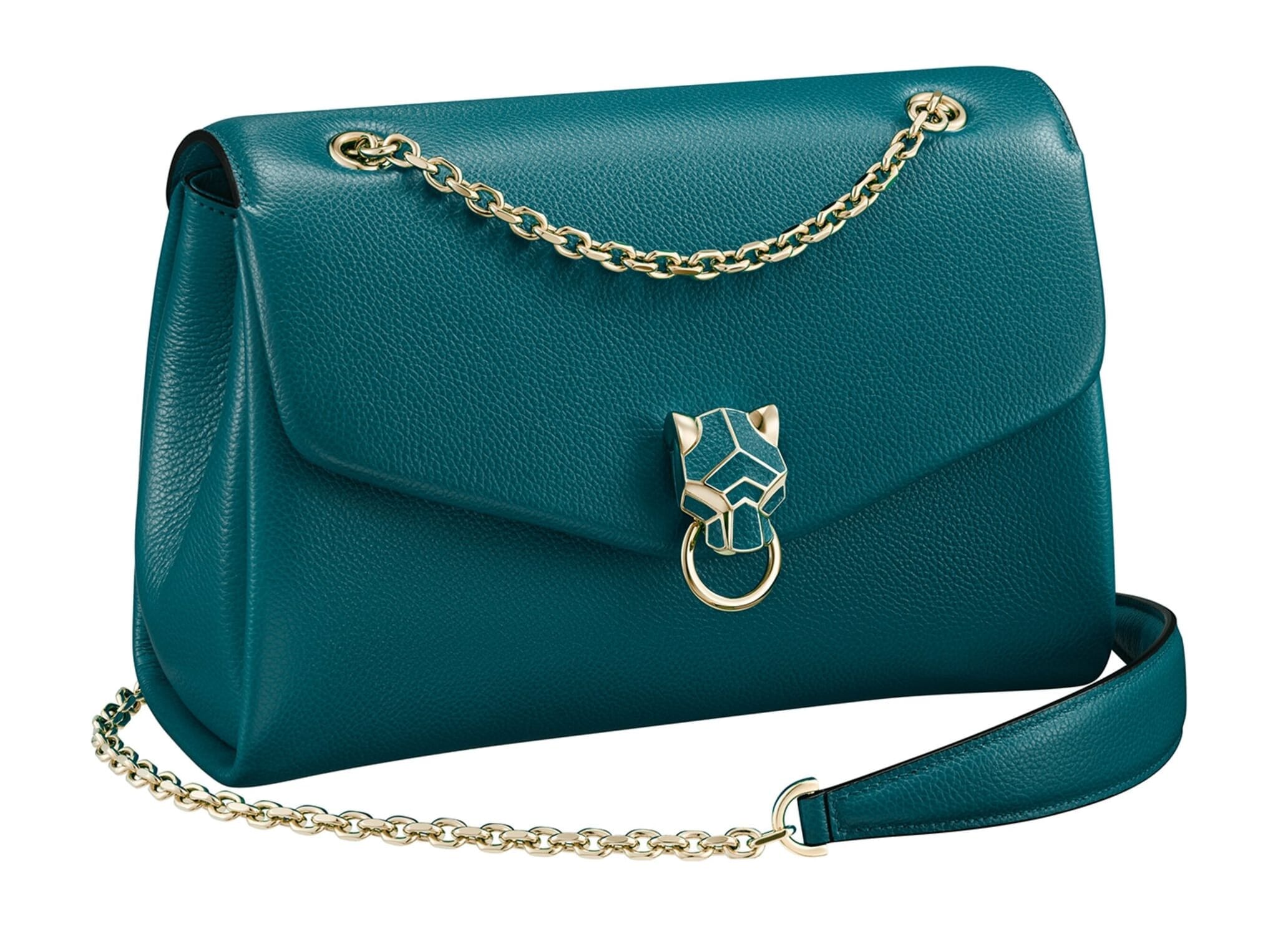
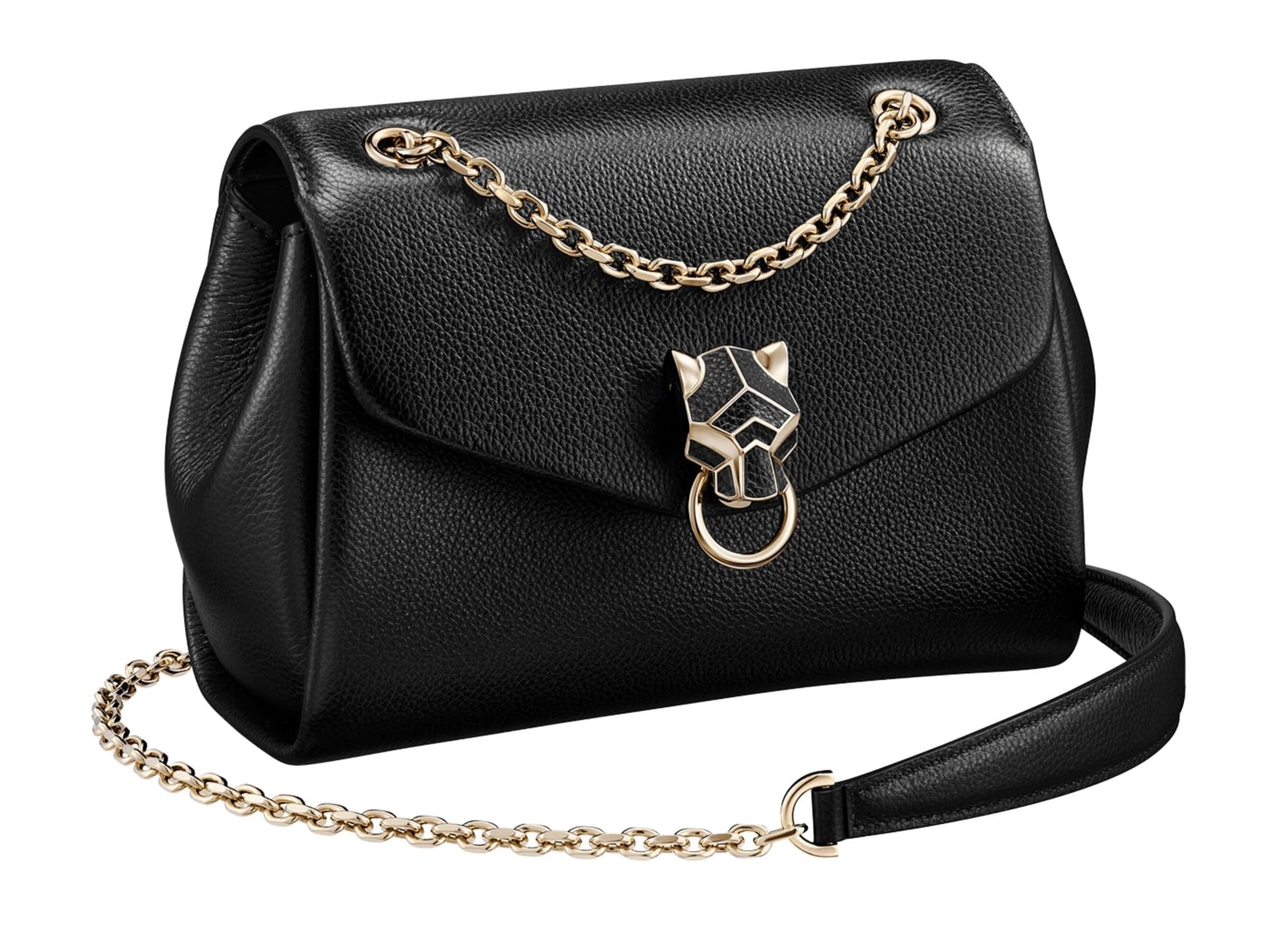
Magic Slideshow for LiteCommerce
Elegantly slide homepage images with 14 effects.
- Choose between slide, fade or Ken Burns effect
- Tweak up to 23 options so its exactly how you want it.
- LiteCommerce 1.0.x
88% say it brings the home page to life
9 popular effects
Image thumbnails
Easy to customise
Clickable bullets
Fast loading
Responsive
Pure JavaScript & CSS
jQuery compatible
Regularly updated
One-off payment
SEO friendly
- If a previous version of the module is installed, uninstall it.
- Download the LiteCommerce module for Magic Slideshow (free and fully functional demo version).
- Unzip the module and upload the classes and skin folders to your LiteCommerce directory.
- Login to your LiteCommerce admin area and re-build the cache: [Maintenance -> Re-build cache] link in the menu.
- Enable the Magic Slideshow module on Manage add-ons page and press Save changes button.
- Go to Manage Modules > Magic Slideshow settings and configure Magic Slideshow how you want it.
- Buy Magic Slideshow To upgrade your free and fully functional trial version of Magic Slideshow (which removes the "Trial version" text), buy Magic Slideshow and overwrite following file with the same one from your licensed version:
skins/default/en/modules/MagicToolbox/MagicSlideshow/js/magicslideshow.js
Thanks for trying Magic Slideshow on your LiteCommerce site! What did you hope Magic Slideshow could do? How can we improve it? Let us know, we're always improving our tools based on customer feedback.
- Login to your LiteCommerce admin area.
- Disable the Magic Slideshow module on Manage add-ons page and press Save changes button.
- Re-build the cache: [Maintenance > Re-build cache] link in the menu.
- Magic Slideshow is now uninstalled.



Magic Slideshow for LiteCommerce
  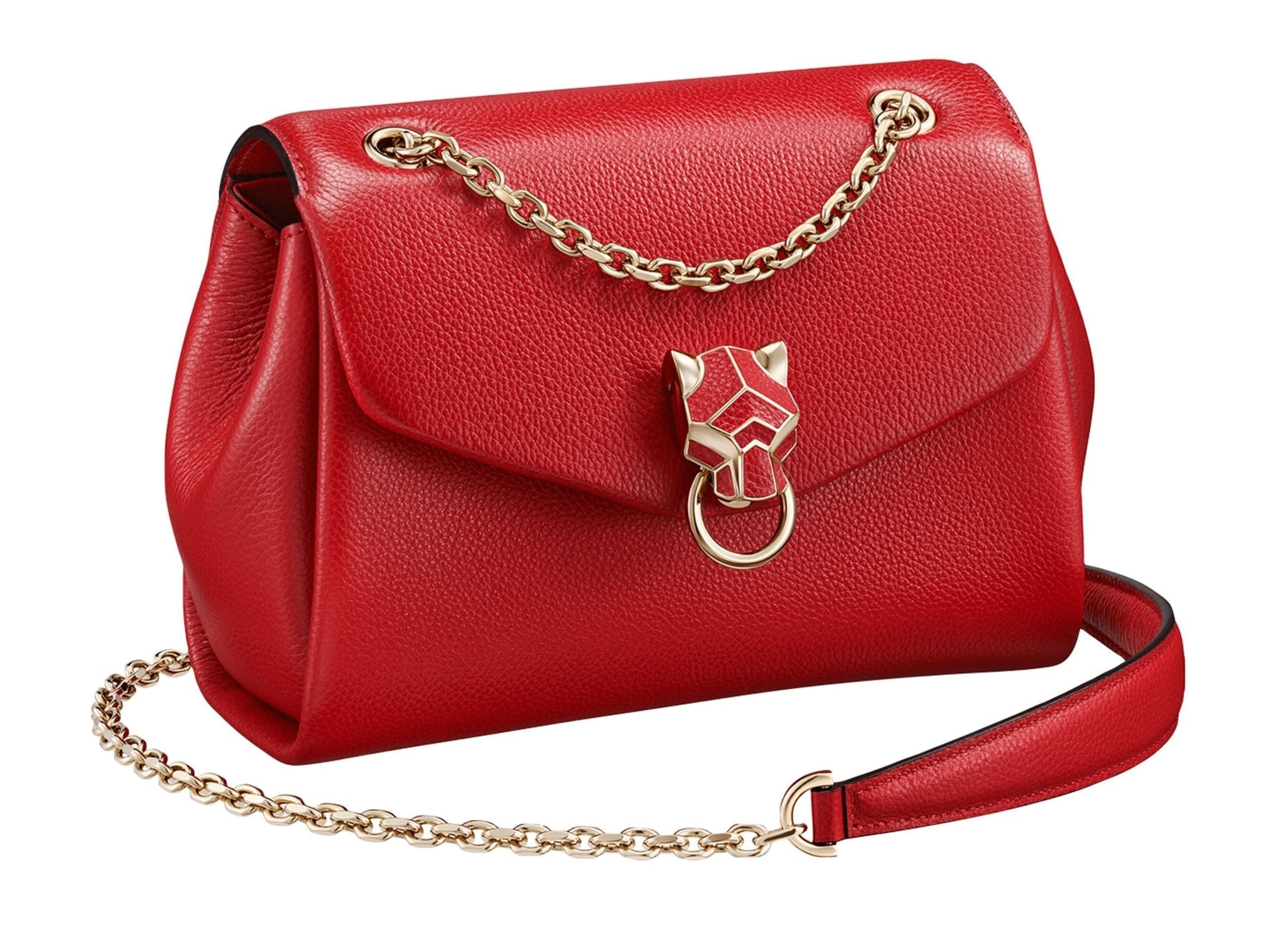 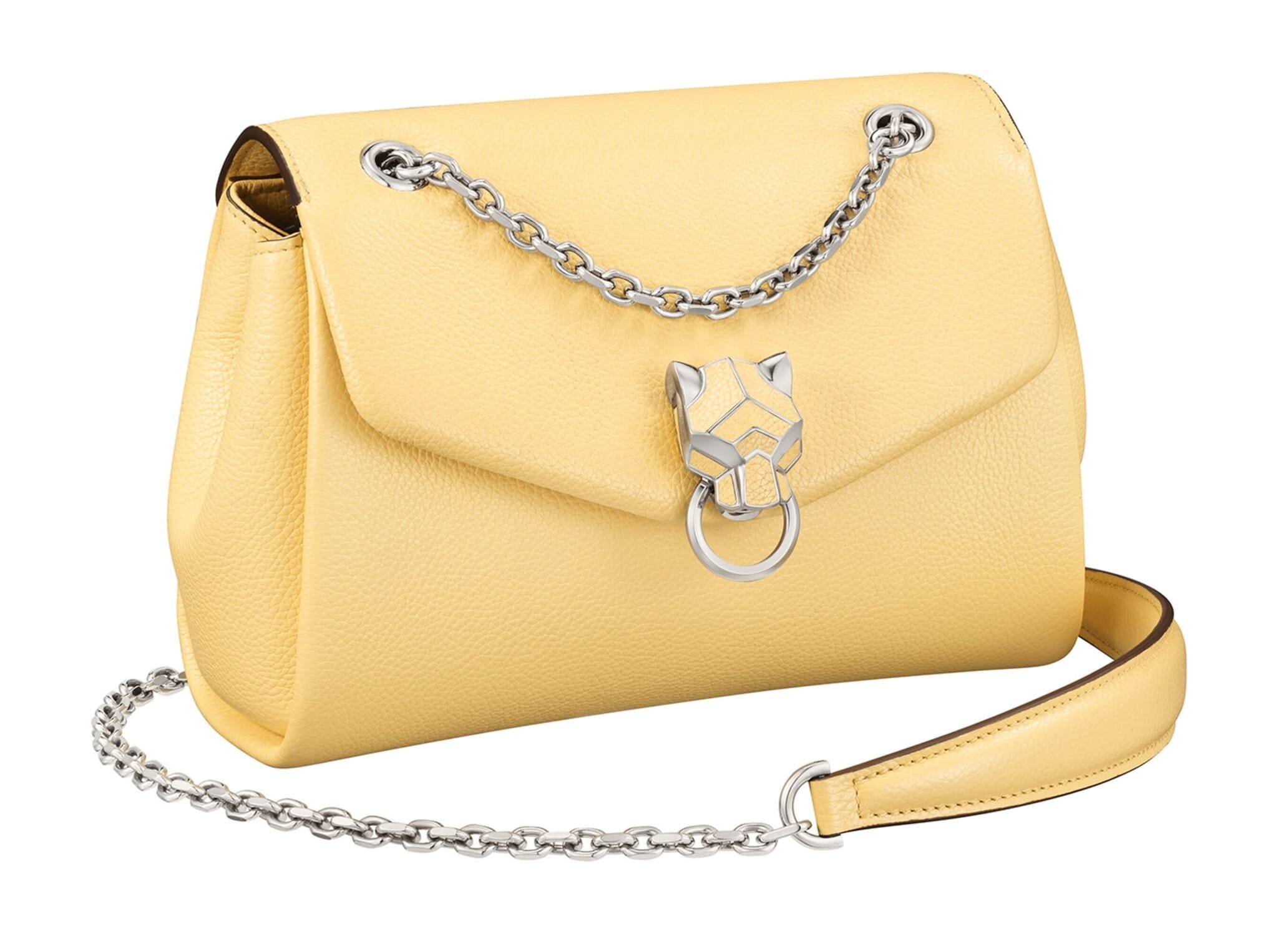 | |
Magic Thumb for LiteCommerce
Tinker with over 30 customizations
- Easily adjust effects with 40 cusomisations
- Easy to install, Magic Thumb has 40 cusomisable options to satisfy all your requirements.
- LiteCommerce 1.0.x
92% of users say its the best image lightbox
Responsive
Fast loading
SEO friendly
Lazy loading
Supports video
Friendly support
One-off payment
Regularly updated
jQuery compatible
Swappable thumbnails
- If a previous version of the module is installed, uninstall it.
- Download the LiteCommerce module for Magic Thumb (free and fully functional demo version).
- Unzip the module and upload the classes and skin folders to your LiteCommerce directory.
- Login to your LiteCommerce admin area and re-build the cache: [Maintenance -> Re-build cache] link in the menu.
- Enable the Magic Thumb module on Manage add-ons page and press Save changes button.
- Go to Manage Modules > Magic Thumb settings and configure Magic Thumb how you want it.
- Buy Magic Thumb To upgrade your free and fully functional trial version of Magic Thumb (which removes the "Trial version" text), buy Magic Thumb and overwrite following file with the same one from your licensed version:
skins/default/en/modules/MagicToolbox/MagicThumb/js/magicthumb.js
Thanks for trying Magic Thumb on your LiteCommerce site! What did you hope Magic Thumb could do? How can we improve it? Let us know, we're always improving our tools based on customer feedback.
- Login to your LiteCommerce admin area.
- Disable the Magic Thumb module on Manage add-ons page and press Save changes button.
- Re-build the cache: [Maintenance > Re-build cache] link in the menu.
- Magic Thumb is now uninstalled.

Magic Thumb for LiteCommerce
About
These modules are for LiteCommerce, the ecommerce CMS (including the Drupal version). Use the modules to add effects to your website including image zoom on hover/mouseover; image lightbox (enlarge image to full screen); image slideshows in JavaScript; image carousels; and image magnifiers.