



Works on these pages:
- Product details page
- Category page
- Manual install elsewhere
- VirtueMart 4.x.x
- VirtueMart 3.x.x
- VirtueMart 2.x.x
- VirtueMart 1.x.x
67% of online shoppers think that clear and detailed product images are more important than product descriptions or customer ratings. (source)
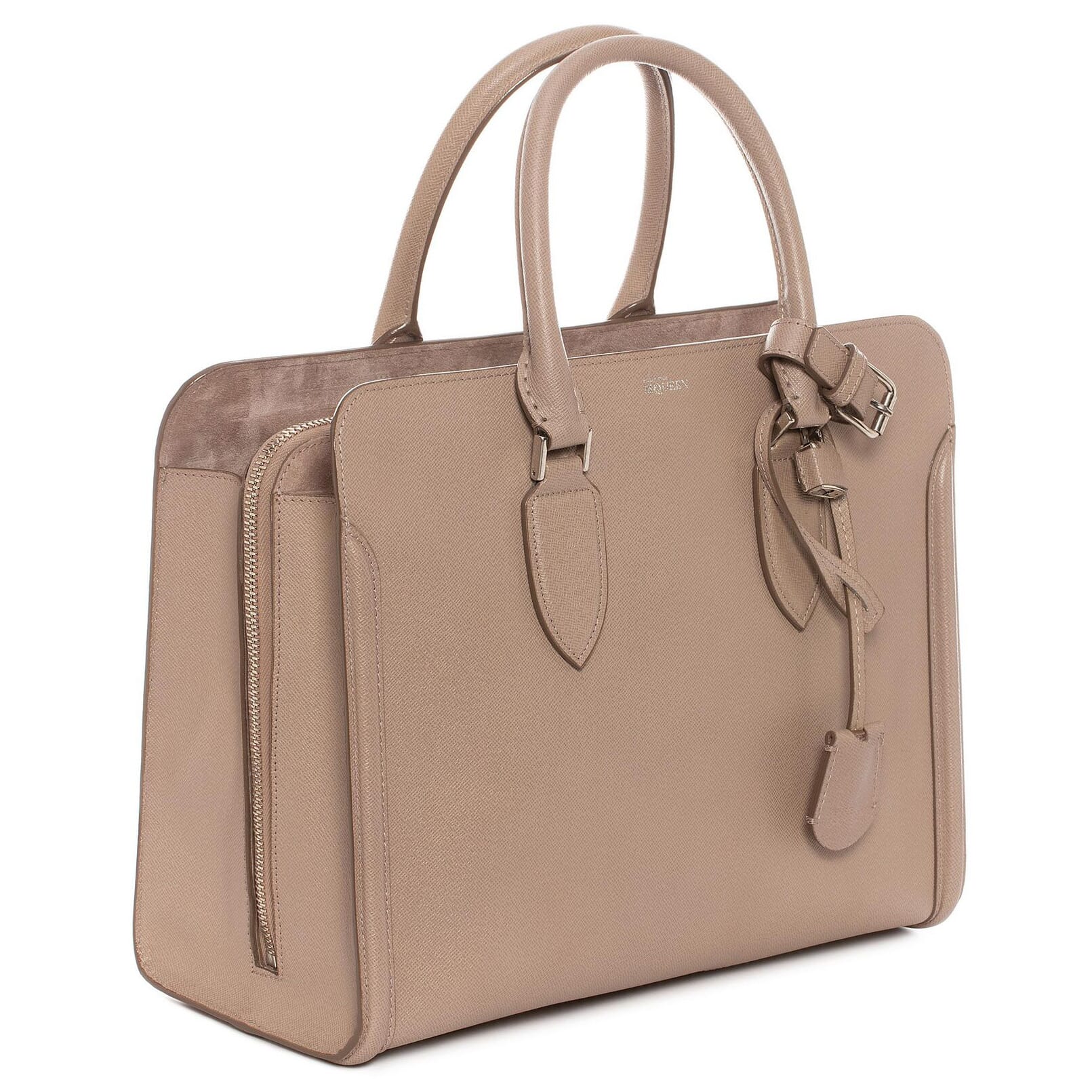
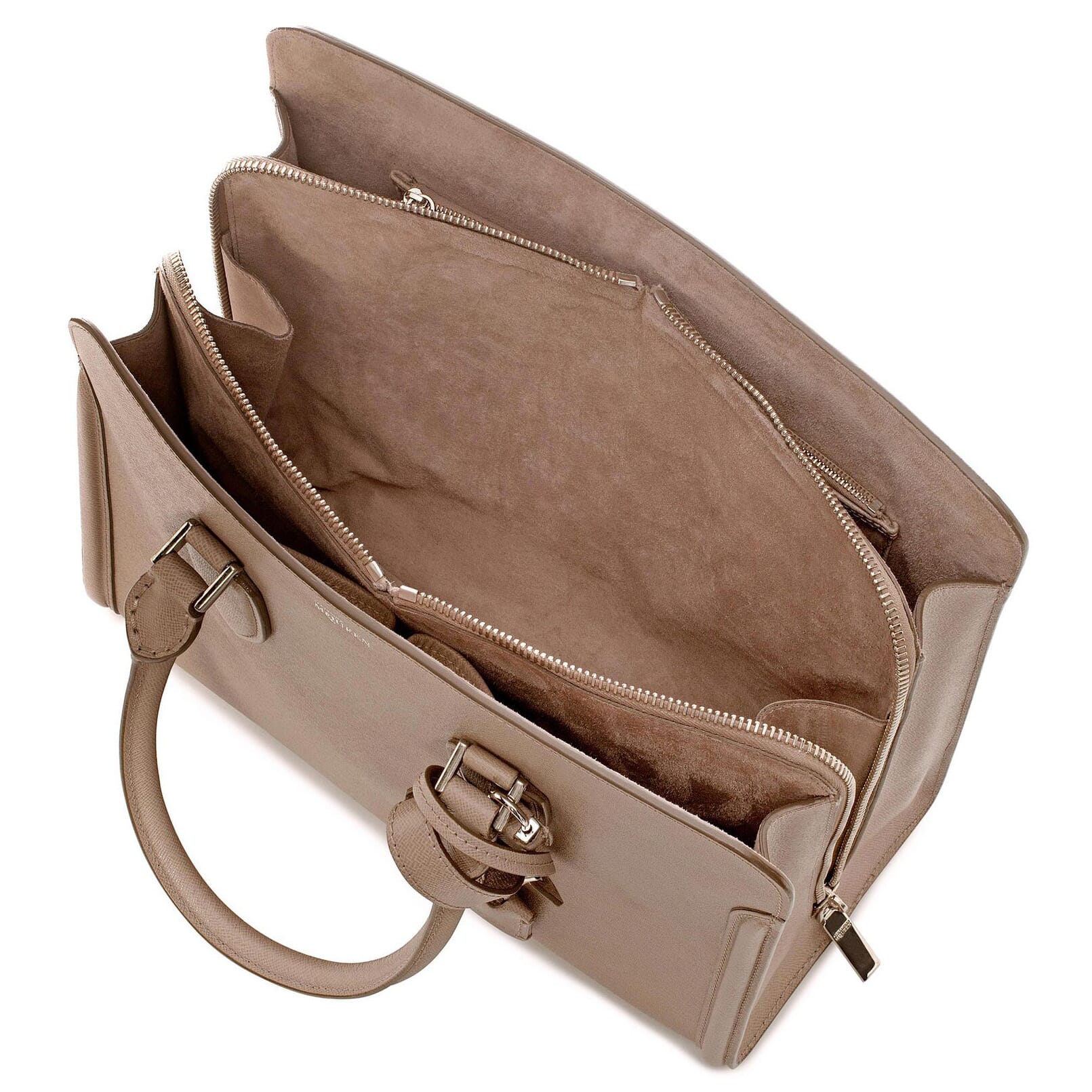
How do you use our stunning VirtueMart image zoom extension on your VirtueMart store? Magic Zoom Plus combines 2 of the greatest image tools: on-hover zoom and a glorious on-click full-screen view.
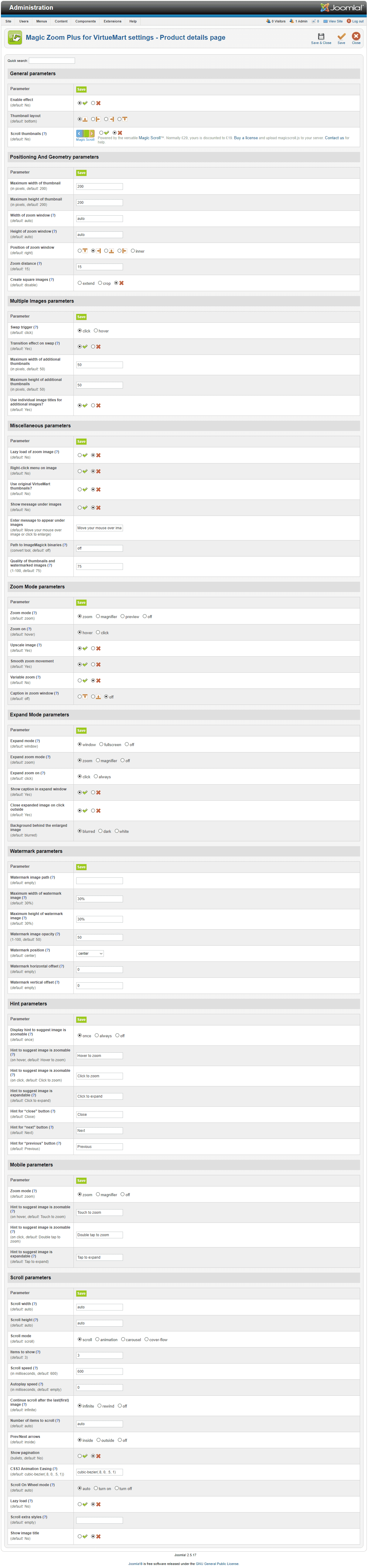
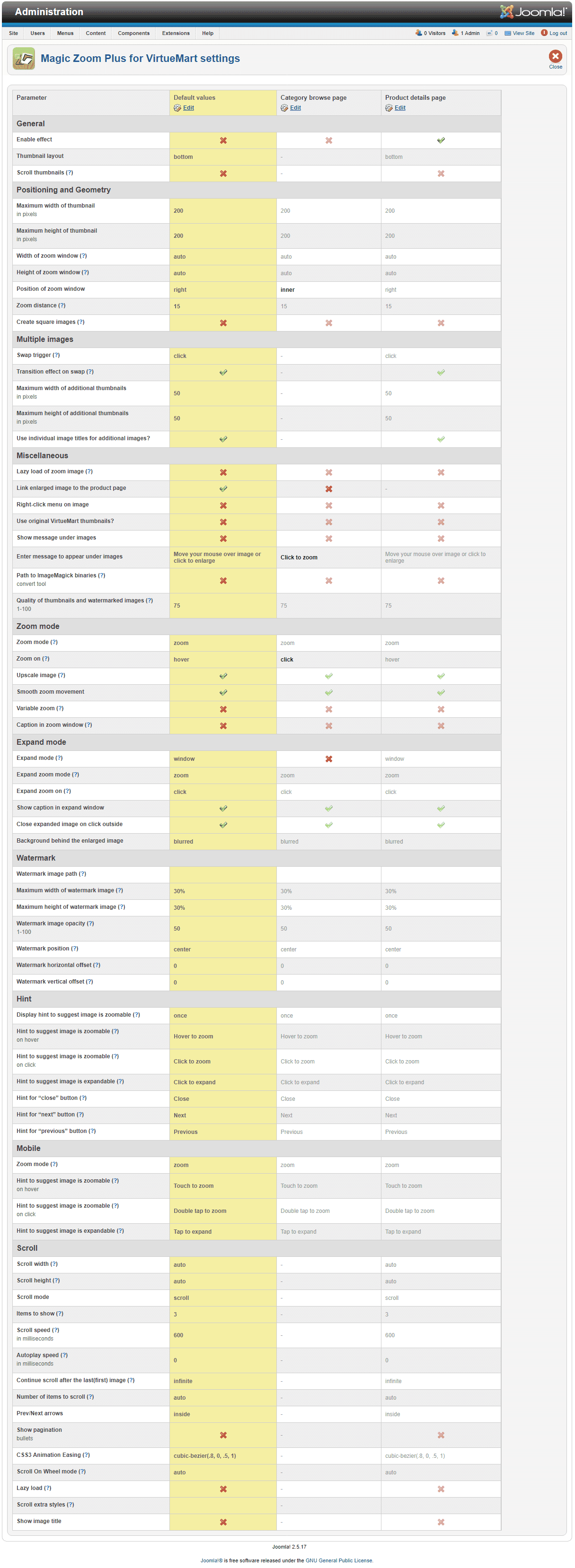
Magic Zoom Plus works anywhere on your VirtueMart store - choose from more than 70 options such as: zoom style, size, hover effects, enlarge effects, colors and styling. It even supports separate settings for your customers on mobile!
For the finishing touch, combine Magic Zoom Plus with our 360 degree product viewer for VirtueMart. You will easily show zoomable images and 360 spins in a fast and neat image gallery on your product page for maximum conversion rate increase.
Earn your customers' love - install this incredible image zoom extension now.
Features you'll love...
- Responsive
- Instant loading
- Improves SEO
- Image caching
- Extremely flexible
- Automatically resizes images
- Scrollable thumbnails
- All templates supported
- Instant watermarks for images
- On-demand loading
- Constantly updated
- no jQuery required
- Single payment and it's your forever
Screenshots
Installation
- Download the Magic Zoom Plus component for VirtueMart 1.x.x or VirtueMart 2.x/3.x/4.x (free and fully functional demo version).
- Go to Extensions > Manage. In Upload Package File, select the zip file that you just downloaded and click Upload File and Install.
- Open the page Components > Magic Zoom Plus to customize Magic Zoom Plus as you wish. You can assign profiles to pages via the "Pages" page.
- It is ready to use

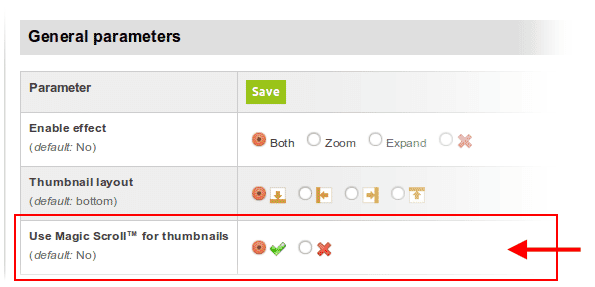
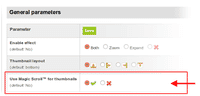 Activate Magic Scroll™ to enjoy organised thumbnails on your product page: Components > Magic Zoom Plus > Use Magic Scroll™ for thumbnails > Select 'tick' > Save changes.
- Buy Magic Zoom Plus To upgrade your free and fully functional trial version of Magic Zoom Plus (which removes the "Trial version" text), buy Magic Zoom Plus and overwrite following file with the same one from your licensed version:
media/plg_system_vmmagiczoomplus/magiczoomplus.js
Module position
If you don't see Magic Zoom Plus component for VirtueMart working, please change the module position here: Administrator > Extensions > Modules manager > Magic Zoom Plus module for VirtueMart. If it still does not work, you may have an incompatible template. Please send us your FTP access details and login/password for your Joomla back-end and we will help you.
Video installation instructions
Multiple images
Swapping between many images is already a standard feature in Magic Zoom Plus. But if you have lots of images, the page can look complicated.
Make your thumbnails look slick and organised with Magic Scroll for VirtueMart. It neatly contains the images adds arrows to slide between them. Example:









- Simply activate Magic Scroll on the Magic Zoom Plus options page.
- To remove the "Please upgrade" text, buy a license and overwrite the /modules/mod_virtuemart_magiczoomplus/core/magicscroll.js file with that from your licensed version.
Customize effect
To customize colors and borders, edit the magiczoomplus.css file located in /media/plg_system_vmmagiczoomplus/magiczoomplus.css. Also, look at the customization guide.
Combine zoom & spin




Zoomable static images look great when combined with a 360 product spin. Install both Magic Zoom Plus and Magic 360 to bring your VirtueMart product gallery to life.
- Install the VirtueMart extension for Magic Zoom Plus.
- Install the VirtueMart extension for Magic 360.
- Create a new product or open an existing one.
- Upload your zoom images to your product as normal.
- Upload your set of spin images to your server:
images/magic360/{product-id}
Product attributes


















Do your products come in different colours or styles?
Magic Zoom Plus works with VirtueMart product attributes out of the box.
Each product may have "child" products each with different images.
When your customers select a child product, the gallery updates to reveal specific images.
Whether you choose radio, dropdown menu or swatch thumbnails - product attributes is a perfect way to show customers your product range.
Uninstallation
Thanks for trying Magic Zoom Plus on your VirtueMart site! What did you hope Magic Zoom Plus could do? How can we improve it? Let us know, we're always improving our tools based on customer feedback.
- Go to: Extensions > Plugin Manager > Disable plugin.
- Go to: Extensions > Extension Manager > Manage > Add tick in box next Magic Zoom Plus for VirtueMart > Click 'Uninstall'.
- Magic Zoom Plus is now uninstalled.
Mac's Upcycling, macsupcycling.com Joan, cortinaestor.es Anneliese Porte, gostork.com Joan, cortinaestor.esCustomer reviews
Submit your review
Your review has been received and will be posted soon.
Other VirtueMart components
Try our other great image effects!
 Magic Zoom
 Magic Thumb
 Magic 360
 Magic Slideshow
 Magic Scroll
If you need help installing this VirtueMart component, please contact us.
This component was created for VirtueMart, the open source shopping cart. All versions are supported: Joomla 1.0, Joomla 1.1, Joomla 1.5-3.x, VirtueMart 1.0, VirtueMart 1.x-2.x. It replaced the VirtueMart module on 14 December 2009.
The trial version of Magic Zoom Plus displays a "please upgrade" message.