
SOME OF THE WORLD’S MOST RESPECTED BRANDS TRUST MAGIC TOOLBOX

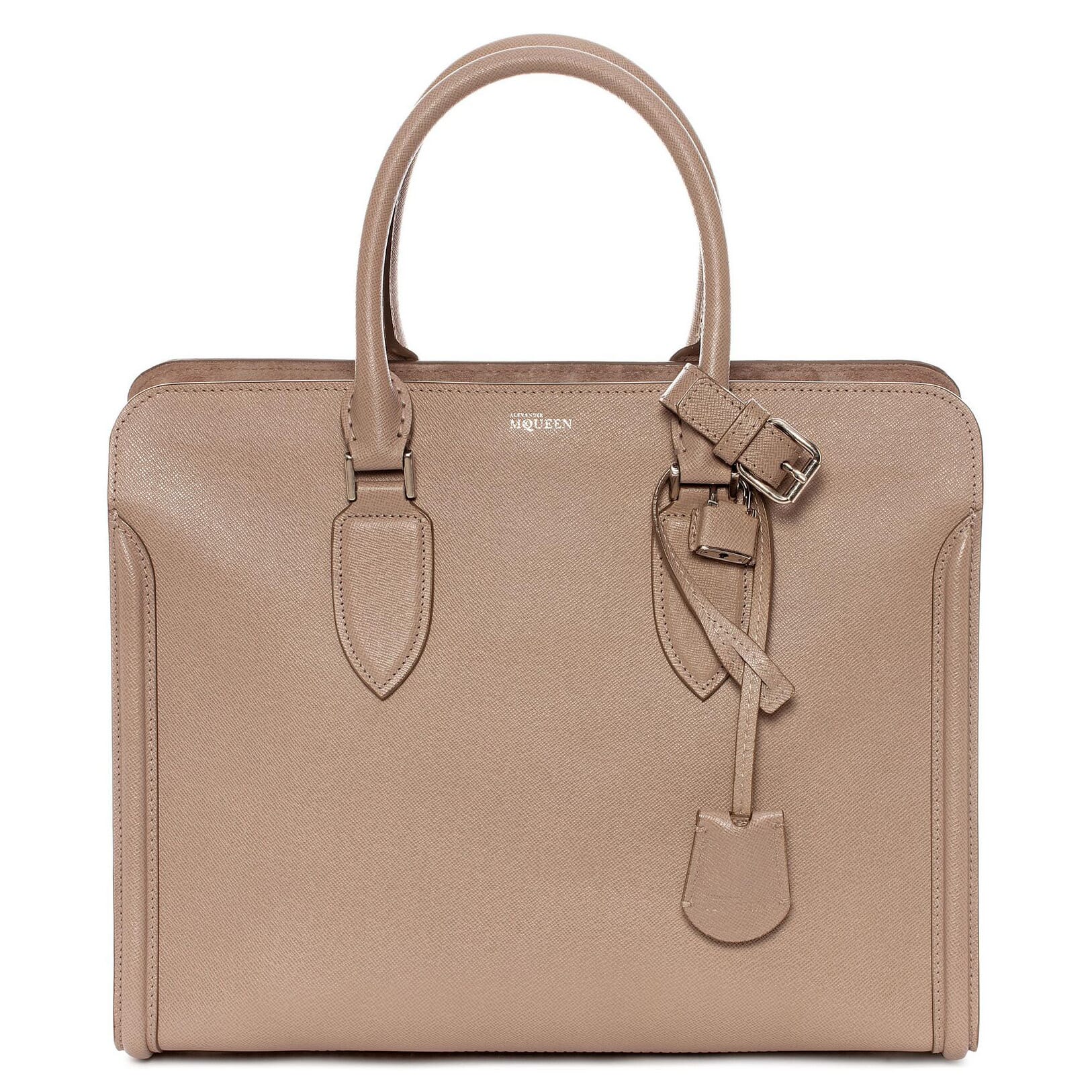  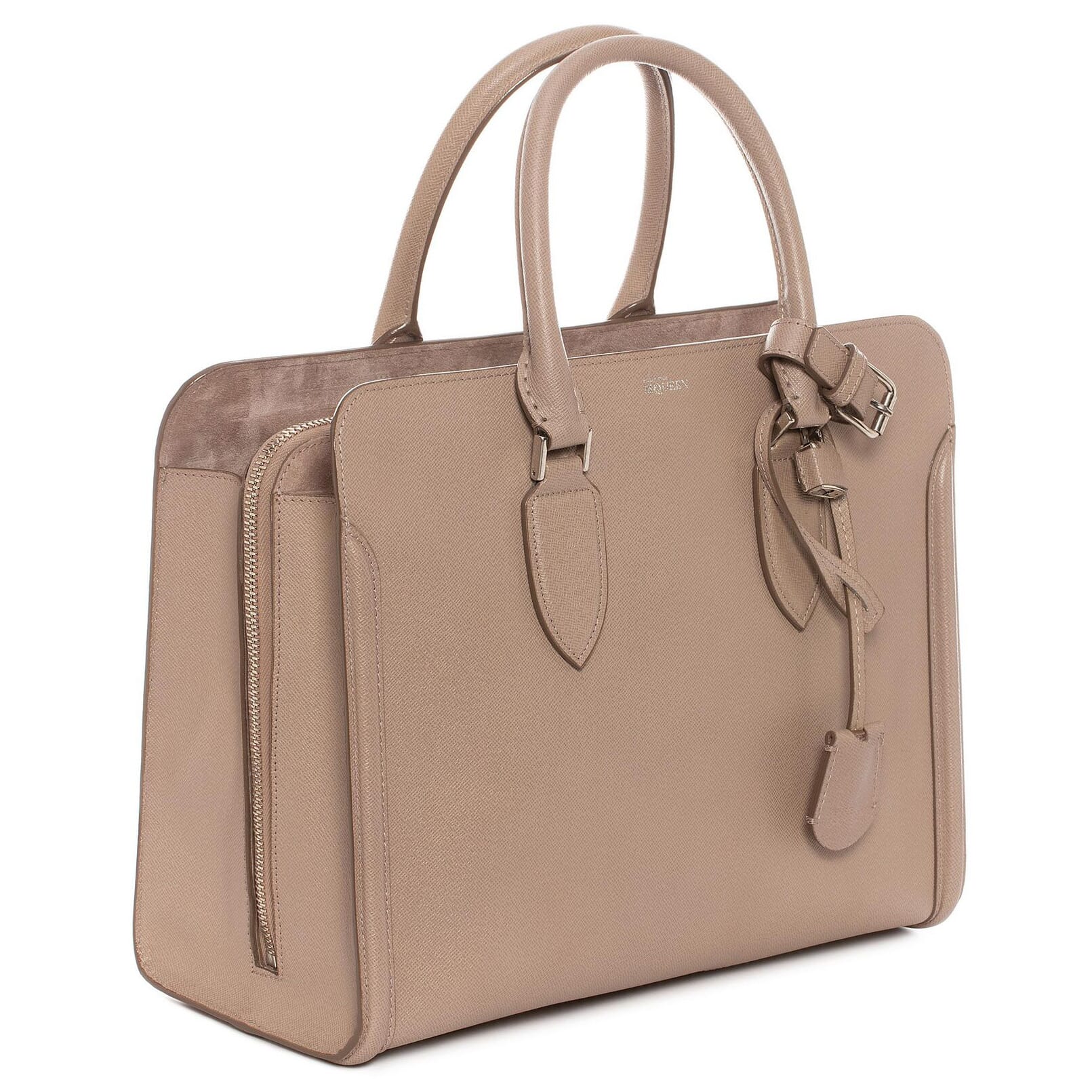 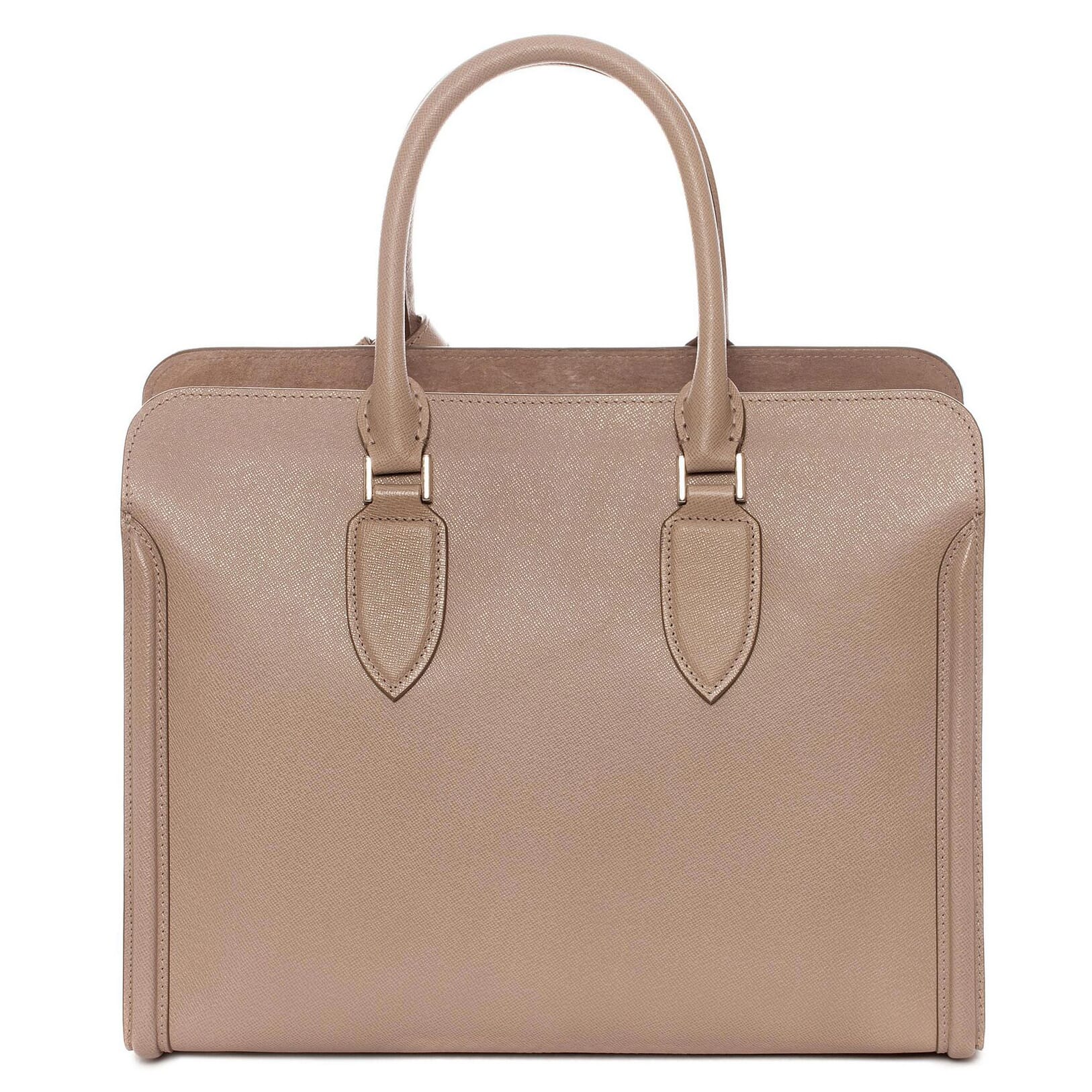 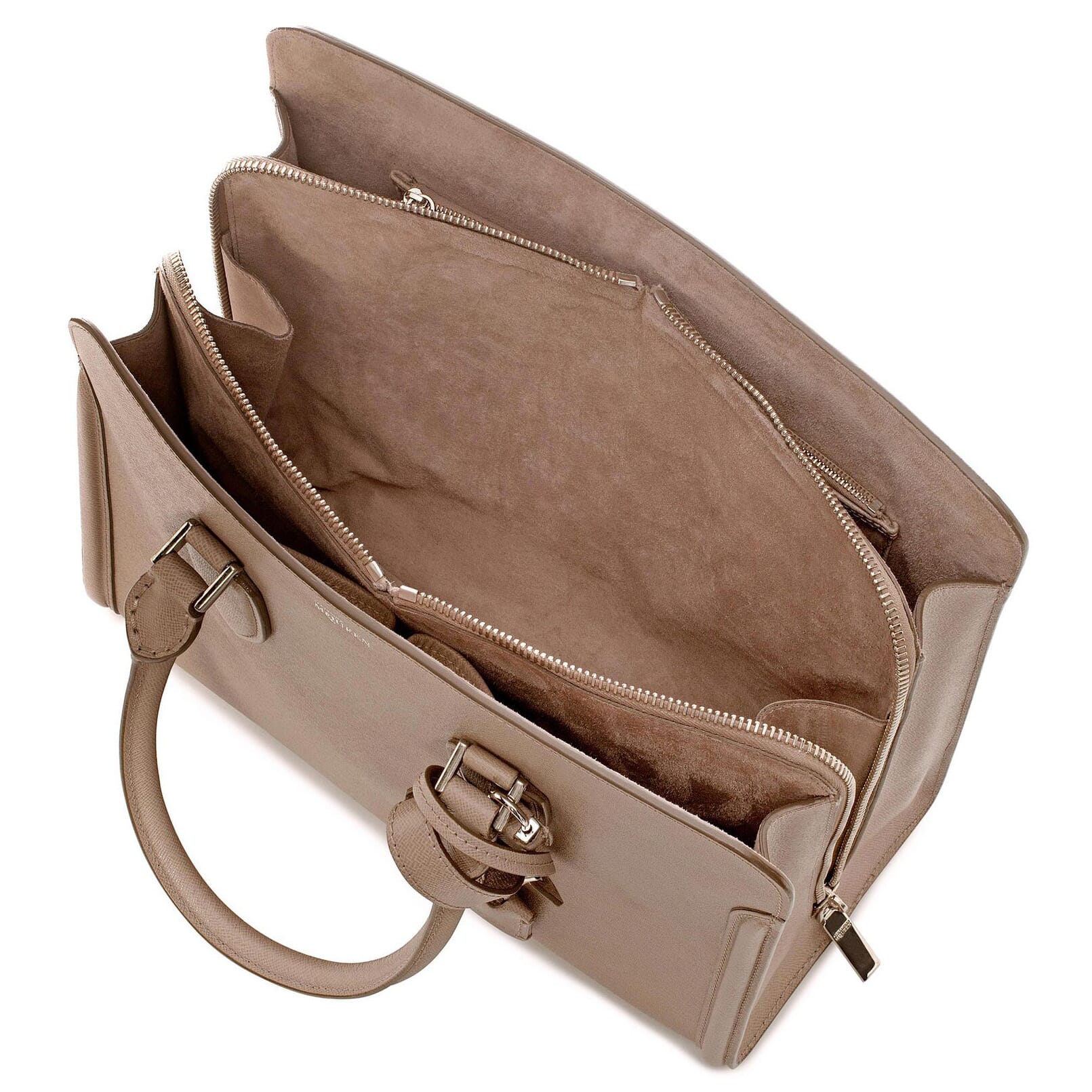 | |
Get started in minutes and amaze your cusomers with gorgeous product images
Magic Zoom Plus helps your images look stunning.
- Customers will explore your store from any device. That's how you'll sell more!
- Chosen by the worlds greatest retailers, it's the fast, responsive, retina-ready zoom you can depend on.
The most powerful PrestaShop product image zoom available
Supported Versions
- PrestaShop 9
- PrestaShop 8
- PrestaShop 1.0 - 1.7.x
Works on these pages
PrestaShop users know the value of their e-commerce store. But do they know the importance of product images?
This image hover zoom for PrestaShop combines 2 of our most popular image tools: zoom and enlarge. Hover an image to zoom in, click an image to enlarge it to full-screen. Users love it and so will your sales conversions.
Better still, it also supports video. Add YouTube or Vimeo videos of your products, to help shoppers understand why they should buy.
Automatically enabled on all product pages, Magic Zoom Plus can also be used on Category pages, Featured blocks, Search results and 6 other useful locations on your site. This PrestaShop image zoomer reveals a gorgeous close-up with an effect of your choice: internal zoom, external zoom, quick-preview, image magnifier and full-screen enlarge.
Try the highest rated PrestaShop image zoom addon on your store today.
Verified by PrestaShop:
Read reviews of Magic Zoom Plus on the official marketplace for PrestaShop addons.
Rating 
Show videos and images
Win your customers' trust, with product videos. A powerful to explain your products' benefits, video and image zoom are 2 proven ways to convert visitors into buyers.Number 1 on PrestaShop
96% of customers gave Magic Zoom Plus top marks, making it the highest-ever rated image plugin on the official PrestaShop Addon store.
Works wherever you want
Perfect for product pages, you can also add image zoom to other pages such as category, search results, CMS pages and popular blocks. Simple to install, you can easily adjust the zoom style, size, effects, colours and styling. Any PrestaShop theme, guaranteed.Responsive and SEO-friendly
Image zooms are responsive, to work beautifully on desktop, iPhone, iPad or any other screen. The SEO-friendly URLs of images will ensure Google finds and indexes your images, for more visitors.Protect your images from theft
Automatically add watermarks to your images to prevent competitors from stealing your gorgeous product photos.Constantly improved since 2009
We work hard every day to make Magic Zoom Plus better and better. New features and refinements are released regularly, to give your website an everlasting WOW factor.
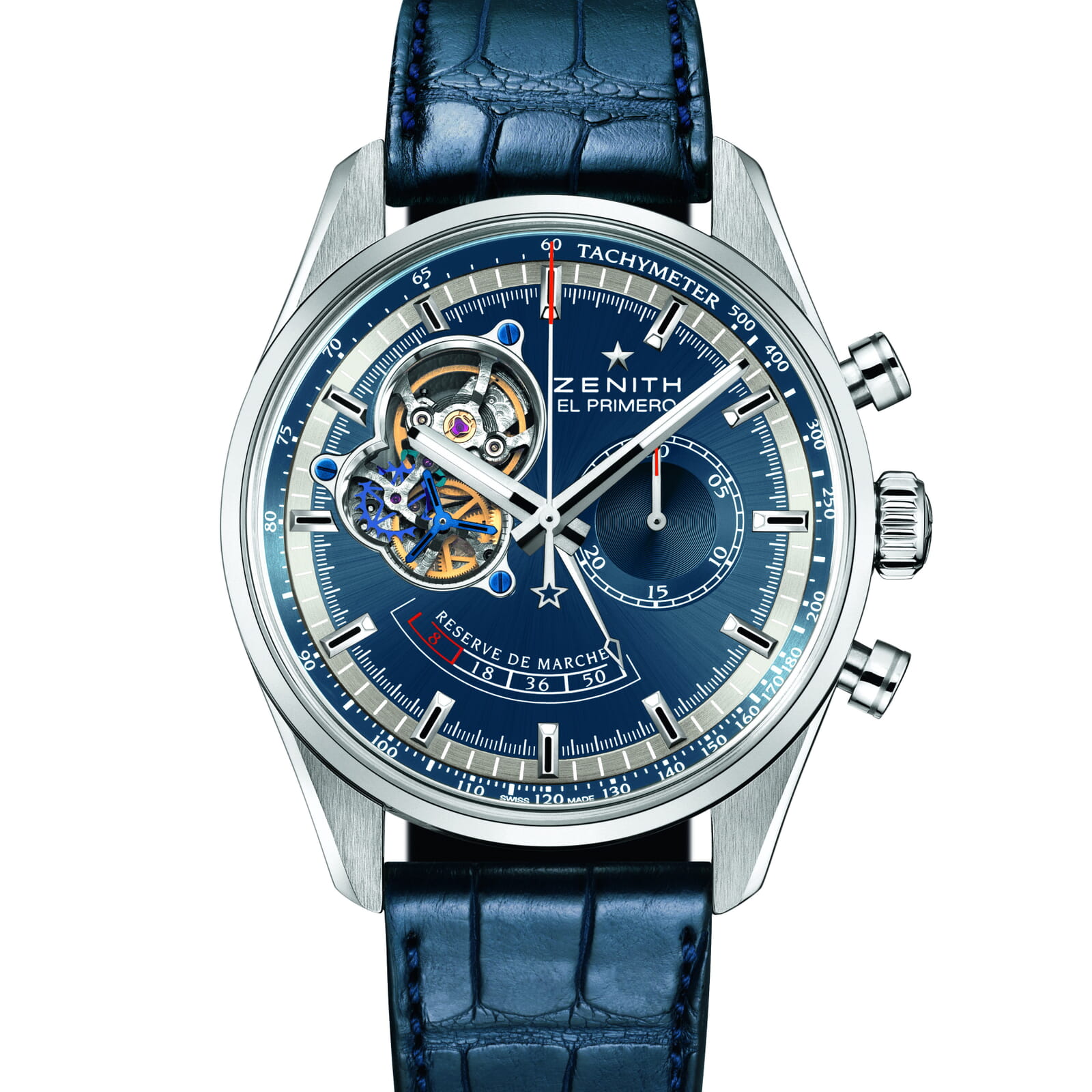
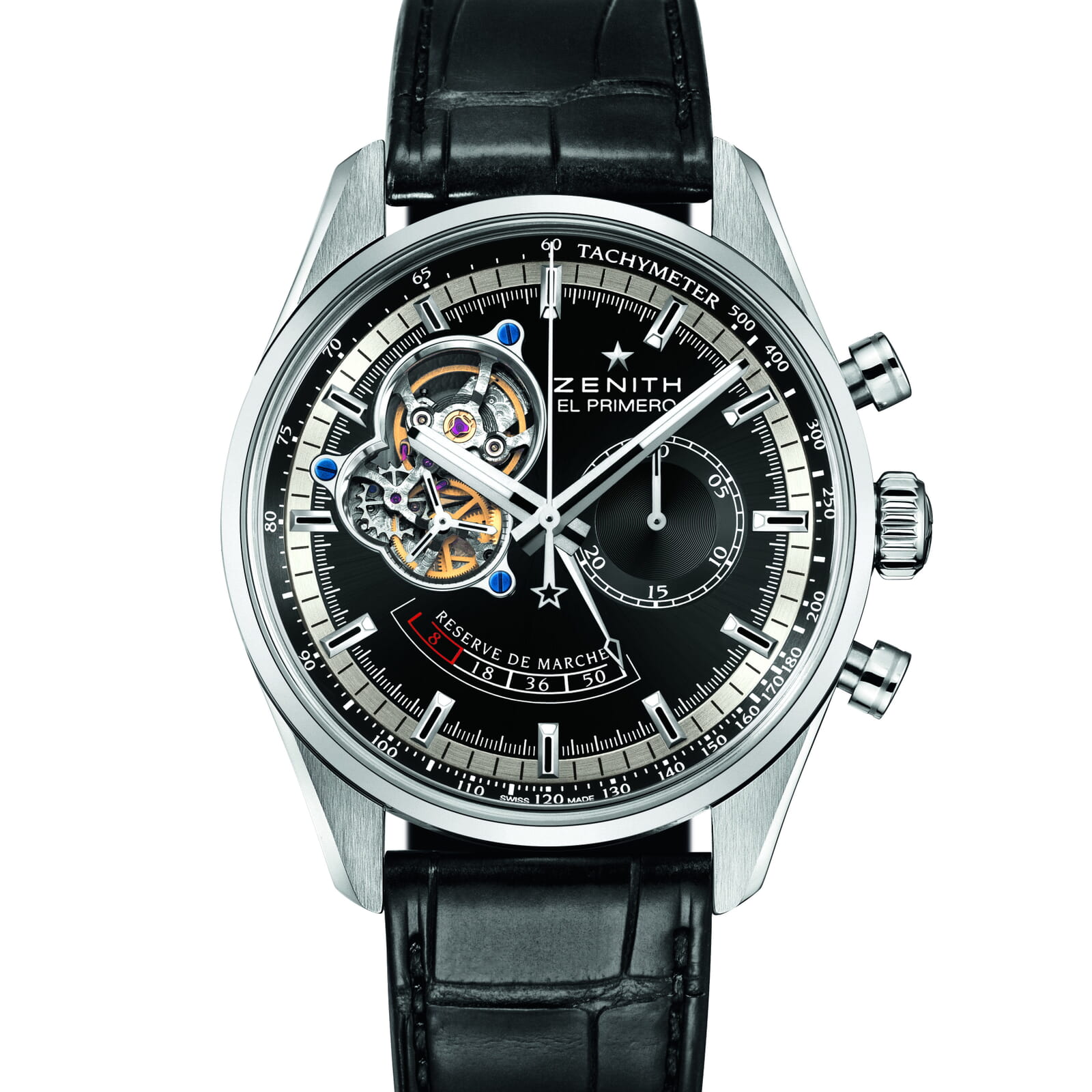
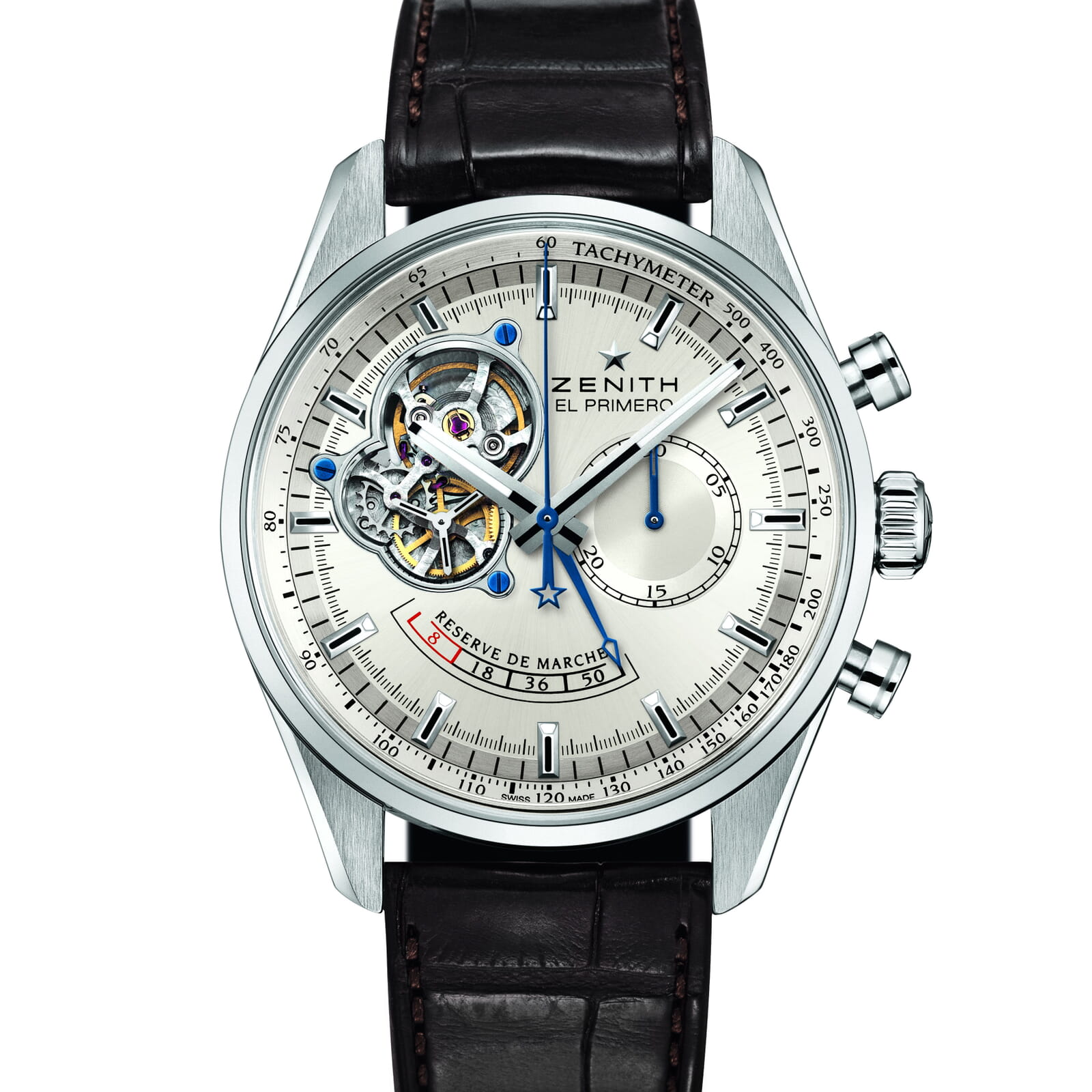

"I've been using magictoolbox code almost from the beginning. It is well done, imaginative, and compact. I've tried plenty of other image handlers but none are as good a value as these and I highly recommend them."
Wayne Eskridge, lightingshowroom.com
We've got you covered
Money back guarantee
30-day money back guarantee if you are not 100% satisfied.
Free Support
30 minutes free technical support for all customers. You can buy extra support if you need.
Instant Download
Download your product immediately after payment. Pay by credit card, PayPal or bank transfer.
Free updates
Enjoy 12 months of free updates. After that, new versions are available at 80% discount.
Customer reviews
Really easy to set up and works just perfect.
Thank you for a great module.
Adela, vilmupa.com
Domenico, labelbike.it
Mike, swingz.com.au
Lot of thanks to Igor, great support!!!
Victor, mylibi.com
David Alonso, javierlarrainzar.eu
Submit your review
Your review has been received and will be posted soon.
Other PrestaShop modules
Try our other great image effects!
 Magic Zoom
 Magic Thumb
 Magic Slideshow
 Magic Scroll
 Magic 360
Screenshots

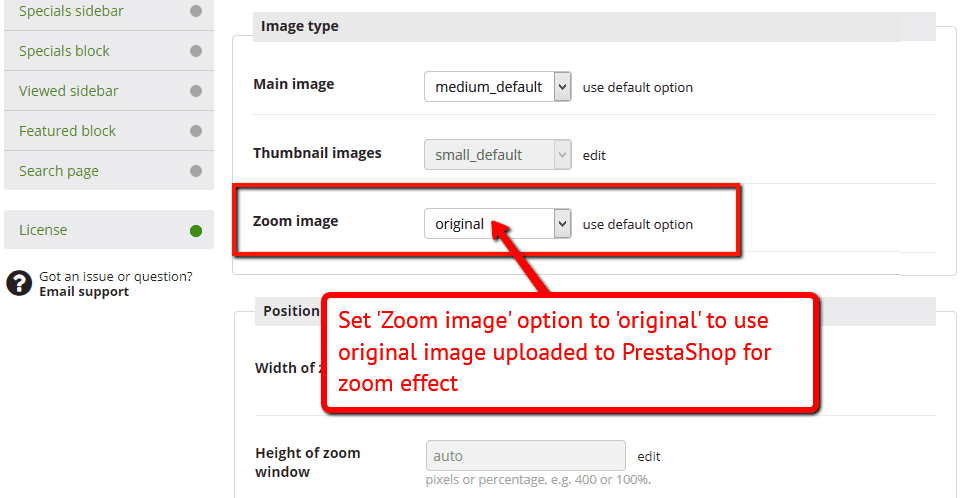
Installation
- Download the PrestaShop module for Magic Zoom Plus (free and fully functional demo version).
-
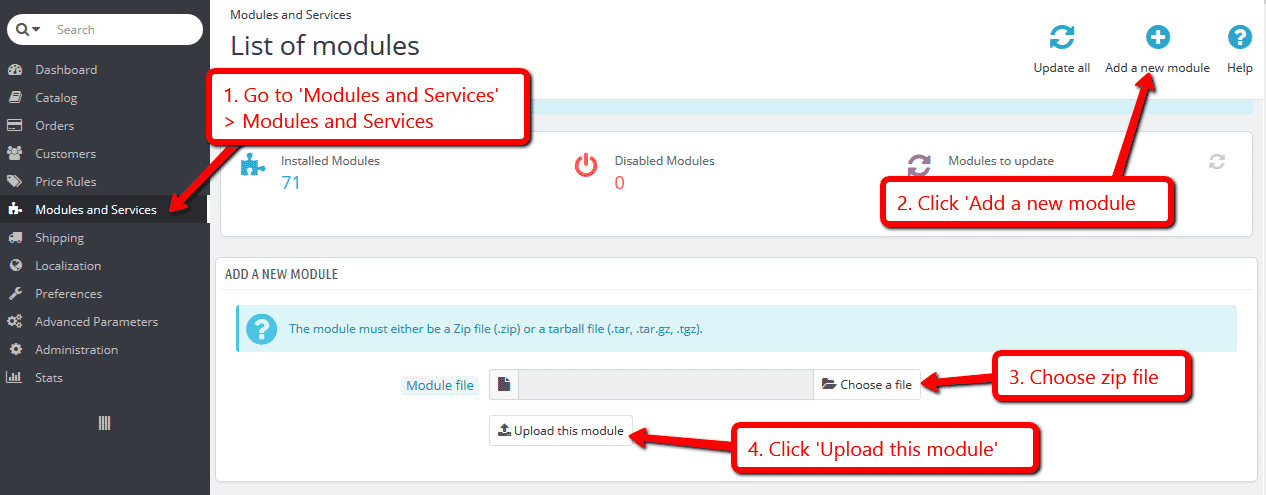
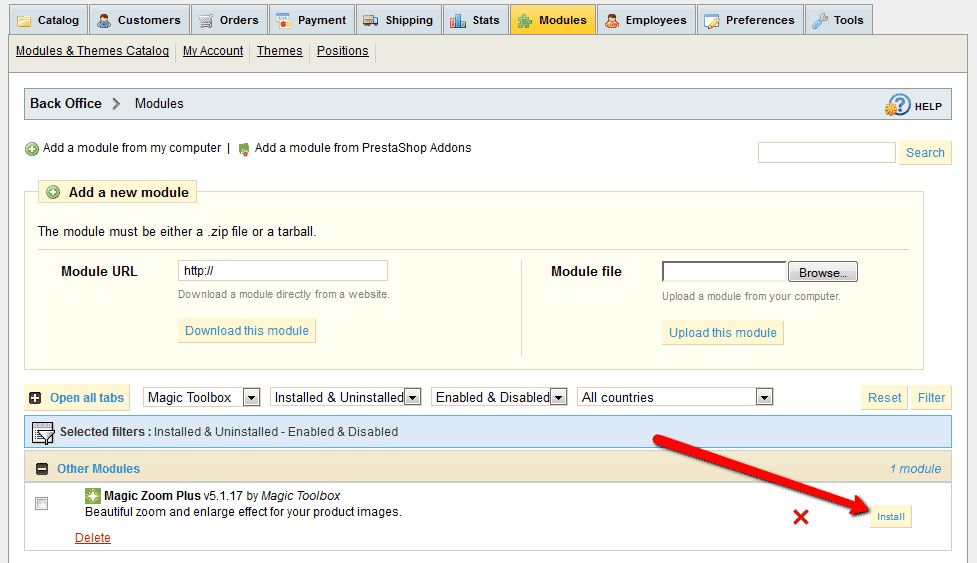
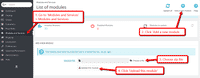 Either upload it via your PrestaShop admin area. Or unzip the file on your computer and FTP the magiczoomplus folder to the /modules/ directory of your store, keeping the file and folder structure intact.
 -
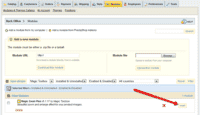 Activate the module via the Modules menu Modules > Other Modules > Install.
 - The demo version is now installed!
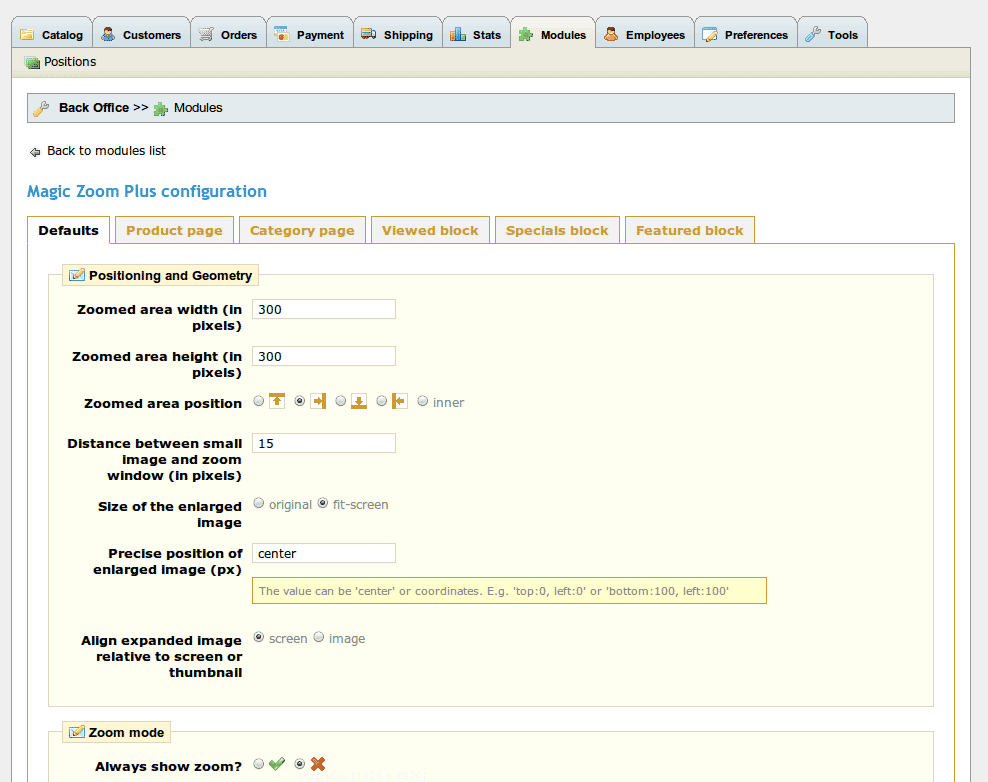
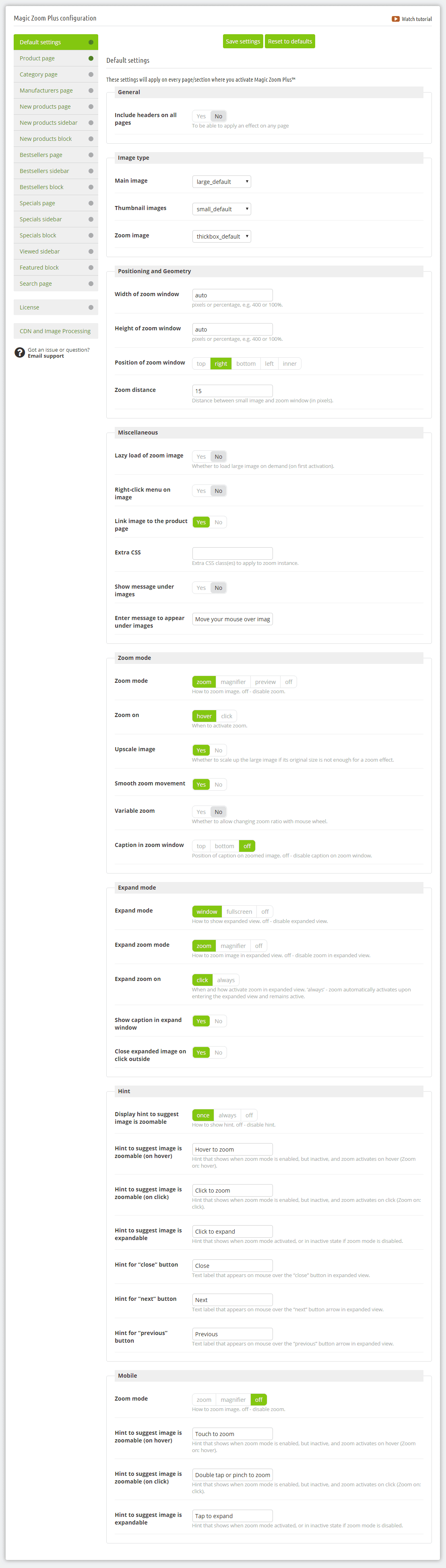
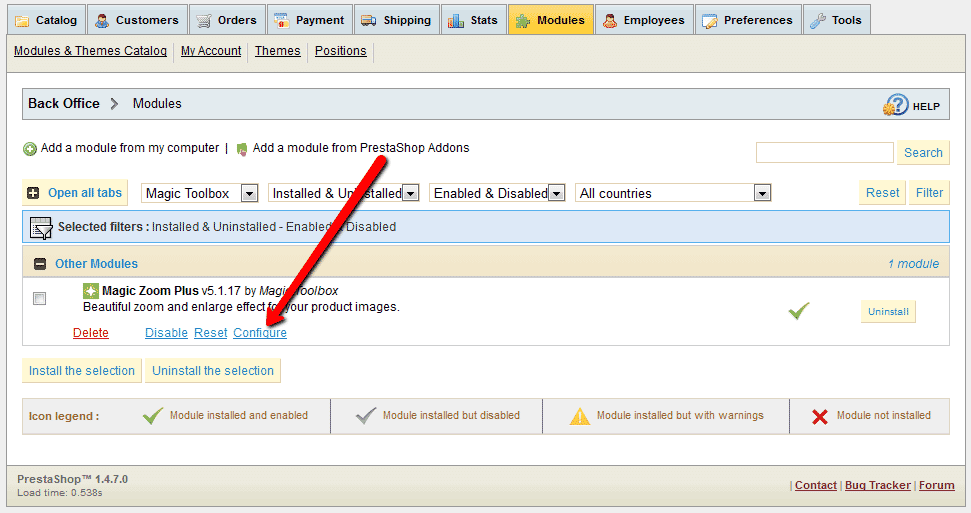
Settings location (screenshot)
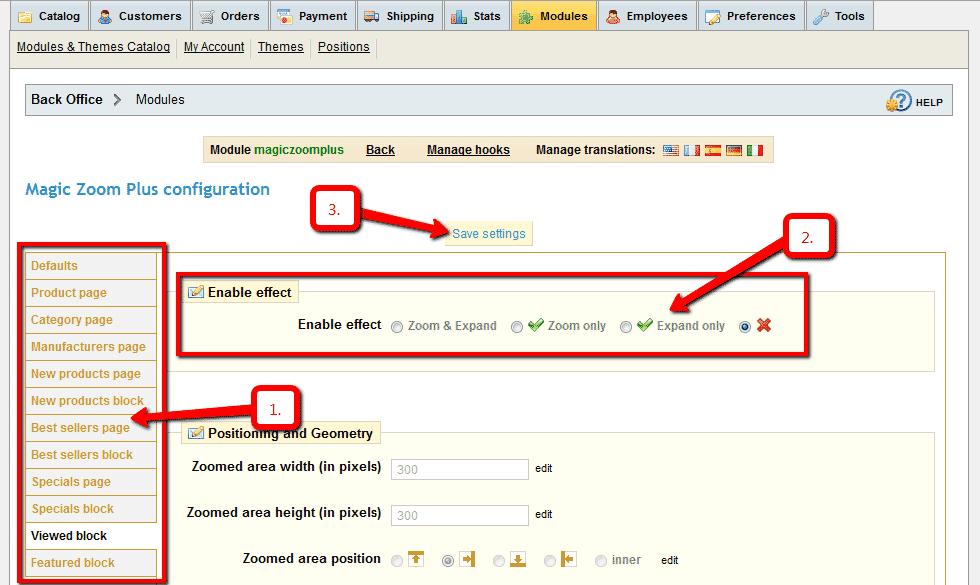
Product page settings (screenshot) Customize Magic Zoom Plus as you wish.
-
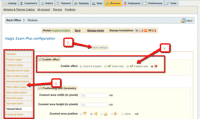 Magic Zoom Plus can be enabled on any page or section you choose.
 -
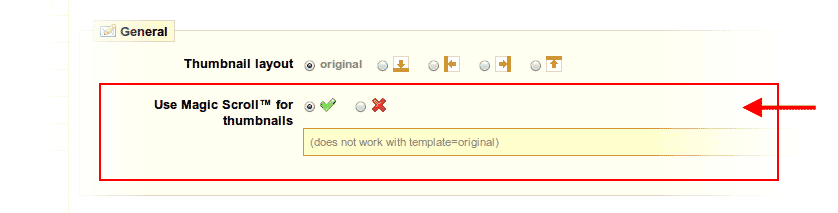
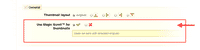 Activate Magic Scroll to enjoy organised thumbnails on your product page: Modules > Modules > Magic Zoom Plus > Configure > 'Product page' tab > 'General' section > Scroll thumbnails > Select 'Yes' > Save changes.
 -
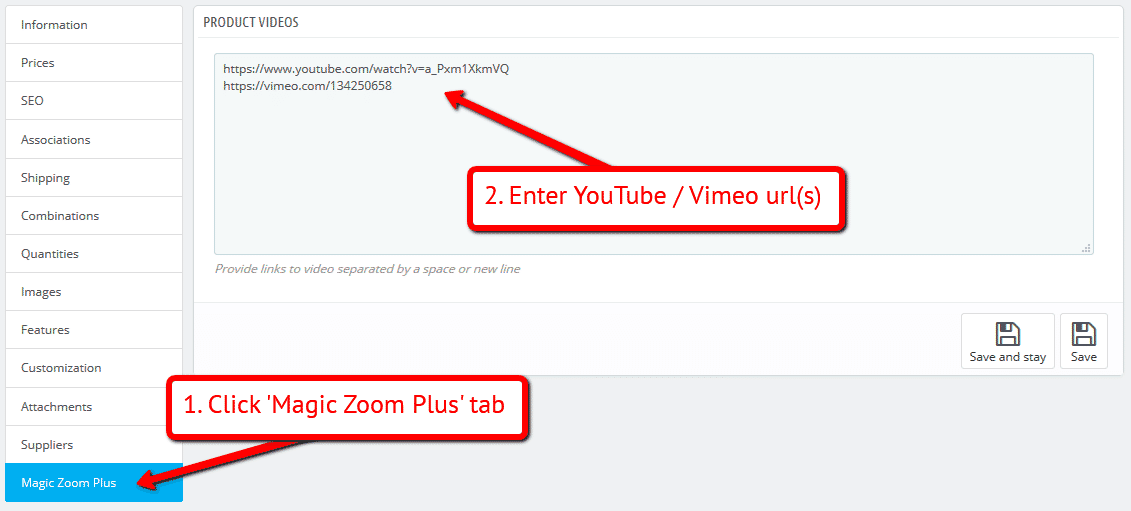
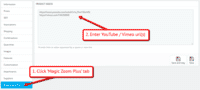 A popular feature is to display product images & video. Do this via: Catalog > Products > [Your product] > 'Magic Zoom Plus' tab > Enter your video url(s) > Save change.
 - Buy Magic Zoom Plus To upgrade your free and fully functional trial version of Magic Zoom Plus (which removes the "Trial version" text), buy Magic Zoom Plus and overwrite following file with the same one from your licensed version:
/modules/magiczoomplus/magiczoomplus.js
Video tutorial
Multiple images
Swapping between many images is already a standard feature in Magic Zoom Plus. But if you have lots of images, the page can look complicated.
Make your thumbnails look slick and organised with Magic Scroll for PrestaShop. It neatly contains the images adds arrows to slide between them. Example:









- Simply activate Magic Scroll on the Magic Zoom Plus options page.
- To remove the "Please upgrade" text, buy a license and overwrite the /modules/magiczoomplus/views/js/magicscroll.js file with that from your licensed version.
Combine zoom & video
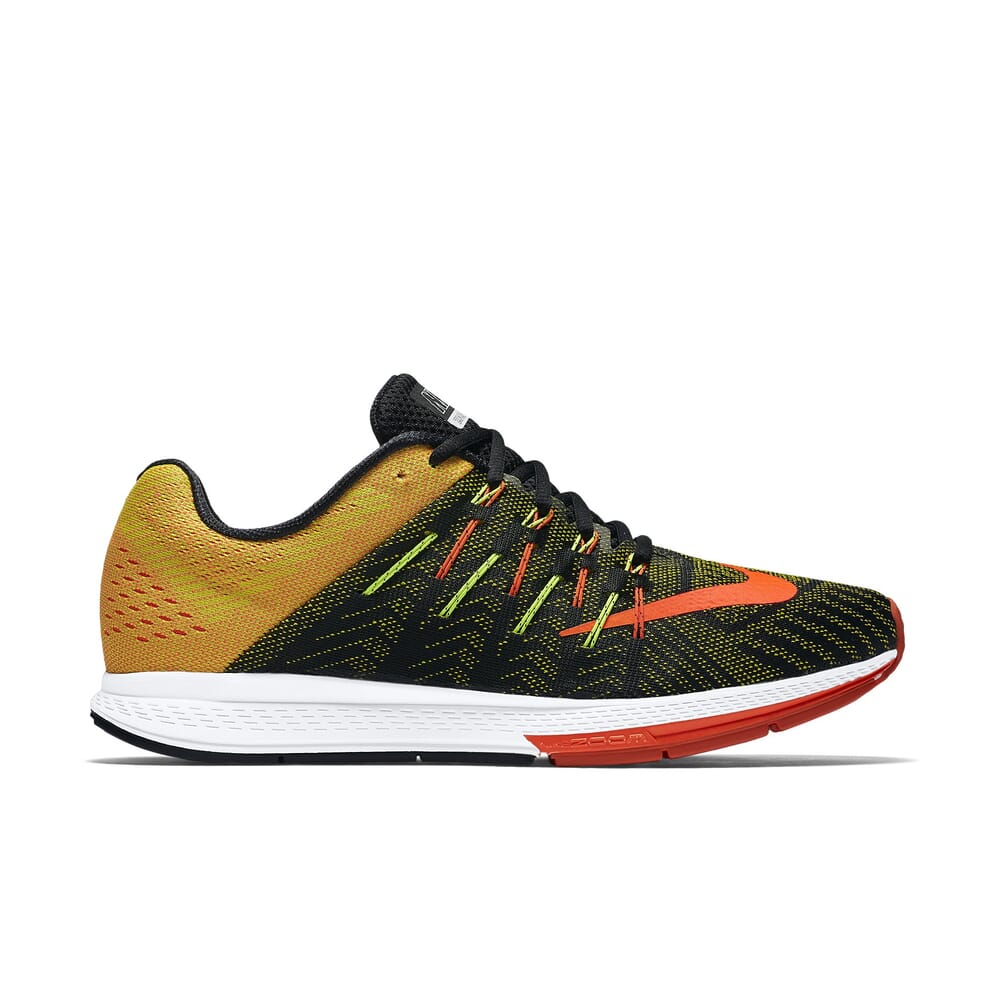
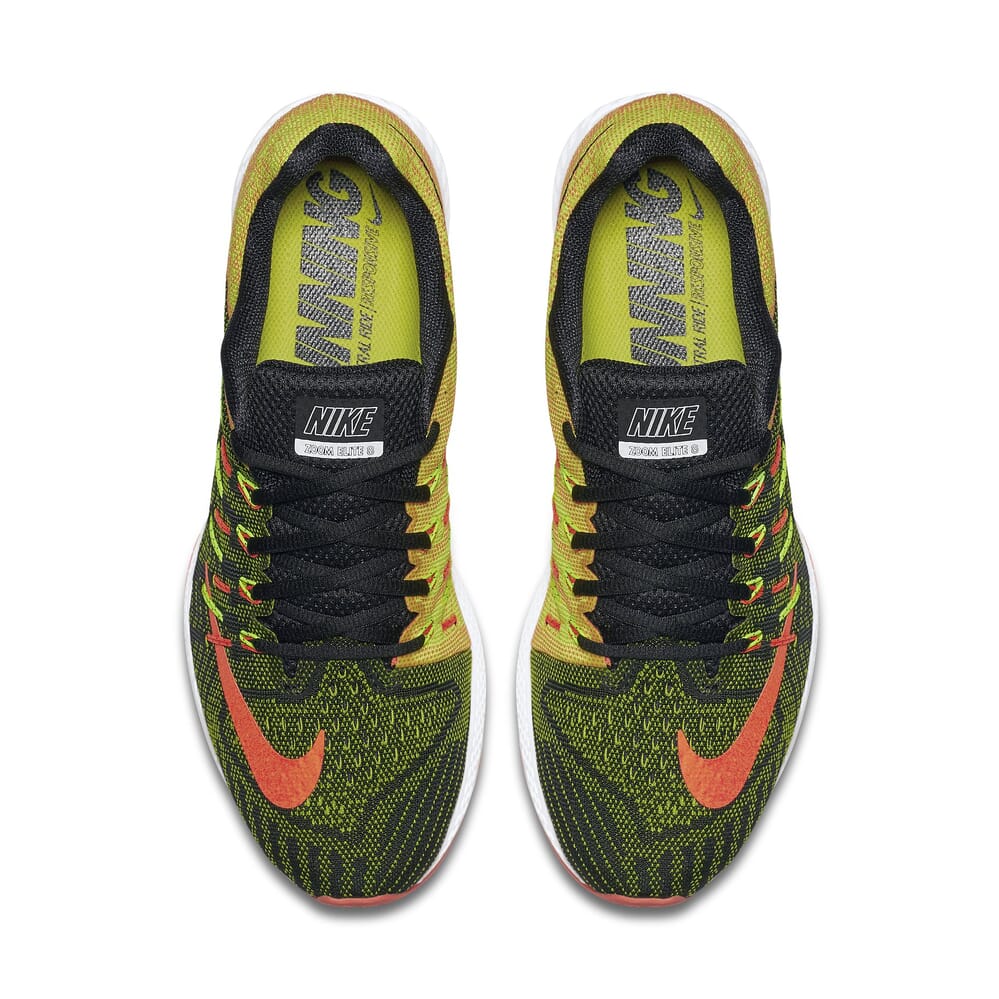
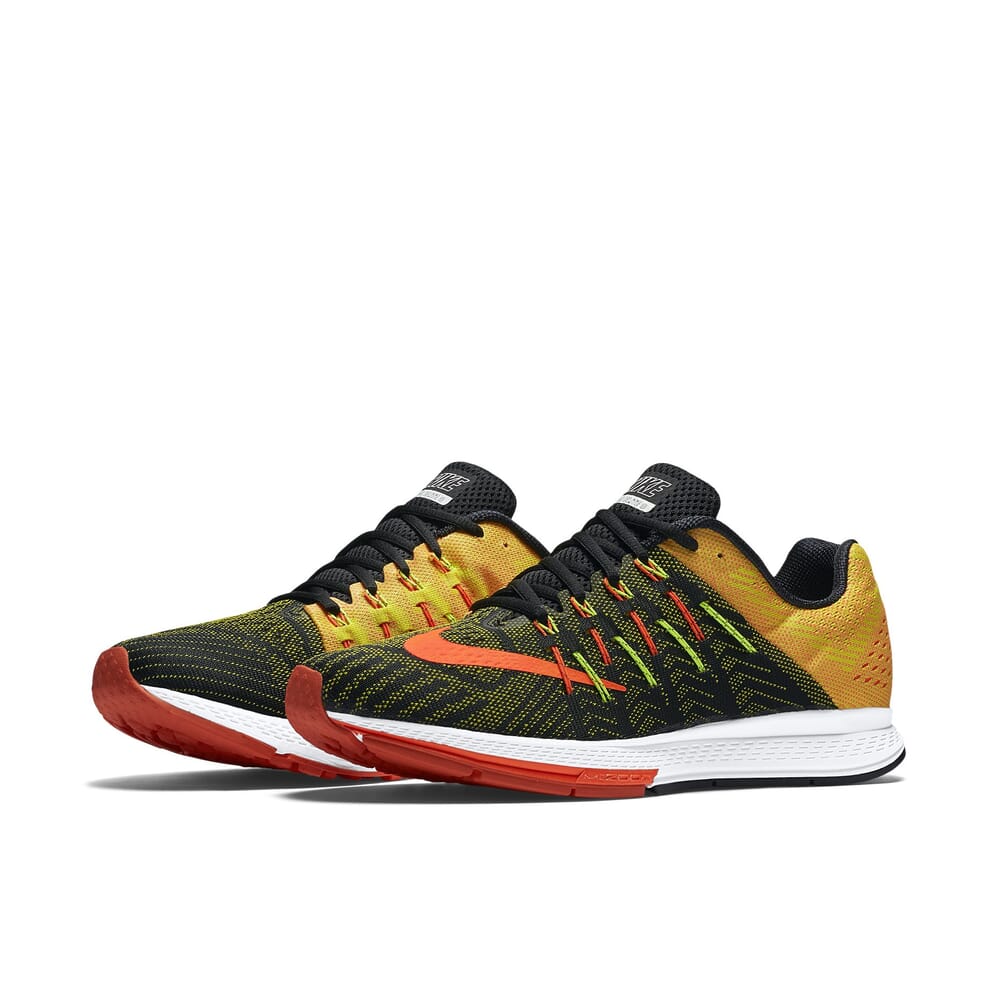
PrestaShop users now receive 2 tools in 1: image zoom & video!
Product videos offer potential customers a clear demonstration of any product. Conveying an incredible amount of information very quickly. Videos are proven to increase likelihood to buy, spend longer on your site and spend more per order.
It's time to stand out from the competition and turn potential customers into actual customers.

- Make sure Magic Zoom Plus is installed on your PrestaShop store.
- Open an existing product or create a new one.
- Click 'Magic Zoom Plus' tab > Enter YouTube and Vimeo video url(s) > Save change.
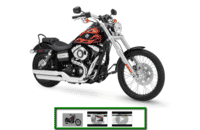 Refresh web page > Video(s) appear as thumbnails on product page.
- That's it!

Combine zoom & spin




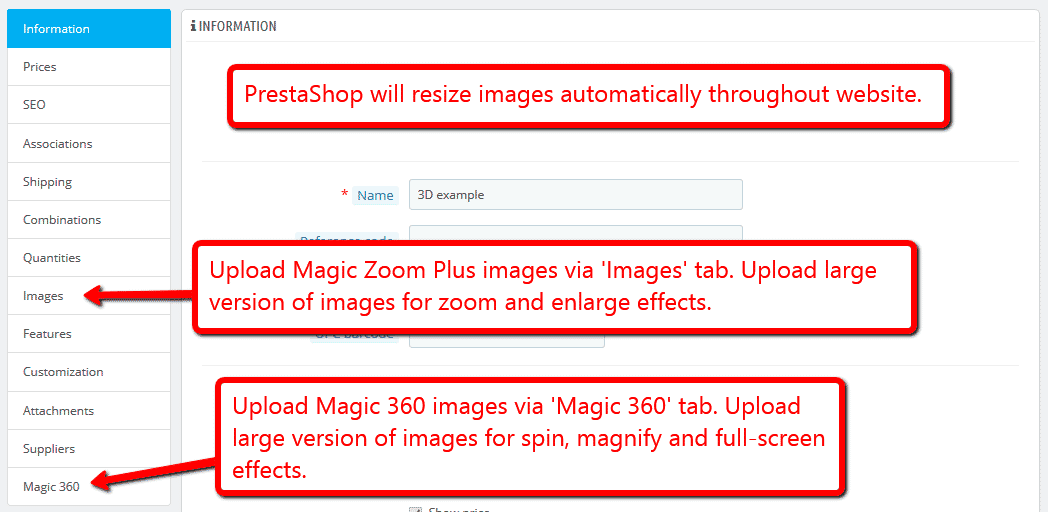
To zoom some images and spin others on your product page (like the example above), you can install both Magic Zoom Plus and Magic 360.
- Install the Prestashop module for Magic Zoom Plus.
- Install the Prestashop module for Magic 360.
- Create a new product or open an existing one.
- Upload your zoom and enlarge images via the 'Images' section. Upload your 360 spin images via the 'Magic360' section (screenshot -
 ).
).
Zoom in CMS area
- Go to the module options page Admin > Modules > Modules > Magic Zoom Plus > Configure.
- Go to 'Defaults' tab > General > Include headers on all pages > Click 'tick' > Save settings.
- Go to 'Preferences > CMS'.
- Open existing page or create a new page.
- Scroll down to 'Page content' section > Click 'Source code' button (a pop up box will appear).
Add zooming to any image on your CMS page by referencing the small and large images. Reference your small image with <img> and link it to your big image using the CSS class of "MagicZoom". Your code will look something like this:
<a href="big.jpg" class="MagicZoom"><img src="small.jpg"></a>
- Click 'Ok' > Save changes.
- All HTML code for Magic Zoom Plus settings are described here.
- Troubleshooting - if zoom does not appear and you're using PrestaShop16, please disable: Preferences > General > Use HTMLPurifier Library.
Product attributes




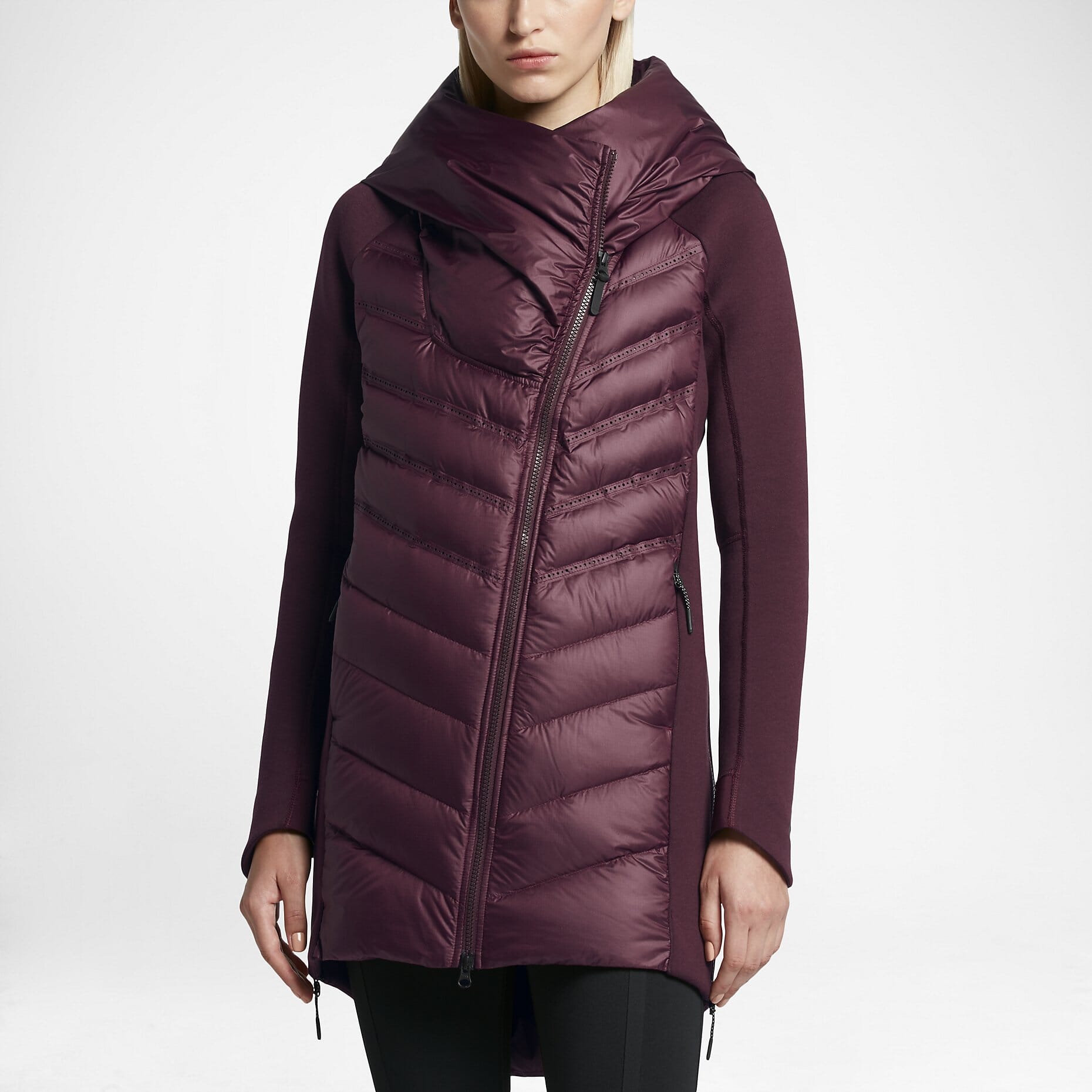


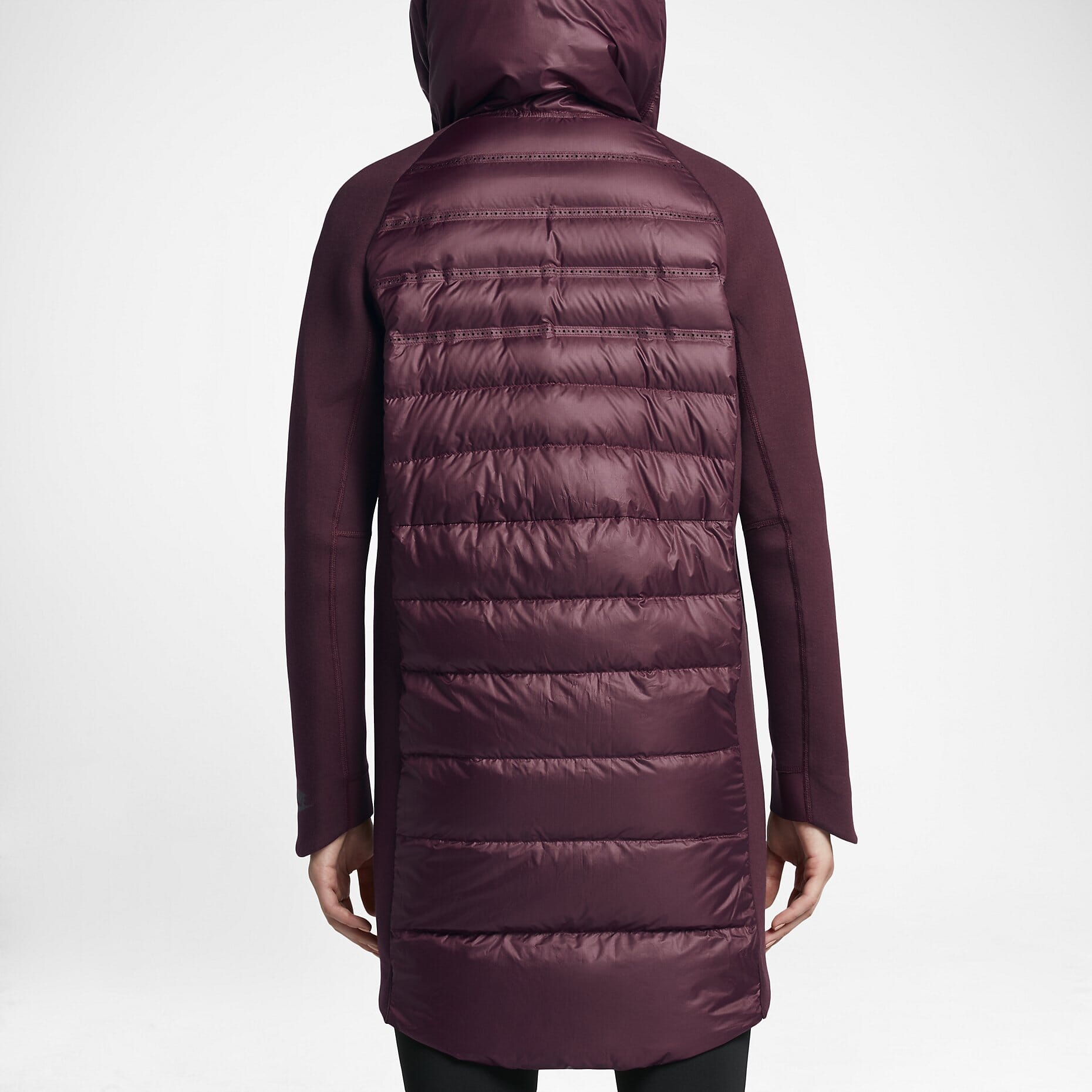










Do your products come in different colours or styles?
Magic Zoom Plus supports PrestaShop product attributes out of the box.
Attributes are configured on a per-product basis. Each option can have multiple images assigned. Our demo example uses 4 images for each attribute.
Whether you choose radio, dropdown menu or swatch thumbnails - product attributes is a perfect way to show customers your product range.
Translate hint text
Customers love reading websites in their own language. If your PrestaShop store is multilingual, use the Translate button at the top of the Magic Zoom Plus settings page to translate your Hint messages.

Live demos

Uninstallation
Thanks for trying Magic Zoom Plus on your PrestaShop site! What did you hope Magic Zoom Plus could do? How can we improve it? Let us know, we're always improving our tools based on customer feedback.
- Deactivate Magic Zoom Plus via the Modules and Services > Module and Services > Other Modules > Uninstall.
- Delete Magic Zoom Plus via the Modules and Services > Module and Services > Other Modules > Delete.
- Magic Zoom Plus is now uninstalled.