
No coding required.
Use your addon almost anywhere on your PrestaShop site.
You can even apply different zoom options to each page or block.
Supported pages & blocks
Relied upon by PrestaShop store owners, has been the professional choice since 2009 for pioneering deep zoom effects.
This official PrestaShop addon makes it easy to apply these effects to your pages. Even better - the addon gives you auto-caching, image resizing and SEO optimization as part of the dedicated PrestaShop features.
With free new versions regularly released, your products will always look gorgeous with .
Key features
Live demos

Screenshots
Installation
- Download the PrestaShop module for (no longer available to new customers)
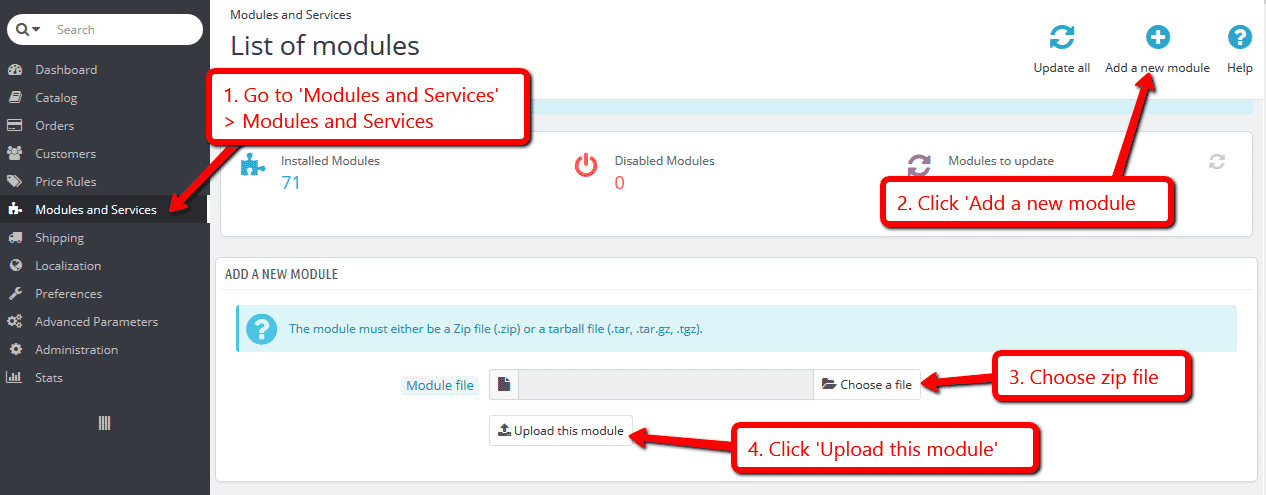
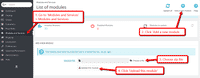 Either upload it via your PrestaShop admin area. Or unzip the file on your computer and FTP the folder to the /modules/ directory of your store, keeping the file and folder structure intact.
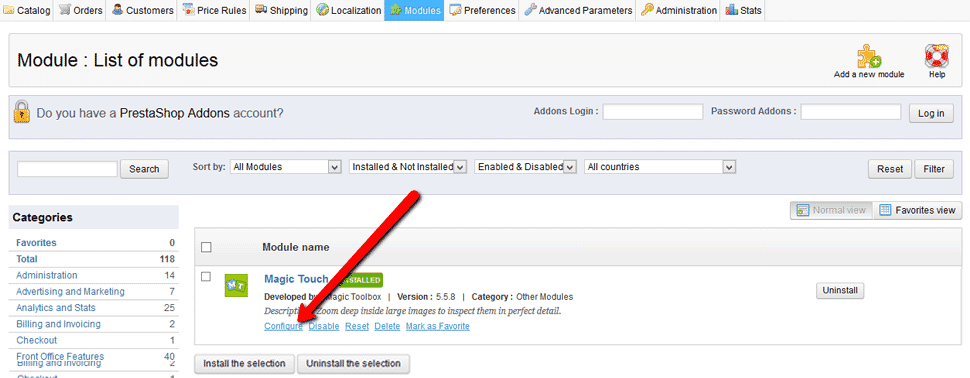
 Activate the module via the Modules menu Modules > Other Modules > Install.
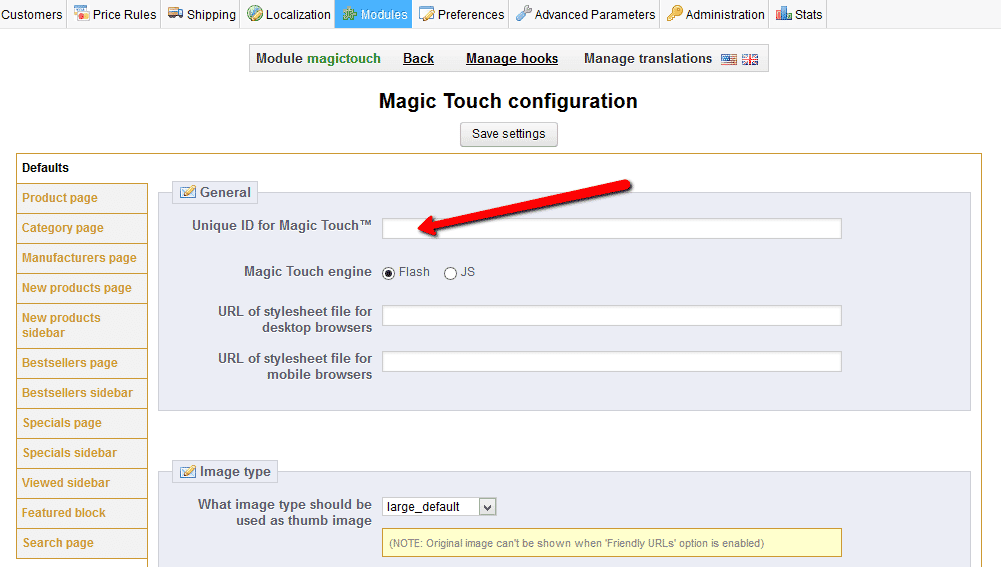
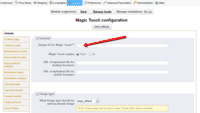 Enter your Magic Touch key on the module configuration page. To get your ID, login to your Magic Touch account.
- That's all!
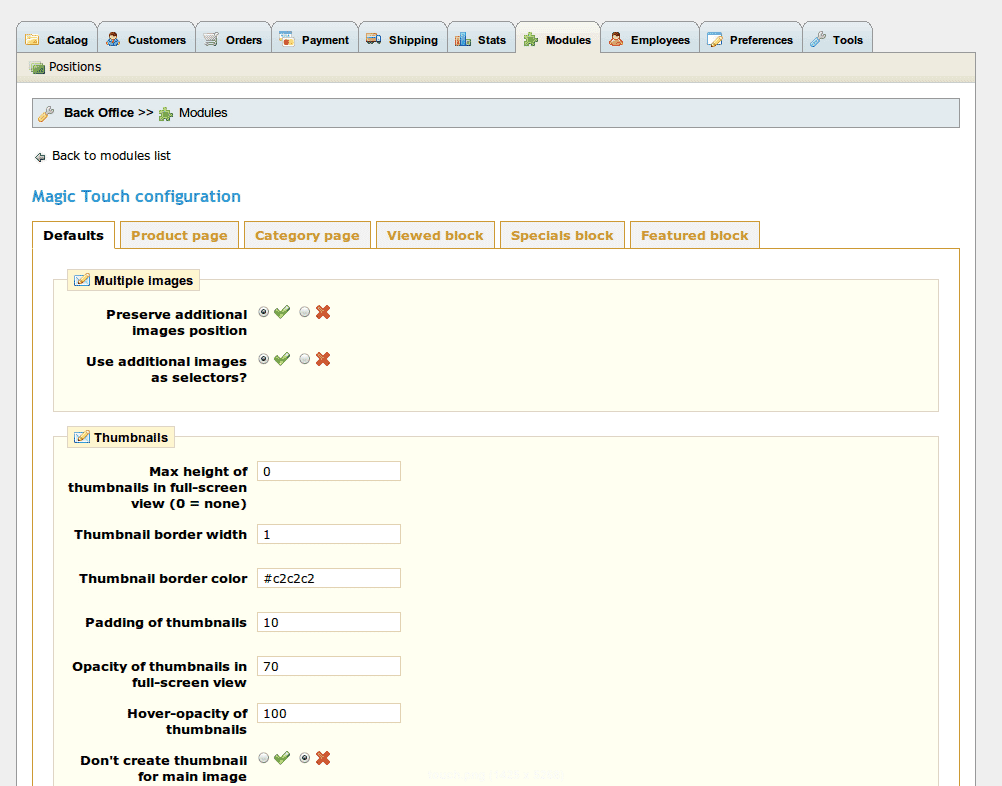
 Customize Magic Touch as you wish.
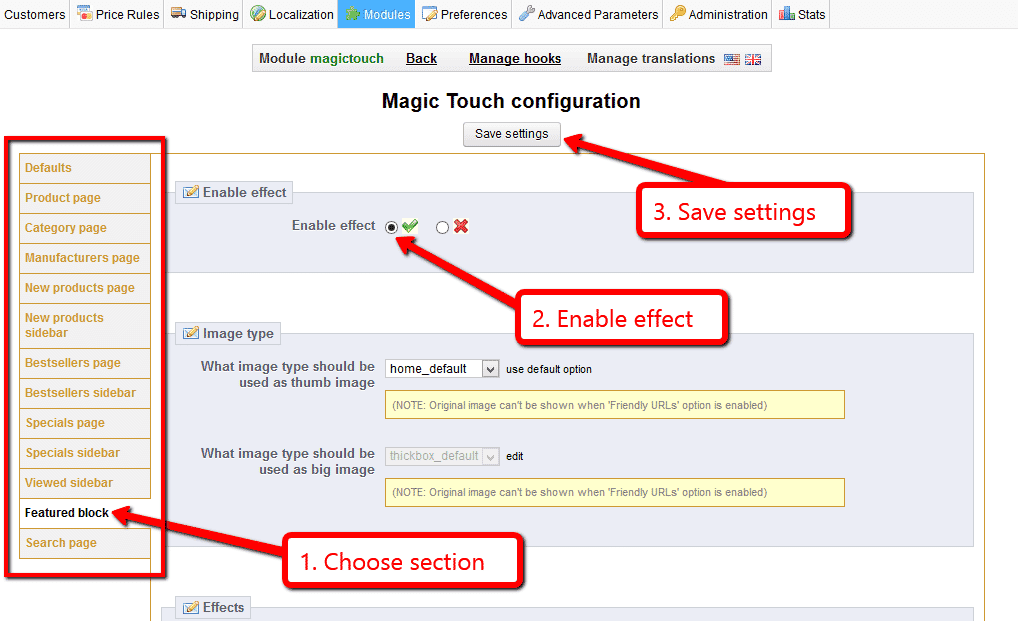
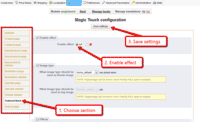 Magic Touch can be enabled on any page or section you choose.

Multiple images
Swapping between many images is already a standard feature in . But if you have lots of images, the page can look complicated.
Make your thumbnails look slick and organised with Magic Scroll for PrestaShop. It neatly contains the images adds arrows to slide between them. Example:









- Simply activate Magic Scroll on the options page.
- To remove the "Please upgrade" text, buy a license and overwrite the /modules/magiczoomplus/views/js/magicscroll.js file with that from your licensed version.
Uninstallation
Thanks for trying on your PrestaShop site! What did you hope could do? How can we improve it? Let us know, we're always improving our tools based on customer feedback.
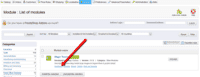
- Deactivate via the Modules and Services > Module and Services > Other Modules > Uninstall.
- Delete via the Modules and Services > Module and Services > Other Modules > Delete.
- is now uninstalled.
Customer reviews
Submit your review
Your review has been received and will be posted soon.
Other PrestaShop modules
Try our other great image effects!
 Magic Zoom
 Magic Zoom Plus
 Magic Thumb
 Magic Slideshow
 Magic Scroll
 Magic 360
This image zoom module was created for PrestaShop, the open source ecommerce software. It fetches your large images, cuts them into small tiles, then serves them. This means the image zoom can be as fast as possible.