
Key features
Screenshots
Installation
- Download the component for Joomla content (no longer available to new customers)
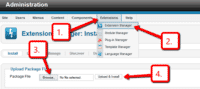 Upload it via your Joomla admin panel Extensions > Extension Manager > Browse File > Click 'Upload & Install'. Component will automatically enable.
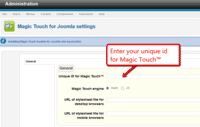 Enter your unique ID for Magic Touch™ on the module settings page. To get your ID, login to your Magic Touch™ account.
- That's all!
 Customize how you want. Go to Components > for Joomla
- Buy To upgrade your free and fully functional trial version of (which removes the "Trial version" text), buy and overwrite following file with the same one from your licensed version:
/media/plg_system_/.js
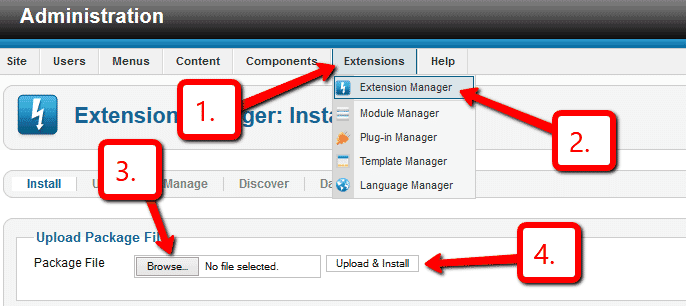
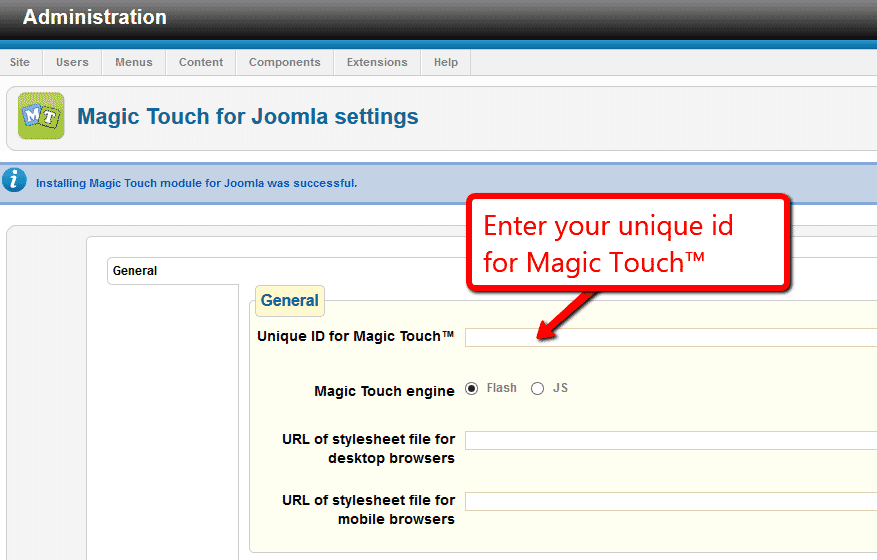

- Download the component for Joomla content (no longer available to new customers)
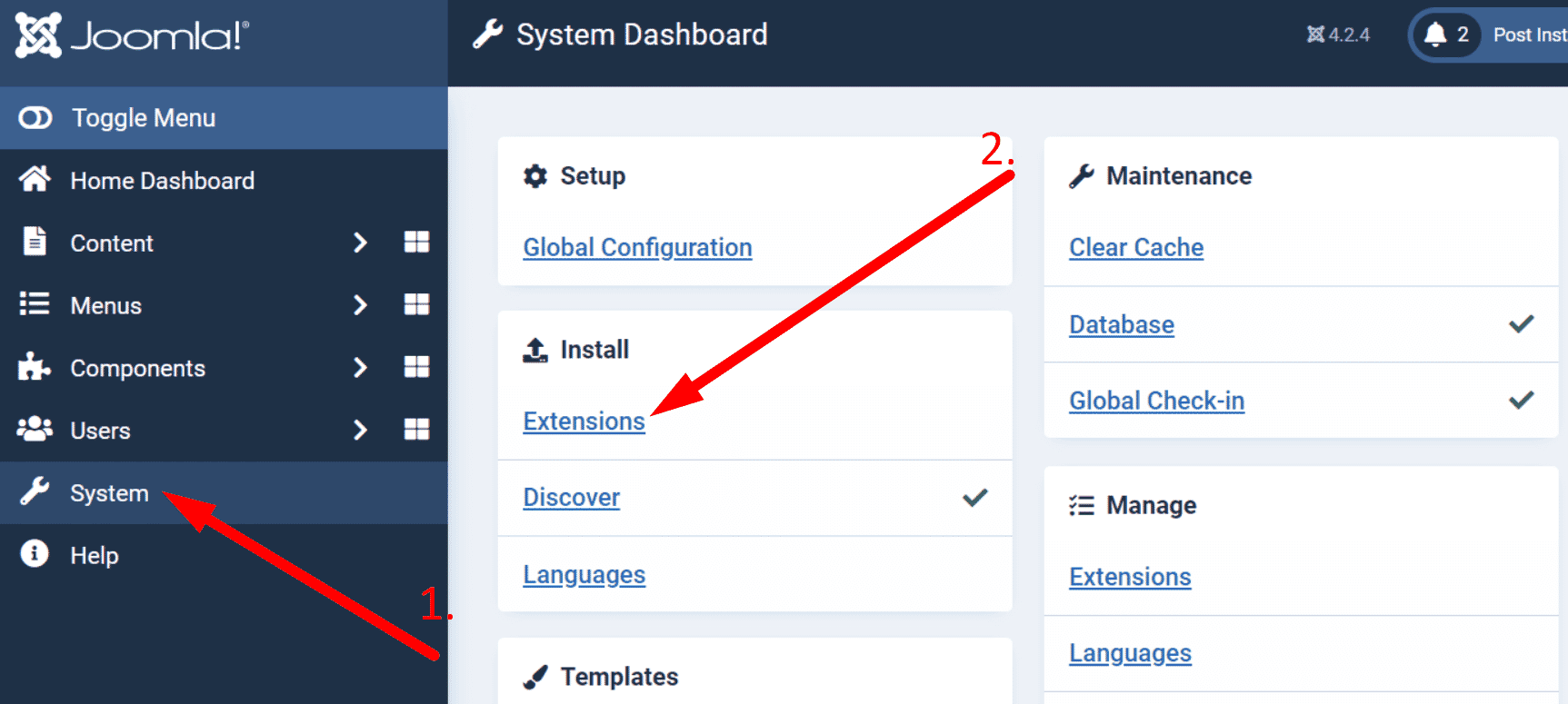
 Upload it via your Joomla admin panel System > Install > Extensions > Browse File.
- That's all!
 Customize how you want. Go to Components > for Joomla.
- Buy To upgrade your free and fully functional trial version of (which removes the "Trial version" text), buy and overwrite following file with the same one from your licensed version:
/media/plg_system_/.js

Uninstallation
Thanks for trying on your Joomla site! What did you hope could do? How can we improve it? Let us know, we're always improving our tools based on customer feedback.
- Delete code from your content.
- Go to: Extensions > Plugin Manager > Disable plugin.
- Go to: Extensions > Extension Manager > Manage > Add tick in box next to for Joomla > Click 'Uninstall'.
- is now uninstalled.
- Delete code from your content.
- Go to: System > Manage > Extensions.
- Search '' > Add tick in box next to for Joomla > Click 'Uninstall'.
- is now uninstalled.
Customer reviews
Submit your review
Your review has been received and will be posted soon.
Other Joomla components
Try our other great image effects!
 Magic Zoom
 Magic Zoom Plus
 Magic Thumb
 Magic 360
 Magic Scroll
 Magic Slideshow
For help with this module, contact us.
The module was created for zooming deep into high resolution images without delays. It works by slicing your large images into lots of tiny images and serving only the images that the user needs to zoom the image. Images are hosted on your website as normal, then Magic Touch™ automatically fetches them the first time someone visits the page, slices them and serves the images from Amazon AWS servers. It is fast, reliable and feels great to use.
There are lots of customization options available. Please refer to the customization guide.