Build your perfect Magic ScrollScrollChoice of scroll effects scrollcarouselcover-flowanimation Direction of scroll horizontalvertical Number of items to show (auto | fit | number | array)You can preset the number of visible items depending on the width of scroll view.Format: [ [x,y], [x,y], ... ]x - maximum scroll width, y - items to display.Example: [ [600,2], [800,3], [1000,5], [1200,7], [1500,10] ] Number of items moved on each scroll (auto | numeric) Scroll speed (milliseconds) Time between each scroll (milliseconds). 0 = disable autoplay. Scroll in loop, rewind to the first item after the last or stop at the last item infiniterewindoff Width of entire scroll area (auto | <pixels> | <percentage>) Height of entire scroll area (auto | <pixels> | <percentage>) NavigationShow arrows inside, outside or hidden outsideinsideoff Show pagination (bullets) auto - automatically turn off scrolling on mouse wheel in the scroll and animation modes, and enable it in carousel and cover-flow modes. autotruefalse Enable / disable keyboard navigation MiscellaneousEnable / disable autostart navigation Delay image loading. Images outside of view will be loaded on demand CSS3 Animation Easing. See cubic-bezier.com Apply settings All Star Plaid All Star Green All Star Tartan All Star Pink All Star Black All Star Orange All Star Charcoal All Star Navy All Star Red Inline Settings Global SettingsCopy to clipboardCopy to clipboardAlso see more examples and the integration guide.
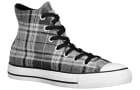 All Star Plaid
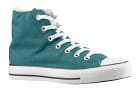 All Star Green
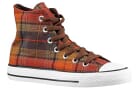 All Star Tartan
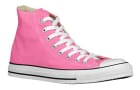 All Star Pink
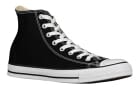 All Star Black
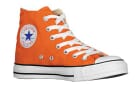 All Star Orange
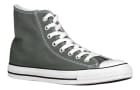 All Star Charcoal
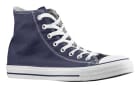 All Star Navy
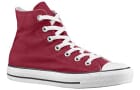 All Star Red