
Works on these pages:
- Product details page
- Manual install elsewhere
- VirtueMart 4.x.x
- VirtueMart 3.x.x
- VirtueMart 2.x.x
- VirtueMart 1.x.x
Merchants always face a problem presenting their products to potential customers in full detail. There’s an elegant solution for this! Try our beautiful VirtueMart 360 degree product viewer extension - Magic 360.
This 360 product spin enables your visitors to inspect products as if holding them in their hands. It looks excellent on desktops and all types of mobile devices.
Install this VirtueMart spin extension in 5 minutes and see an instant increase in conversions! According to numerous studies, 360 degree views of your products increases sales by at least 27% (source).
For an even greater effect, combine Magic 360 with Magic Zoom Plus. You will be able to show zoomable images and 360 spins in a fast and neat image gallery on your product page.
Download a free trial version of magnificent VirtueMart 360 viewer and make your competitors bite the dust!
Features you'll love...
- Responsive
- Instant loading
- Improves SEO
- Image caching
- Extremely flexible
- Auto image resizing
- Scrollable thumbnails
- All templates supported
- Instant watermarks for images
- On-demand loading
- Constantly updated
- no jQuery required
- Single payment and it's your forever
Screenshots
Installation
Important: Normal images will not display when 360 spin showing on product page. To display both 360 spin and standard product images together, install Magic Zoom Plus as well as Magic 360.
- Download the Magic 360 component for VirtueMart 1.x.x or VirtueMart 2.x/3.x/4.x (free and fully functional demo version).
- Go to Extensions > Manage. In Upload Package File, select the zip file that you just downloaded and click Upload File and Install.
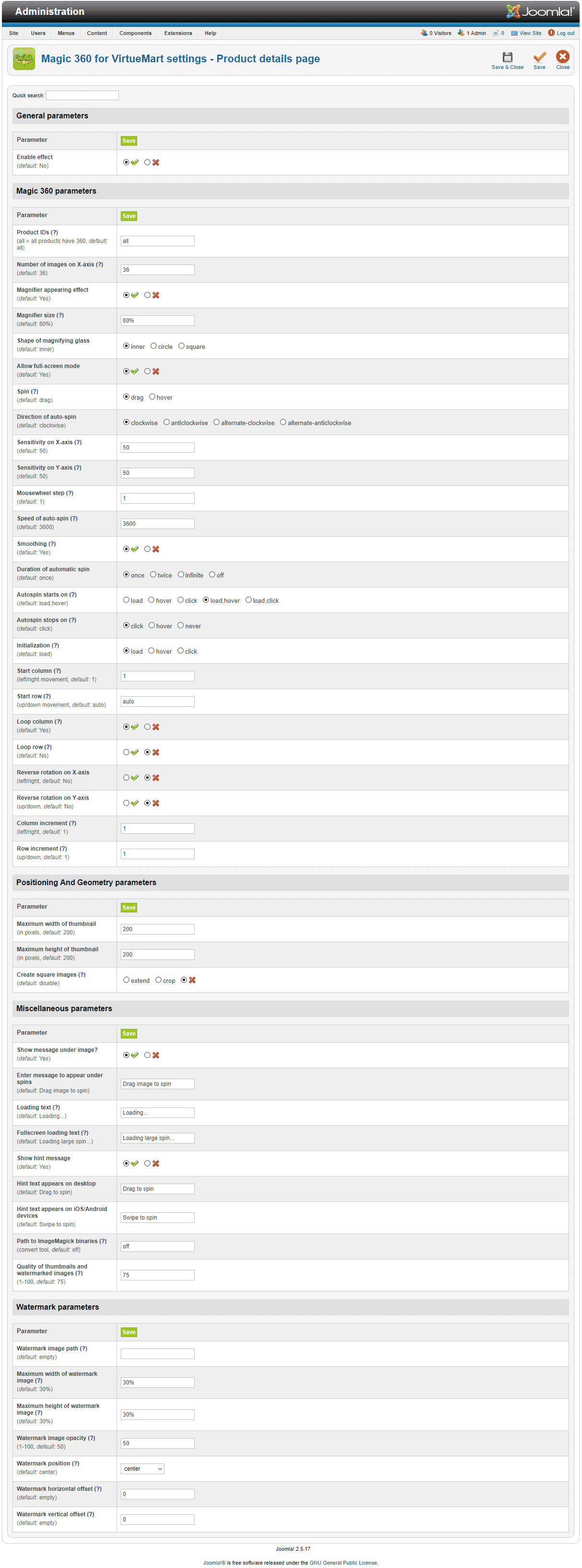
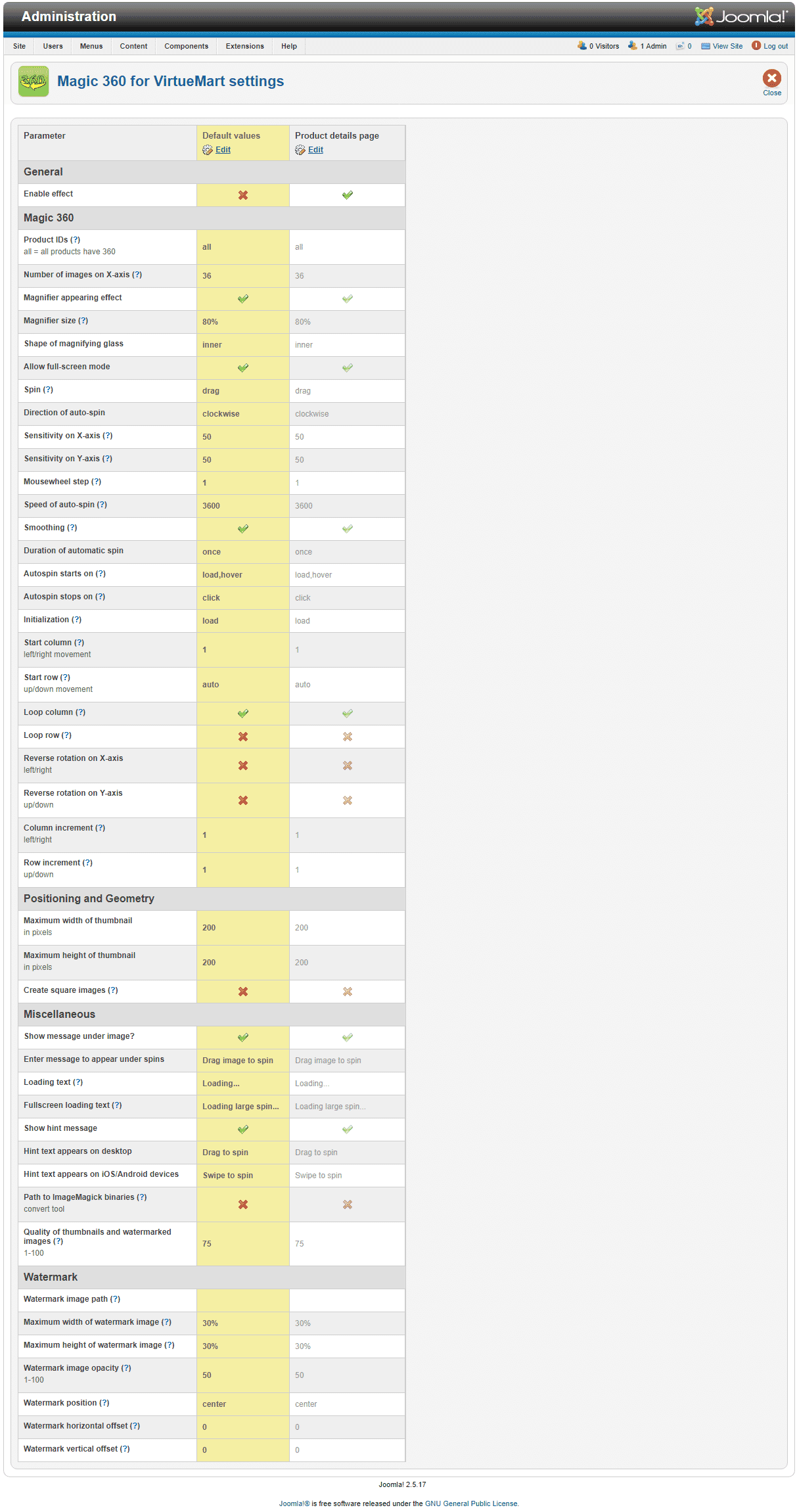
- Open the page Components > Magic 360 to customize Magic 360 as you wish.
- It is ready to use

- Buy Magic 360 To upgrade your free and fully functional trial version of Magic 360 (which removes the "Trial version" text), buy Magic 360 and overwrite following file with the same one from your licensed version:
media/plg_system_vmmagic360/magic360.js
Module position
If you don't see Magic 360 component for VirtueMart working, please change the module position here: Administrator > Extensions > Modules manager > Magic 360 module for VirtueMart. If it still does not work, you may have an incompatible template. Please send us your FTP access details and login/password for your Joomla back-end and we will help you.
Setup a 360 spin
To setup a 360 spin, upload your set of 360 images to your product in your VirtueMart section.
Open the page "Components->Magic 360" to customize Magic 360™ as you wish and choose which products should have the Magic 360 effect by modifying following parameters:
- Number of images on X-axis - Number of images in the spin set e.g. 18 or 36 (0 = disabled)
- Product IDs - Choose which products have 360 images, comma separated e.g. 1,4,5,12,14 (all = all products)
Multiple images
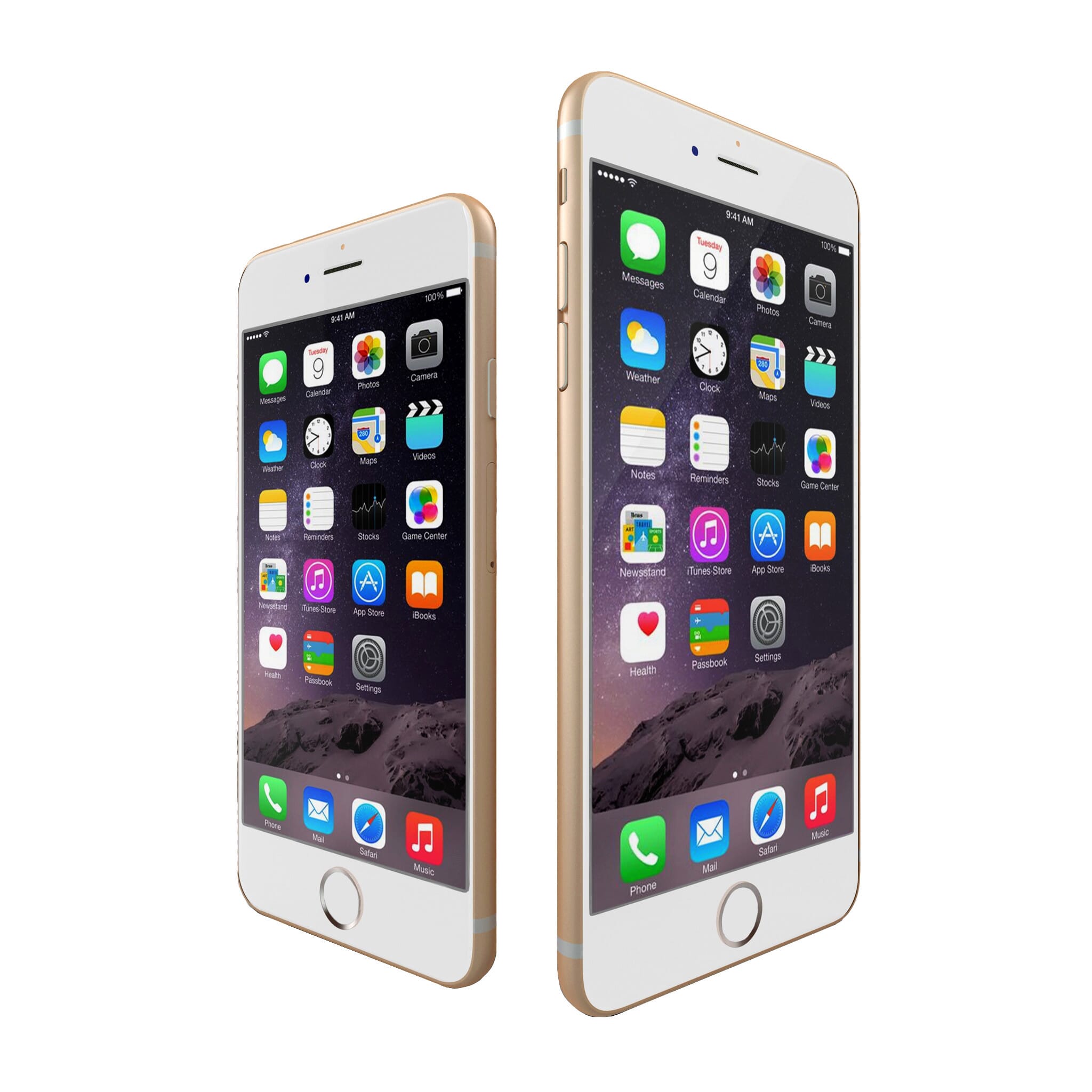
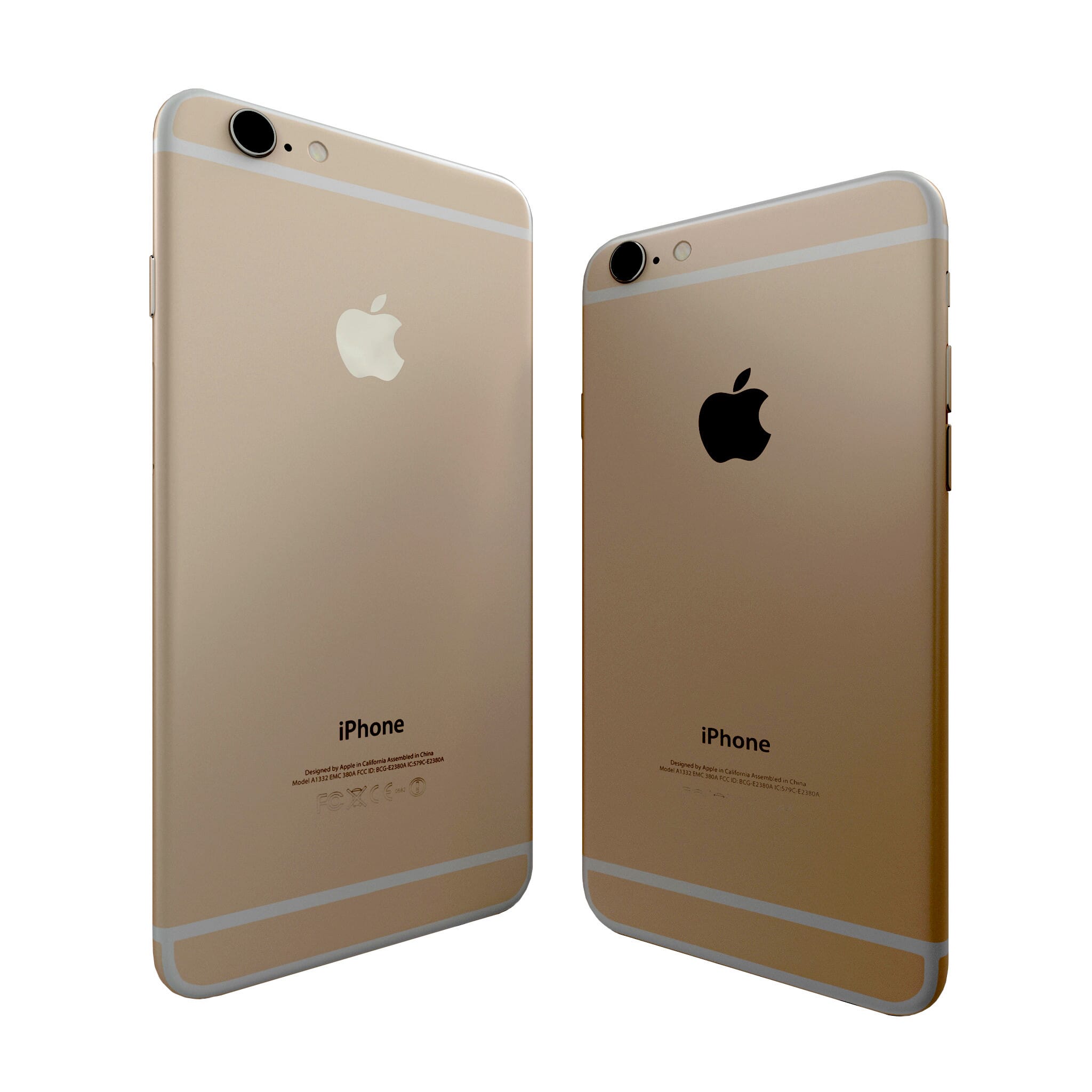

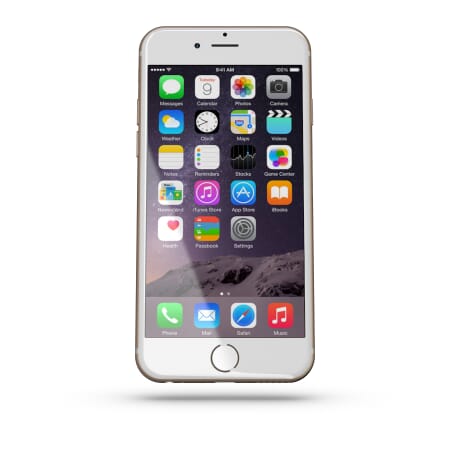
To spin some images and zoom others (like the example above), you can install both Magic 360 and Magic Zoom Plus.
- Install the VirtueMart extension for Magic 360.
- Install the VirtueMart extension for Magic Zoom Plus.
- Create a new product or open an existing one.
- Upload your zoom images to your product as normal.
- Upload your set of spin images to your server:
images/magic360/{product-id}
Uninstallation
Thanks for trying Magic 360 on your VirtueMart site! What did you hope Magic 360 could do? How can we improve it? Let us know, we're always improving our tools based on customer feedback.
- Go to: Extensions > Plugin Manager > Disable plugin.
- Go to: Extensions > Extension Manager > Manage > Add tick in box next Magic 360 for VirtueMart > Click 'Uninstall'.
- Magic 360 is now uninstalled.
FAQ
What is a 360 product viewer?
A 360 product viewer takes a set of 360 degree images and merges them together on a web page. This creates an interactive spin which visitors can move left and right to see every angle of the item. (If your 360 photography was also taken on Rows, your 360 spin will move up and down too.)
Customer reviews
"coreClass->enabled(count($images)" should be
"coreClass->isEnabled(count($images)" in
plugins/system/vmmagic360.php on line no. 585.
After this change every thing worked great.
2nd issue what i faced was, if there is no 3D animation like 360 with multiple rows, than file name must be in string+number.jpg You can't give names like: smaller version - shoe-360-01.jpg, shoe-360-02.jpg, shoe-360-03.jpg. and zoomed version: shoe-800-01.jpg, shoe-800-02.jpg, shoe-800-03.jpg, You will get error.
you have to give them names like. smaller version - shoe-small-01.jpg, shoe-small-02.jpg, shoe-small-03.jpg. and zoomed version - shoe-big-01.jpg, shoe-big-02.jpg, shoe-big-03.jpg
these numeric names starts becoming like - shoe-000-01, shoe-001-01 etc.
Other than that, it's easy, good and no limit where ever you want you can put any 360 images. Please improve above errors, There are many chances that I'm the only with these errors. Thank you
Muhammad Farooqi, macarbon.com
1. Thanks for reporting typing error in component code for VirtueMart 1.x. This has now been fixed.
2. All spin images should be uploaded as standard product images. Upload the large version of your 360 degree images for spin, zoom & full-screen effects. Please visit here for our guide on how to name images.
Submit your review
Your review has been received and will be posted soon.
Other VirtueMart components
Try our other great image effects!
 Magic Zoom
 Magic Zoom Plus
 Magic Thumb
 Magic Slideshow
 Magic Scroll
This 360 degree spin component was created for VirtueMart. The module is released under the GPL. The 360 spin is created with the JavaScript and Flash tool, Magic 360, which is released as commercial software.
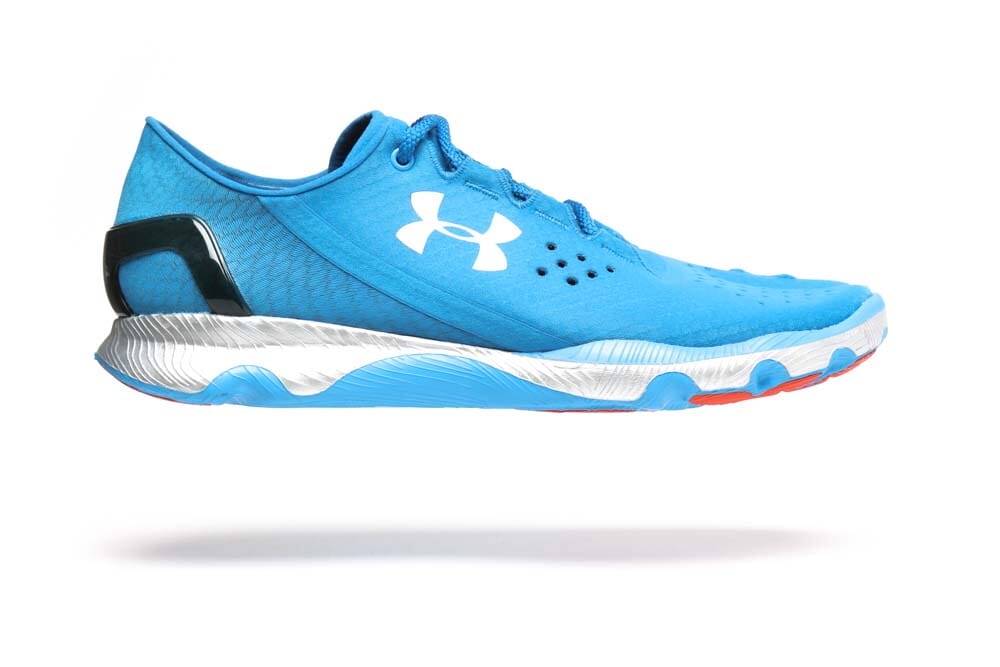
To create a 360 degree spin on your VirtueMart website, you need a set of 360 photographs of your products. Each set of photos should be shot on a turntable, with each shot equally spaced, e.g. 18 or 36 photos per rotation. They can be one row, multiple rows (for a 3D effect) or one row and one column (for a Martini effect, like the blue running shoe). If you need photos, tell us what your products are and we will get quotations for professional 360 product photography for you.