
Compare the difference between 18 images, 36 images and 72 images.
360-degree images: The 18 image example downloads the fastest. The 72 image example feels the smoothest.
18 images
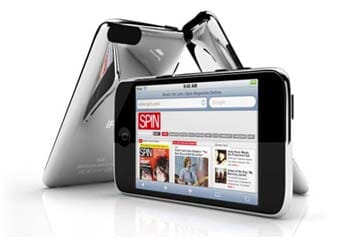
| Width | 239px |
|---|---|
| Height | 360px |
| Quantity | 18 images |
| File-size | 11kb each |
| Total file-size | 198kb |
36 images
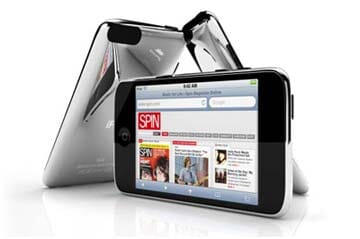
| Width | 239px |
|---|---|
| Height | 360px |
| Quantity | 36 images |
| File-size | 11kb each |
| Total file-size | 396kb |
72 images
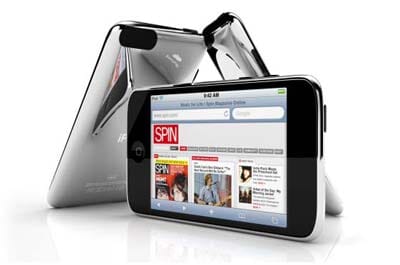
| Width | 239px |
|---|---|
| Height | 360px |
| Quantity | 72 images |
| File-size | 11kb each |
| Total file-size | 792kb |
The trade-off
How many 360 degree images are best for your spin? It's a trade-off between download speed and user experience. The more frames per spin, the smoother it feels but the longer the user waits for the images to download.
Magic 360™ always displays the first image straight away, which helps keep users happy while the other images download.
Consider this...
- Dimensions: file size increases exponentially with larger width/height images.
- Compression: try JPEG compression of 40% to reduce file size while maintaining acceptable image quality.
- Connection speed: mobile users typically have slower connections than those in an office/home.
- Content of your page: if your page is already heavy with images and scripts, be careful not to add too much more.
- $$$ cost: the more images per spin, the greater the cost to photograph them.
The happy medium
36 images is often best. The spin feels smooth and if you have compressed your images to a suitable size, the download time should be acceptable.
Premium products
If you're shooting products for a high fashion brand you probably need to imbue luxury, refinement and sophistication. In this case 72 images may be best. The more 360 degree images, the better. In fact, you could even shoot 100 or 150 photos.