
extensions
3 finest image tools for GoDaddy
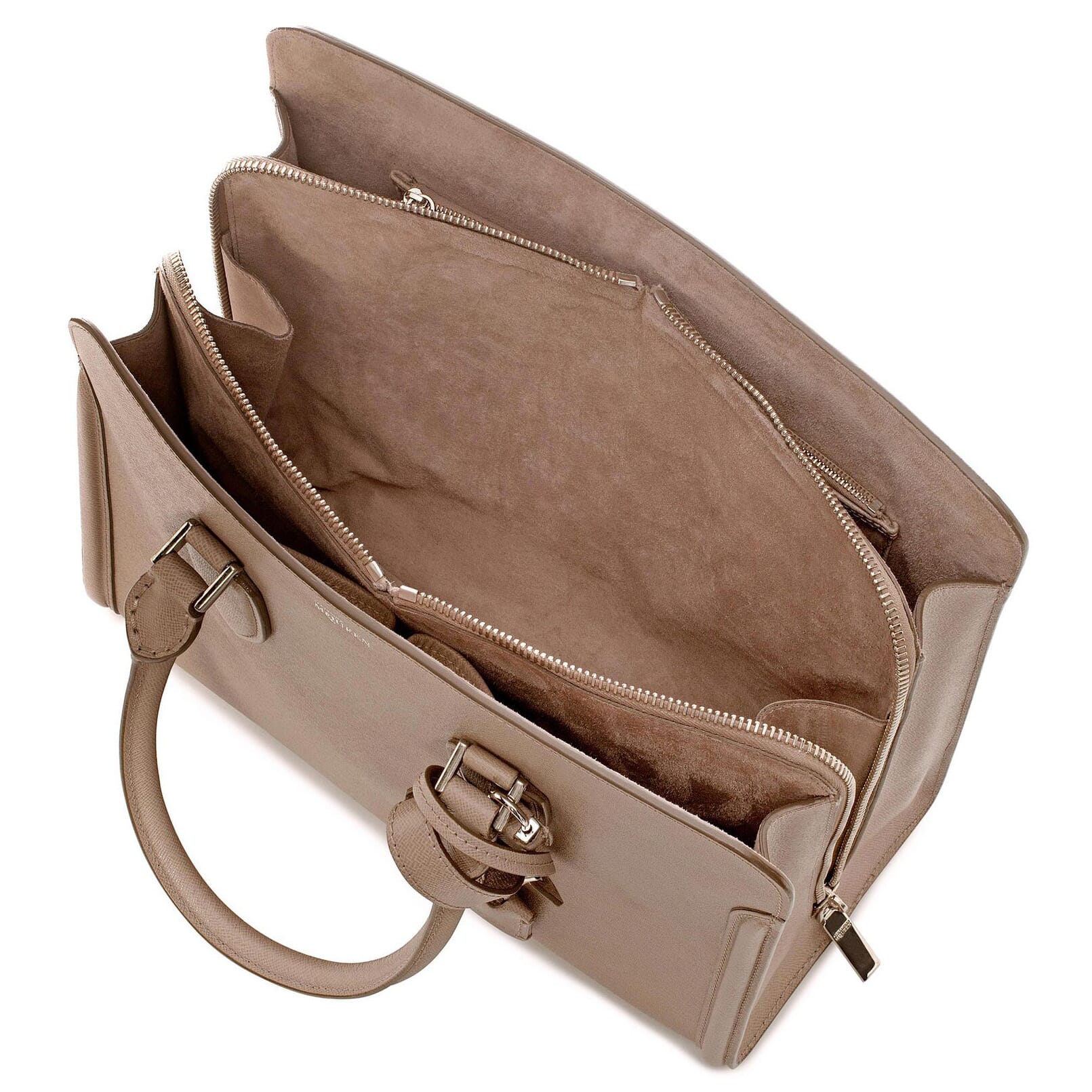
GoDaddy Quick Shopping Cart is a toolkit for quick and easy website creation. However, your product images will look rather basic, with minimal detail.
Transform your website by showing highly detailed product images. Pick your favourite image zoom tool from the 3 gorgeous JavaScript tools below.
     | |
Magic Zoom Plus for GoDaddy Shopping Cart
Magic Zoom Plus is ready to use, just add your images!
- Tap to enlarge - perfect for mobile devices
- Users love the full-screen version of your zoomed images.
- All latest versions
98% of shoppers say its their favourite zoom
Responsive
Fast loading
SEO friendly
Supports video
Easy to customise
Switchable thumbnails
Friendly support
One-off payment
jQuery compatible
Regularly updated
Lazy loading
Optimised for mobile
- Download Magic Zoom Plus (free and fully functional demo version).
- Unzip the file and copy the contents of the magiczoomplus folder to the root of your web server using FTP.
- Download this file: magic-godaddy.js (right click it and "Save as"), then copy that file to the magiczoomplus folder on your server.
- Open your GoDaddy Quick Shopping Cart control panel and go to Setup > Design > Store Footer.
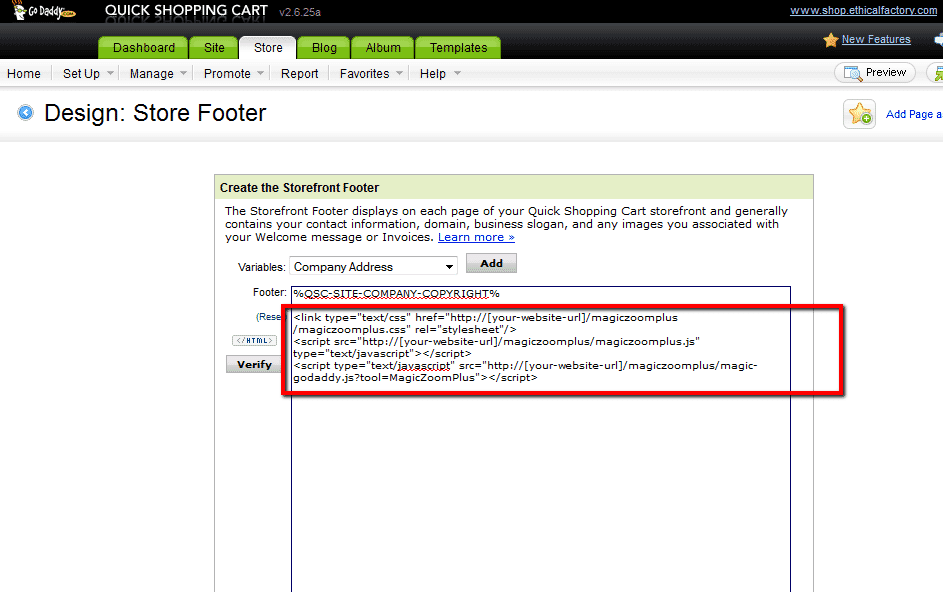
Insert the following code in the Company address variables (or any other variable which is displayed on your product details page):
<link href="http://[your-website-url]/magiczoomplus/magiczoomplus.css" rel="stylesheet">
<script src="http://[your-website-url]/magiczoomplus/magiczoomplus.js"></script>
<script src="http://[your-website-url]/magiczoomplus/magic-godaddy.js?tool=MagicZoomPlus"></script>
Please note that you should replace [your-website-url] with your domain name where you uploaded the magiczoomplus folder - see this screenshot.
- Now your images should zoom! Contact us if you need help.
- Buy Magic Zoom Plus To upgrade your free and fully functional trial version of Magic Zoom Plus (which removes the "Trial version" text), buy Magic Zoom Plus. Then overwrite the demo magiczoomplus.js file with the one from your licensed version.
GoDaddy Hosting
If you are using GoDaddy Hosting and not GoDaddy Quick Shopping Cart, please follow these steps:
- Download Magic Zoom Plus (free and fully functional demo version).
- Unzip the file to your computer.
-
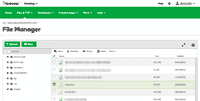 Upload the magiczoomplus folder to your GoDaddy hosting account (either by FTP or through the File manager).
 - In the HTML page where you want to add Magic Zoom Plus, reference the magiczoomplus.js and magiczoomplus.css files before the </head>, like this:
<link rel="stylesheet" href="magiczoomplus/magiczoomplus.css">
<script src="magiczoomplus/magiczoomplus.js"></script>
- In your HTML page, add your image with an
tag and link it to your large, similar to this example:
<a href="large-image.jpg" class="MagicZoom"><img src="small-image.jpg"></a>
- That's all! If you need help, please message our support team and we'll reply within 24 hours.
- To customize the look, refer to the page of options.
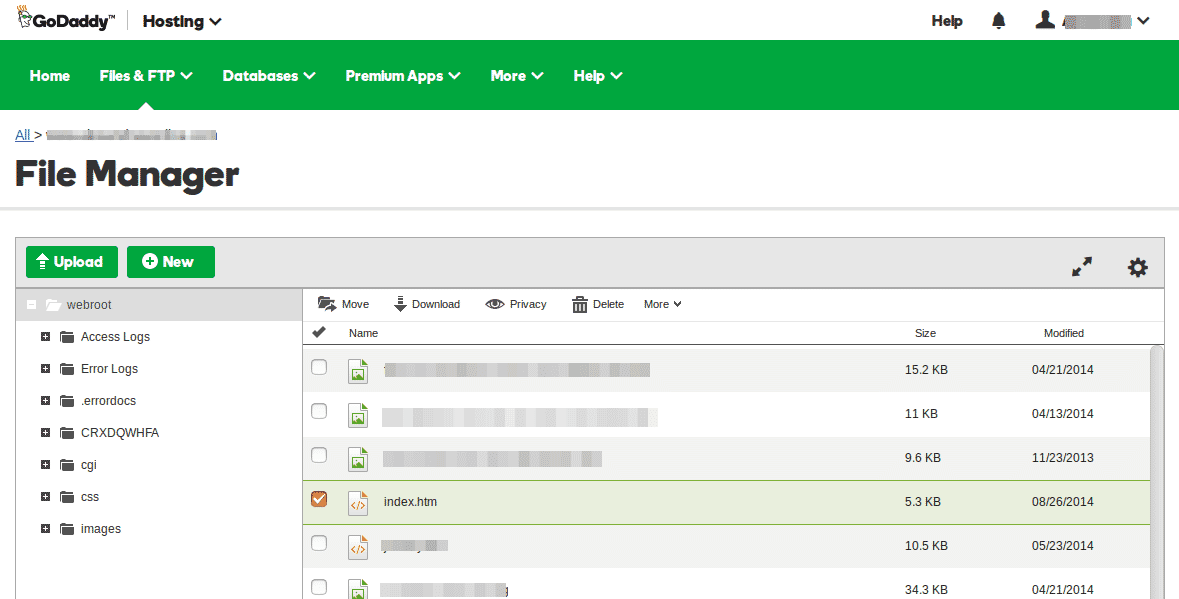
Thanks for trying Magic Zoom Plus on your GoDaddy Shopping Cart site! What did you hope Magic Zoom Plus could do? How can we improve it? Let us know, we're always improving our tools based on customer feedback.
- Open your GoDaddy Quick Shopping Cart control panel and go to Setup > Design > Store Footer.
Delete the following code from the Company address variables (or any other variable which is displayed on your product details page):
<link href="http://[your-website-url]/magiczoomplus/magiczoomplus.css" rel="stylesheet">
<script src="http://[your-website-url]/magiczoomplus/magiczoomplus.js"></script>
<script src="http://[your-website-url]/magiczoomplus/magic-godaddy.js?tool=MagicZoomPlus"></script>
- Delete the magiczoomplus folder from the root of your web server.
- Magic Zoom Plus is now uninstalled.
FAQ
How big will my zoom appear?
If you are using GoDaddy Online Store, there is a 600 pixel restriction in place (set by GoDaddy). No matter how large your images are only 600 pixel width will be used.
For GoDaddy Website Builder users, images as large as 5000 px can be uploaded, but the largest they'll show on your website is as 1920 px x 1080 px.



Magic Zoom Plus for GoDaddy Shopping Cart
   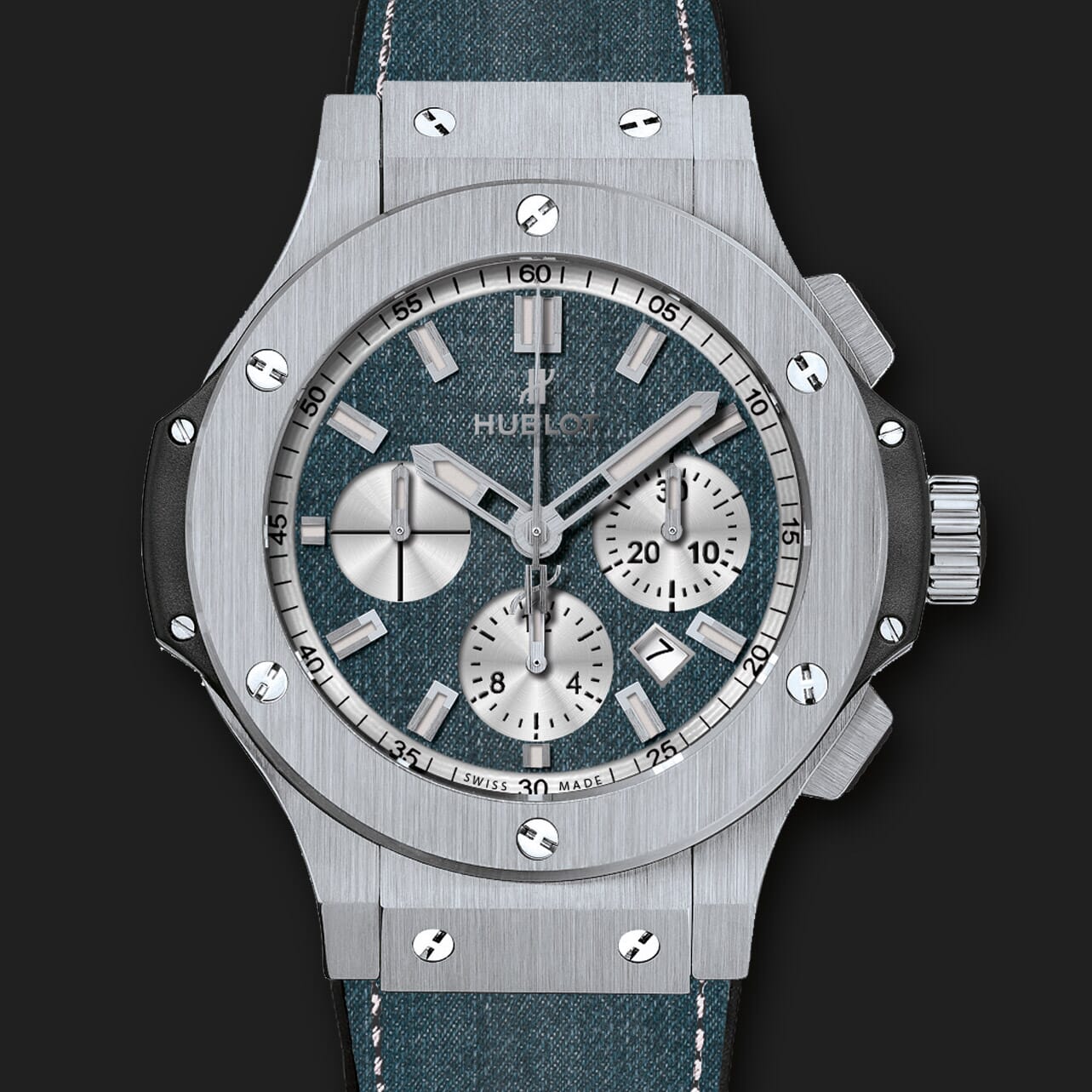 | |
Magic Zoom for GoDaddy Shopping Cart
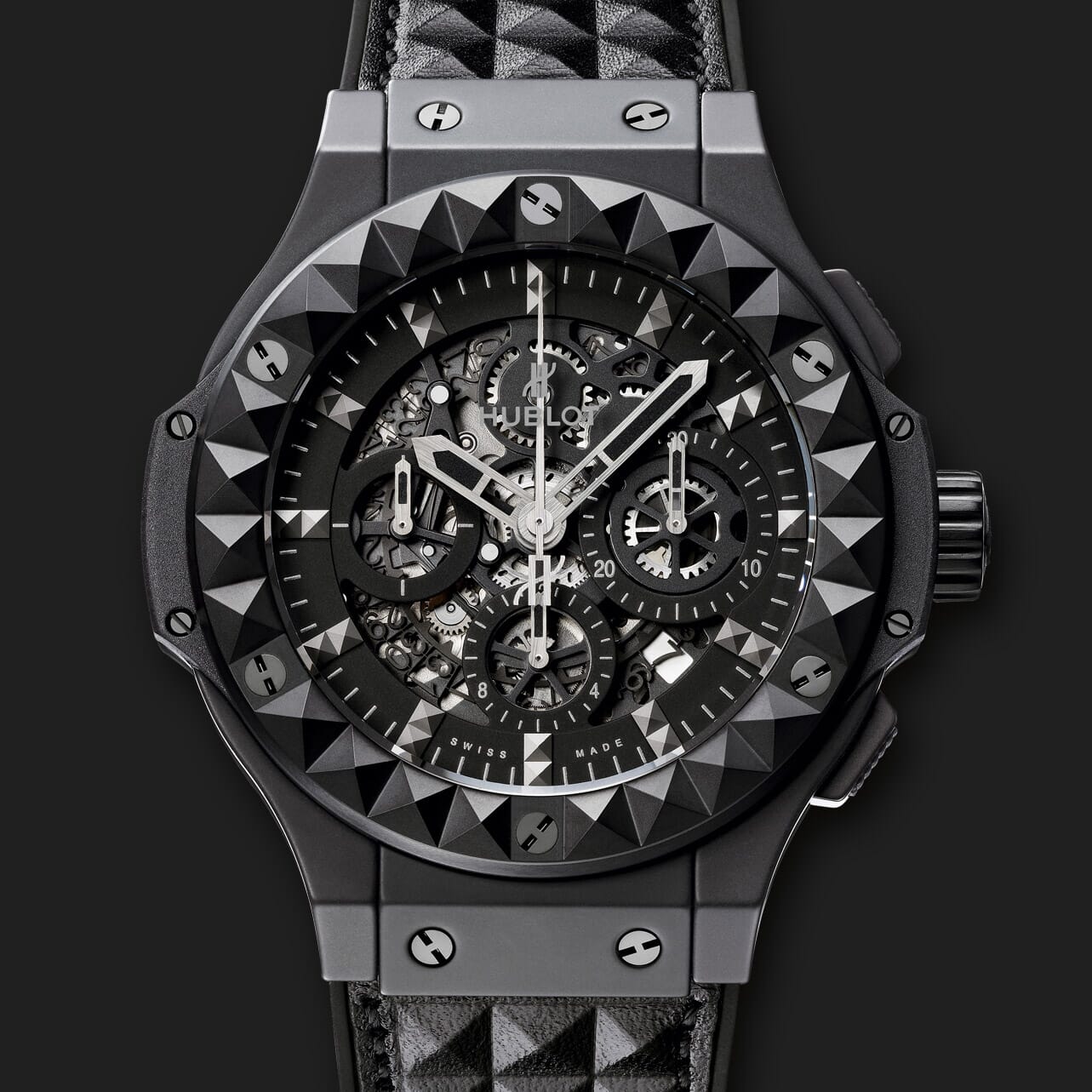
See the image reappear in outstanding detail
- Customizable – change the size, position, colors and effects.
- Choose the zoom style, size, effects, colours and styling.
- All latest versions
93% of users say it boosted their sales
Responsive
Fast loading
SEO friendly
Supports video
Easy to customise
Switchable thumbnails
Friendly support
One-off payment
Regularly updated
jQuery compatible
On-demand loading
Optimised for mobile
- Download Magic Zoom (free and fully functional demo version).
- Unzip the file and copy the contents of the magiczoom folder to the root of your web server using FTP.
- Download this file: magic-godaddy.js (right click it and "Save as"), then copy that file to the magiczoom folder on your server.
- Open your GoDaddy Quick Shopping Cart control panel and go to Setup > Design > Store Footer.
Insert the following code in the Company address variables (or any other variable which is displayed on your product details page):
<link href="http://[your-website-url]/magiczoom/magiczoom.css" rel="stylesheet">
<script src="http://[your-website-url]/magiczoom/magiczoom.js"></script>
<script src="http://[your-website-url]/magiczoom/magic-godaddy.js?tool=MagicZoom"></script>
Please note that you should replace [your-website-url] with your domain name where you uploaded the magiczoom folder - see this screenshot.
- Now your images should zoom! Contact us if you need help.
- Buy Magic Zoom To upgrade your free and fully functional trial version of Magic Zoom (which removes the "Trial version" text), buy Magic Zoom. Then overwrite the demo magiczoom.js file with the one from your licensed version.
GoDaddy Hosting
If you are using GoDaddy Hosting and not GoDaddy Quick Shopping Cart, please follow these steps:
- Download Magic Zoom (free and fully functional demo version).
- Unzip the file to your computer.
- Upload the magiczoom folder to your GoDaddy hosting account (either by FTP or through the File manager).
- In the HTML page where you want to add Magic Zoom, reference the magiczoom.js and magiczoom.css files before the </head>, like this:
<link rel="stylesheet" href="magiczoom/magiczoom.css">
<script src="magiczoom/magiczoom.js"></script>
- In your HTML page, add your image with an
tag and link it to your large, similar to this example:
<a href="large-image.jpg" class="MagicZoom"><img src="small-image.jpg"></a>
- That's all! If you need help, please message our support team and we'll reply within 24 hours.
- To customize the look, refer to the page of options.
Thanks for trying Magic Zoom on your GoDaddy Shopping Cart site! What did you hope Magic Zoom could do? How can we improve it? Let us know, we're always improving our tools based on customer feedback.
- Open your GoDaddy Quick Shopping Cart control panel and go to Setup > Design > Store Footer.
Delete the following code from the Company address variables (or any other variable which is displayed on your product details page):
<link href="http://[your-website-url]/magiczoom/magiczoom.css" rel="stylesheet">
<script src="http://[your-website-url]/magiczoom/magiczoom.js"></script>
<script src="http://[your-website-url]/magiczoom/magic-godaddy.js?tool=MagicZoom"></script>
- Delete the magiczoom folder from the root of your web server.
- Magic Zoom is now uninstalled.
FAQ
How big will my zoom appear?
If you are using GoDaddy Online Store, there is a 600 pixel restriction in place (set by GoDaddy). No matter how large your images are only 600 pixel width will be used.
For GoDaddy Website Builder users, images as large as 5000 px can be uploaded, but the largest they'll show on your website is as 1920 px x 1080 px.



Magic Zoom for GoDaddy Shopping Cart
  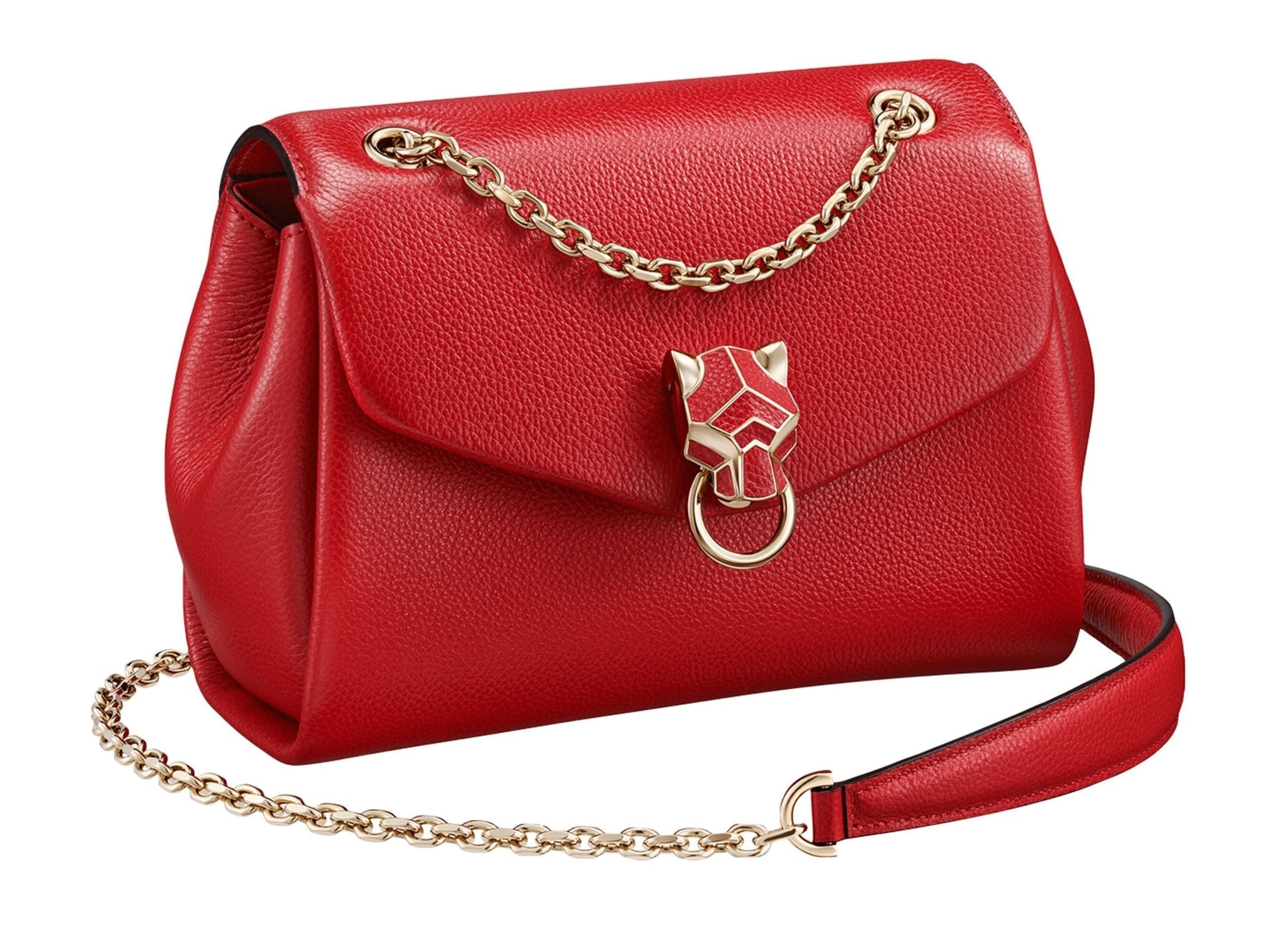  | |
Magic Thumb for GoDaddy Shopping Cart
Add a caption to the enlarged image. Add text, links and images.
- Set your own text for Next, Previous & Close buttons
- Add buy buttons and text captions to increase your conversions.
- All latest versions
92% of users say its the best image lightbox
Responsive
Fast loading
SEO friendly
Lazy loading
Supports video
Friendly support
One-off payment
Regularly updated
jQuery compatible
Swappable thumbnails
- Download Magic Thumb (free and fully functional demo version).
- Unzip the file and copy the contents of the magicthumb folder to the root of your web server using FTP.
- Download this file: magic-godaddy.js (right click it and "Save as"), then copy that file to the magicthumb folder on your server.
- Open your GoDaddy Quick Shopping Cart control panel and go to Setup > Design > Store Footer.
Insert the following code in the Company address variables (or any other variable which is displayed on your product details page):
<link href="http://[your-website-url]/magicthumb/magicthumb.css" rel="stylesheet">
<script src="http://[your-website-url]/magicthumb/magicthumb.js"></script>
<script src="http://[your-website-url]/magicthumb/magic-godaddy.js?tool=MagicThumb"></script>
Please note that you should replace [your-website-url] with your domain name where you uploaded the magicthumb folder - see this screenshot.
- Now your images should zoom! Contact us if you need help.
- Buy Magic Thumb To upgrade your free and fully functional trial version of Magic Thumb (which removes the "Trial version" text), buy Magic Thumb. Then overwrite the demo magicthumb.js file with the one from your licensed version.
GoDaddy Hosting
If you are using GoDaddy Hosting and not GoDaddy Quick Shopping Cart, please follow these steps:
- Download Magic Thumb (free and fully functional demo version).
- Unzip the file to your computer.
- Upload the magicthumb folder to your GoDaddy hosting account (either by FTP or through the File manager).
- In the HTML page where you want to add Magic Thumb, reference the magicthumb.js and magicthumb.css files before the </head>, like this:
<link rel="stylesheet" href="magicthumb/magicthumb.css">
<script src="magicthumb/magicthumb.js"></script>
- In your HTML page, add your image with an
tag and link it to your large, similar to this example:
<a href="large-image.jpg" class="MagicThumb"><img src="small-image.jpg"></a>
- That's all! If you need help, please message our support team and we'll reply within 24 hours.
- To customize the look, refer to the page of options.
Thanks for trying Magic Thumb on your GoDaddy Shopping Cart site! What did you hope Magic Thumb could do? How can we improve it? Let us know, we're always improving our tools based on customer feedback.
- Open your GoDaddy Quick Shopping Cart control panel and go to Setup > Design > Store Footer.
Delete the following code from the Company address variables (or any other variable which is displayed on your product details page):
<link href="http://[your-website-url]/magicthumb/magicthumb.css" rel="stylesheet">
<script src="http://[your-website-url]/magicthumb/magicthumb.js"></script>
<script src="http://[your-website-url]/magicthumb/magic-godaddy.js?tool=MagicThumb"></script>
- Delete the magicthumb folder from the root of your web server.
- Magic Thumb is now uninstalled.
FAQ
How big will my zoom appear?
If you are using GoDaddy Online Store, there is a 600 pixel restriction in place (set by GoDaddy). No matter how large your images are only 600 pixel width will be used.
For GoDaddy Website Builder users, images as large as 5000 px can be uploaded, but the largest they'll show on your website is as 1920 px x 1080 px.


Magic Thumb for GoDaddy Shopping Cart
About
These instructions are for GoDaddy Quick Shopping Cart to improve the way product images are displayed. Each tool uses JavaScript to create beautiful image effects such as a lightbox enlargement to popup the image to the full-screen or zoom the image on hover with a high resolution large photo.
Use these tools to add effects to your GoDaddy website and ask our expert support team if you need any help. We also provide image slideshows in JavaScript and image carousels.